The scan itself is the same in every language: one photo, a cosmetic analysis of visible skin concerns, then products from your catalog. Not a medical diagnosis; does not replace a dermatologist. Translating it well matters because that disclaimer, and the rest of the wording, has to read clearly in each language too.
Key terms
- Store language: the language a shopper is browsing your Shopify store in. Face Age matches it automatically.
- Analysis Labels: text in the analyzer and results (concern names, badges, buttons). Auto-translated.
- Quiz Labels: your quiz questions and answer options. Not auto-translated.
- Routine Labels: names of routine steps. Default ones are auto-translated; custom ones aren't.
- More: your routine description, recommendation description and discount description.
Why does multilingual skin analysis matter so much?
A product page in the wrong language is annoying. A skin result in the wrong language is worse, because it's personal. Someone has just taken a photo of their face and is reading what the analysis says about pores, redness or fine lines. If half the screen is in their language and the quiz they just answered was in another, it feels unfinished, and people are less willing to trust a result that feels unfinished.
There's a practical side too. Skincare vocabulary doesn't translate word for word. "Combination skin" or "dark circles" have everyday equivalents in most languages, but they aren't always the literal translation. A shopper who doesn't recognize the term won't connect it to the product you recommend.
What gets translated automatically, and what doesn't?
| Category in the Language tab | What it covers | Translated automatically? | What you do |
|---|---|---|---|
| Analysis Labels | Analyzer screens, concern names, badges, result text | Yes | Review, and overwrite any term that sounds off |
| Quiz Labels | Every question and answer option you wrote | No | Translate each one by hand |
| Routine Labels | Routine step names | Default steps yes; custom or renamed steps no | Translate custom step names |
| More | Routine description, recommendation description, discount description | No (your own text) | Translate each description |
The pattern is simple once you see it. Anything Face Age wrote, Face Age translates. Anything you wrote, you translate.
How do you add a new language?
- In Shopify Admin, go to Apps > Face Age > Customization > Language.
- Click New Language, pick the language and click Add.
- Open the language. You'll see four categories: Analysis Labels, Quiz Labels, Routine Labels and More.
- Go through Analysis Labels. They're pre-filled. Type over any translation you'd phrase differently for your market.
- Fill in every question and option under Quiz Labels.
- In Routine Labels, translate any step you renamed or added.
- Under More, translate your routine, recommendation and discount descriptions.
- Save, then repeat for the next language.
There's no limit on the number of languages. Add only the ones your store actually sells in, though. Each one is something you'll need to keep up to date.
How should you write a quiz you plan to translate?
The quiz is the part you translate entirely by hand, so a little planning saves you hours.
Write the quiz in your main store language first, and keep it short. Every question you add has to be translated into every language, and every option too. A five-question quiz in four languages is manageable. A fifteen-question one becomes a chore every time you edit it.
Avoid idioms and wordplay in questions. "Is your skin feeling the burn after winter?" is cute in English and awkward in almost everything else. "How does your skin feel in cold weather?" translates cleanly.
Be careful with answer options that rely on local norms. Budget ranges are the obvious one: a price band that makes sense for one market looks odd in another currency. If you use them, write them so they still read sensibly after currency conversion, or drop them.
Edits flow through automatically, which is useful to know. After you add a language, if you delete an option in the quiz builder, its label disappears from Quiz Labels. Add a new option and it shows up there, waiting for a translation. So whenever you change the quiz, open each language and fill the gaps.
Our guide to the Face Age quiz builder covers the question types: Select, Multi Select, Text Box, Email and Image.
What about product names and descriptions?
Recommendations come from your own Shopify catalog. Face Age's Language tab handles the analyzer, quiz and routine wording; your product titles and descriptions are part of your store's own content. Before launch, run a scan in each language and look at the product cards. If a card shows a title in your main language while everything around it is translated, sort that out in your store's product translations rather than inside Face Age.
Wording that needs extra care in every language
- The disclaimer. "Not a medical diagnosis; does not replace a dermatologist." should be translated by a person, not left to guesswork. It needs to be clear, not softened.
- Concern names. Use the term shoppers in that market actually search for. If you're unsure, look at how local skincare retailers label their category pages.
- Discount copy. The Routine tab's discount section has a call-to-action line and an expiry date for the section. Make sure the translated version says the same thing about when the offer ends.
- Emails. If you send results through Basic Email, your business name, logo and brand color come from Customization > Template. Check how the email reads for a shopper in each language.
How do you test each language before launch?
Don't skip this. Switch your storefront to each language and do a full run as a shopper would:
- Open the analyzer from the Modal badge or Section.
- Take the quiz. Every question and option should be translated; any untranslated label is a gap in Quiz Labels.
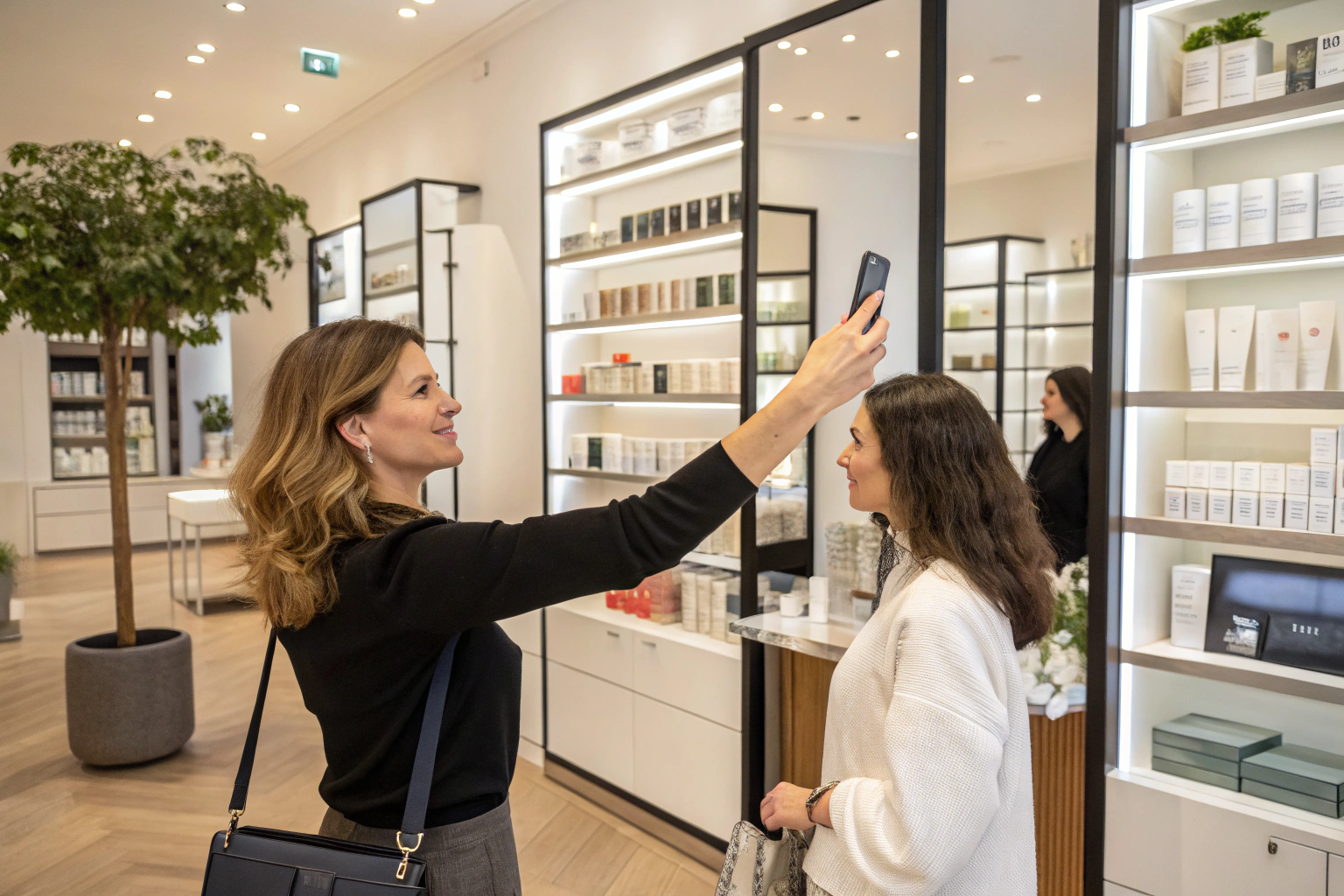
- Take a scan on your phone. Read the result screen, badges and concern names.
- Open the Routine tab. Look for step names still in your main language.
- Check the products, the discount box and the recommendation description.
- If you're on Plus or above, download the PDF report and check that too.
It takes about ten minutes per language. It's also the only way to catch a translated phrase that's technically right but sounds wrong.
Is multilingual analysis worth it for a small store?
If nearly all your traffic is in one language, you don't need to add others just because you can. Spend the time on your product connections instead.
But if you ship to several countries, or you sell in a country with more than one widely used language, it's worth doing early. Shoppers in those markets are used to stores that only half-translate, and a scan that speaks their language from the first question to the last product card stands out. Face Age's page for beauty retailers has more on running the analyzer across a larger, multi-market catalog.
What does it cost?
Multi-language is part of every Face Age Shopify plan, starting at $59 per month on Start, with a 7-day trial. History, comparison and PDF reports come with Plus ($129) and above.
FAQ
Does Face Age show the skin analysis in my store's language? Yes. It matches your store's selected language, and analysis labels are auto-translated.
Are quiz questions translated automatically? No. Translate them in Customization > Language > Quiz Labels.
How many languages can I add? As many as you need.
Do custom routine steps get translated? Default step labels do; custom or renamed steps need manual translation.
Which plan includes multi-language? Every Shopify plan, from Start at $59 per month.