
Live demo
See Face Age on your store
Three ways to put the scan on your site. Pick one and try it on our sample store — it's the real SDK, running live.
Skin analysis
Not sure where to start? Let our AI read your skin.
Bestsellers
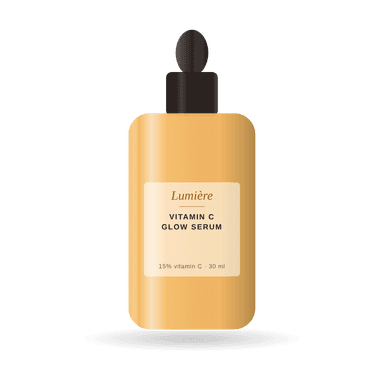 Vitamin C Glow Serum
$56$48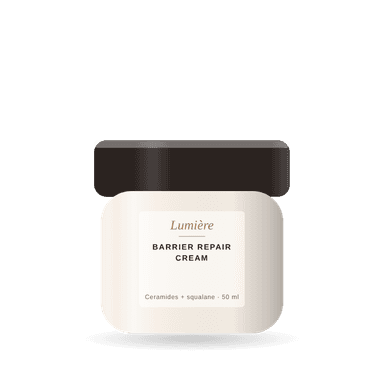 Barrier Repair Cream$36
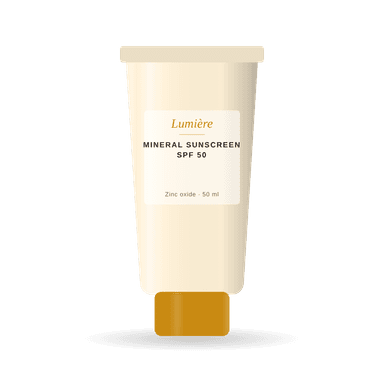 Mineral Sunscreen SPF 50$28
 Firming Night Cream
$64$54
Install the section
Add a container where it should appear, then render.
<!-- where the section appears -->
<div id="face-age"></div>

import FaceAge from "face-age";

const faceAge = new FaceAge({
  elementId: "face-age",
  faceageId: "<Your Client ID>",
  displayModel: "section",
});
faceAge.render();
Your platform
Live in a few lines
Install the SDK from npm, add a container for the section or widget, and render. The modal needs no container.

Shopify
Add the scan from your theme editor as an app block or a popup — no code.
Face Age for Shopify →
WordPress & WooCommerce
Install the plugin, paste your business ID and choose where the scan appears.
See all integrations →
Any website
Use the JavaScript SDK from npm, or the React and Vue wrappers, on any stack.
Install from npm →
Start your 7-day free trial
Every plan, the full analysis engine. Create your business in the Face Age panel, add the SDK to your site and see your first scans today.