

Secret key
The secret key authenticates API requests. It is issued through the OAuth2 authorization process, is unique to your account and is valid for 1 year. Send it as a Bearer token in theAuthorization header of every request:
Generate a secret key
1
Open Authorization Key
Log in to panel.getfaceage.com, open the profile menu and select Authorization Key.
2
Generate the key
Click Generate Authorization Key — or Change Authorization Key if you already have one.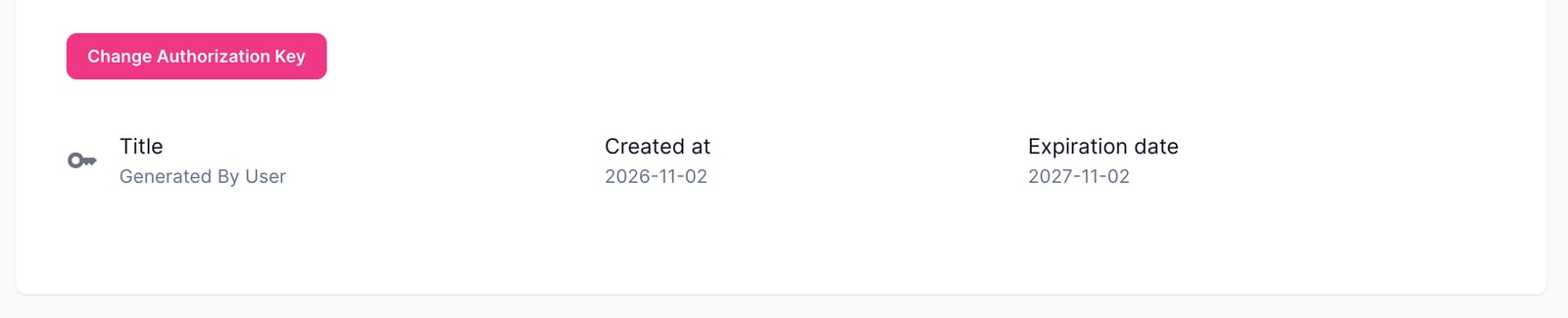
3
Store it securely
The key is displayed only once. Store it in a safe place, such as a secrets manager or environment variable.
Errors
Requests without a valid secret key return401 Unauthorized: