

Skin analyze widget
Skin analyze widget
Get a hosted skin analysis URL for your mobile app, iframe or website, and receive results at your callback URL.
POST
Use the skin analyze widget when you want Face Age as a hosted page instead of an embedded SDK — for example inside an iOS or Android app, or in an iframe.
1
Request a widget URL
Call this endpoint with your Face Age ID, your callback URL and the options you want. The response contains a widget URL.
2
Open the URL
Open the URL in your app’s web view, an iframe or a browser. The user takes a photo or uploads one, approves it, and the analysis starts.
3
Receive the results
The analysis results are shown to the user. When they click Done, Face Age sends the results and the uploaded photo to your callback URL.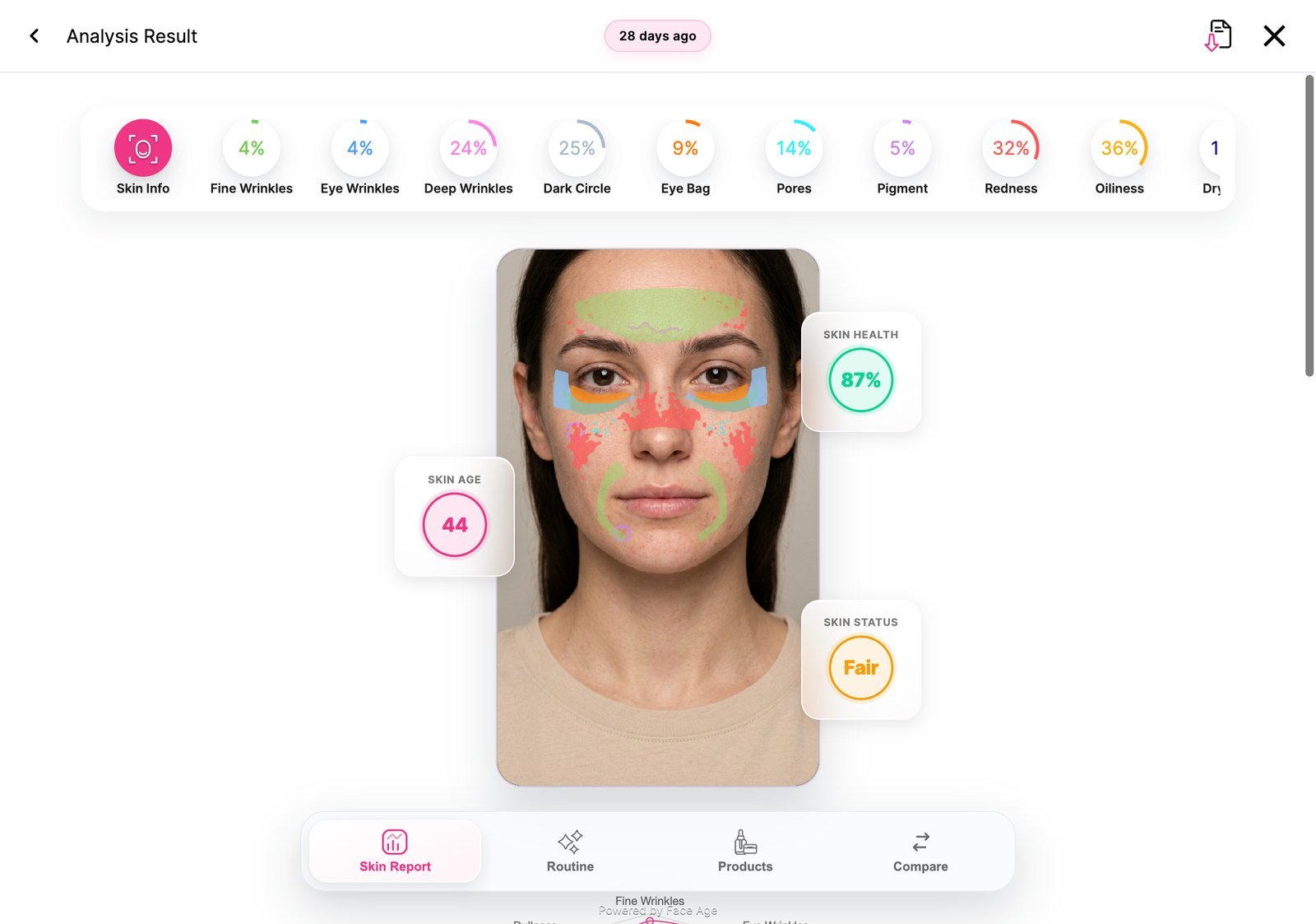
This endpoint does not use the secret key. It identifies your business with the Face Age ID from the API keys page of your business in the panel.
Body
Send the parameters asmultipart/form-data.
string
required
URL where the analysis results are sent.
string
required
Your Face Age ID (API key), from the API keys page in the panel.
string
default:"en"
Language of the widget.
string
default:"$"
Currency symbol.
boolean
default:"true"
Allow users to take a photo with the camera.
boolean
default:"true"
Allow users to upload an image.
string
Google Analytics (GTM) ID to track the widget.
string[]
default:"all"
Skin issues to include in the analysis. Send as
problems[0], problems[1], and so on.Options: fineWrinkles, eyeWrinkles, deepWrinkles, darkCircle, eyeBag, pores, pigment, redness, oiliness, dryness, sagginess, dullness, acne.Response
boolean
true when the request succeeds.string
Widget URL to open. Its query string carries your settings:
faceAgeId, the selected problems (as access), showCamera, showUpload, showFacePoint and callbackUrl.