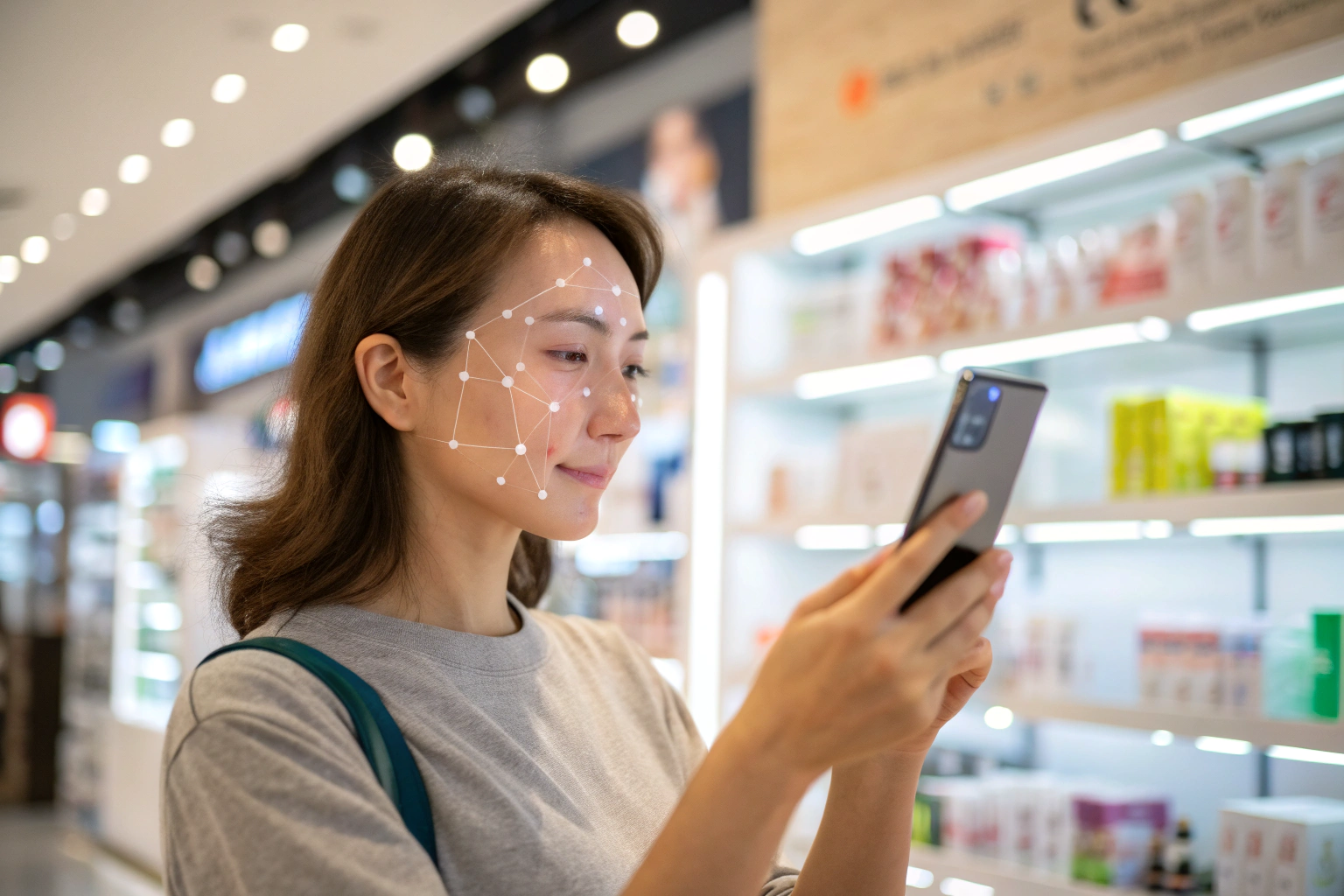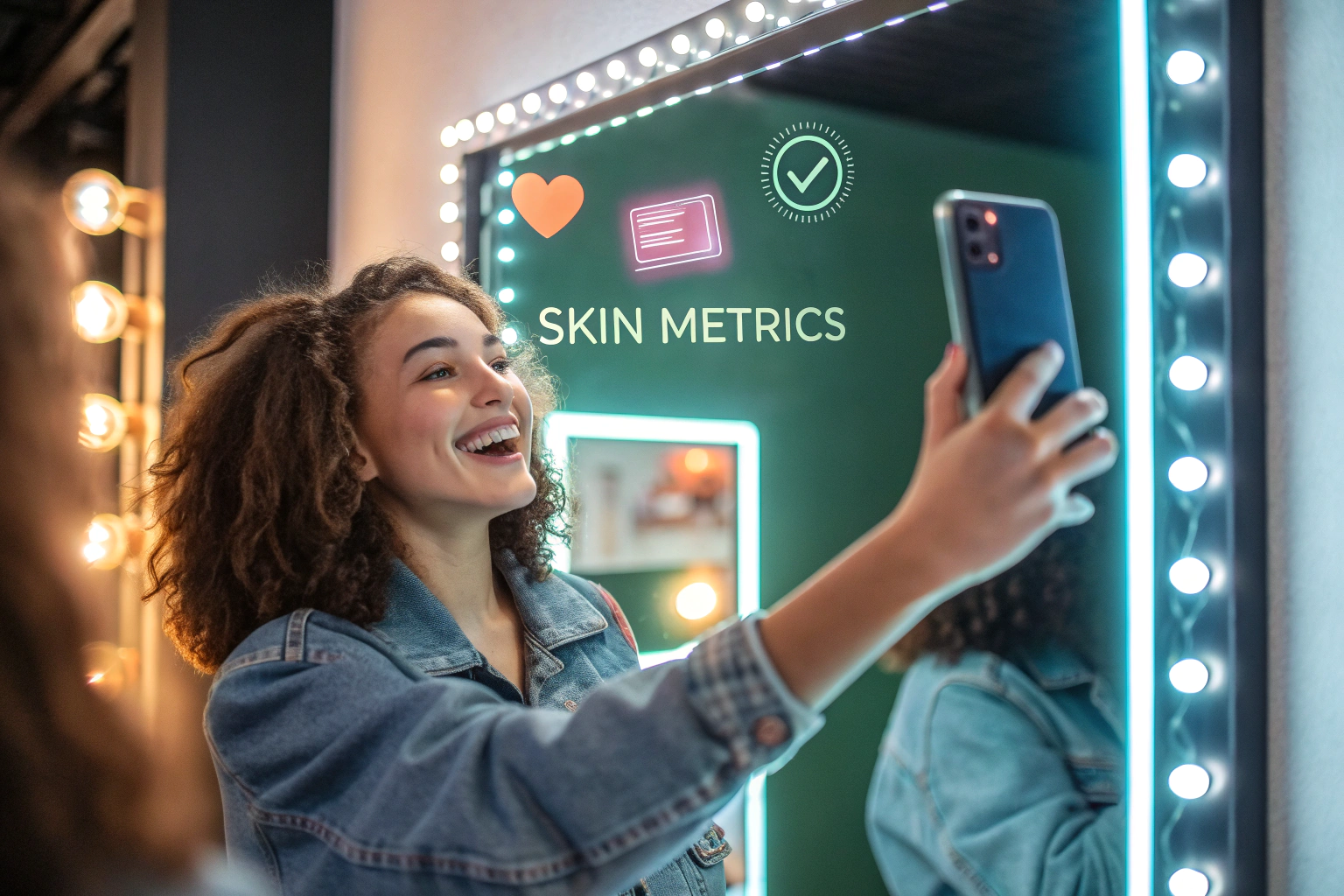
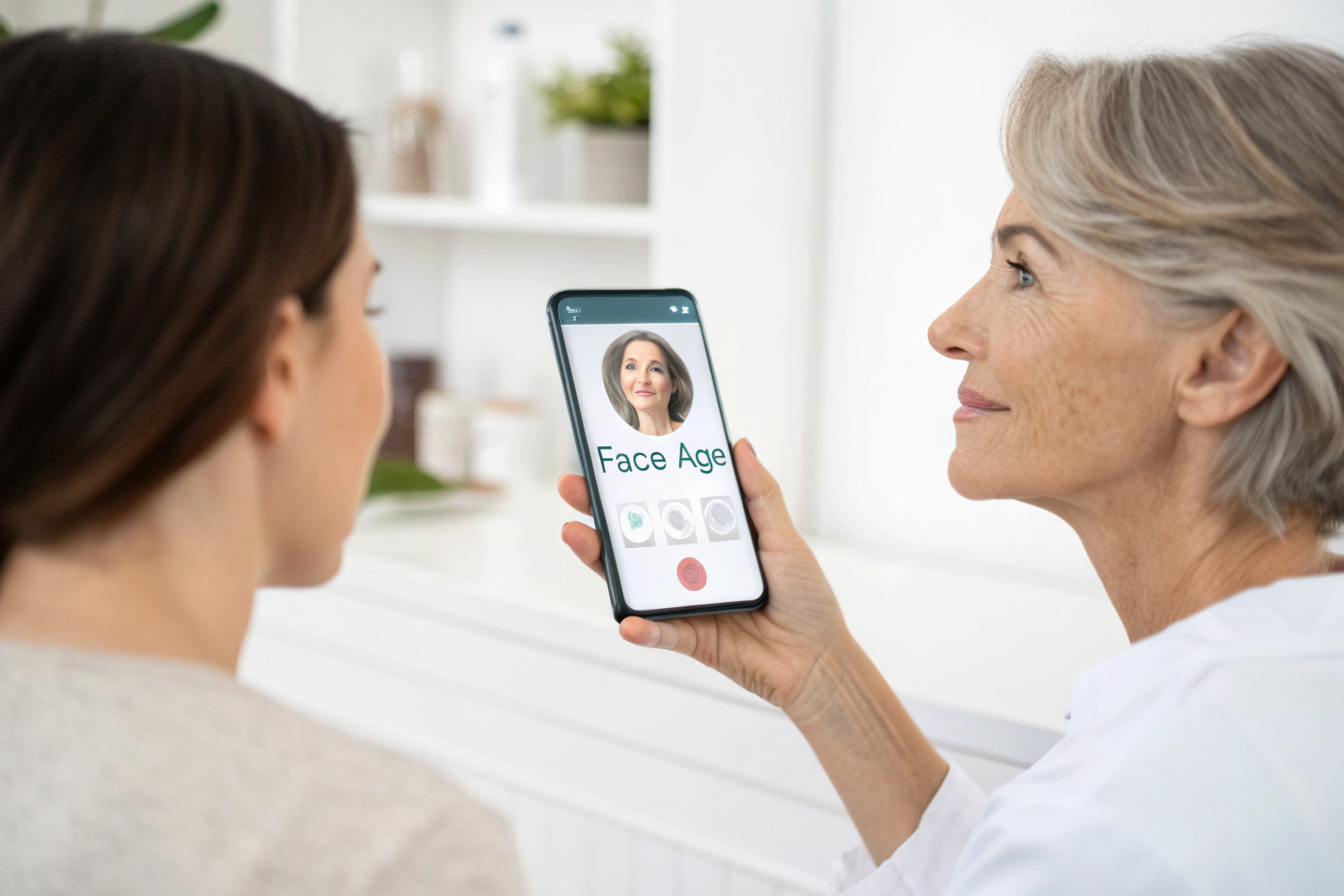
Face Age analyzes visible skin concerns for shopping guidance. Not a medical diagnosis; does not replace a dermatologist.
Key terms
- Skin Age: an estimate of how old skin looks from visible signs, shown as a badge in the result.
- Chronological age: a person's real age in years.
- Skin Health: a second badge that summarizes the overall result.
- Image Suitability Check: a badge that tells the shopper whether the photo was good enough to analyze.
- Attributes: the detailed visual signals (250+) the analysis looks at across 13 concerns.
Why do shoppers search for a skin age test?
People search "skin age test", "skin age test online free" and "face age test" because the question is simple and personal: how does my skin look for my age? It is one of the easiest ways into skincare. Nobody needs to know ingredient names to want the answer.
For a beauty store, that curiosity is useful. A skin age test is a light first step that leads naturally to the next question, "what should I use?", which your catalog can answer. The test gives shoppers a reason to start; the concerns and recommendations give them a reason to stay.
Skin age vs real age vs skin type
| Measure | What it describes | Where it comes from | Changes with |
|---|---|---|---|
| Chronological age | Years since birth | The calendar | Time only |
| Skin Age | How old skin looks from visible signs | Photo analysis | Light, hydration, sun, routine, photo conditions |
| Skin type | Oily, dry, combination, normal | Self-report or quiz | Season, products |
| Skin concerns | Specific visible issues such as pores or pigmentation | Photo analysis | Many factors |
The point of the table for your copy: Skin Age is a look, not a verdict. Two photos taken in different light can give different estimates, so present it as a snapshot.
How does a one-photo skin age test work?
- The shopper opens the skin analyzer on your store, as a floating button (Modal) or a page block (Section).
- They take a selfie or upload a photo, depending on what you allowed in Customization > Basic.
- The Image Suitability Check confirms the photo can be analyzed, or asks for a better one.
- Face Age analyzes visible signs across 250+ attributes and 13 concerns.
- The result shows badges such as Skin Age and Skin Health, a Skin Report, a routine and recommended products.
The analysis is for cosmetic shopping guidance. Not a medical diagnosis; does not replace a dermatologist. For more on what the 13 concerns cover, see How AI Identifies 250+ Skin Concerns from a Single Photo.
Photo tips that make the result more useful
Tell shoppers how to take a good photo before they start. A short line in your analyzer copy is enough:
- Face a window or soft light; avoid strong light from one side.
- Remove glasses and pull hair back.
- No beauty filters or heavy makeup.
- Hold the phone at eye level and look straight at the camera.
If the photo is not suitable, the Image Suitability Check says so. That protects the shopper from a result built on a blurry or dark image.
How to explain the result to shoppers
The way you word Skin Age matters more than the number itself.
Do: - Call it an estimate of how skin looks today. - Point to the concerns that shaped it and the products matched to them. - Invite a repeat scan later in the same light.
Don't: - Present it as a health score or a medical finding. - Promise that a product will lower it. - Compare shoppers to each other.
Good copy example: "Your Skin Age is an estimate of how your skin looks in this photo. Below are the concerns we analyzed and products picked from our range."
How to add a skin age test to your store
- Install Face Age from the Shopify App Store (Face Age for Shopify).
- Run Initialize & Publish and choose Modal or Section.
- In Customization > Template > Analysis result, keep the Skin Age badge on (it is on by default), plus Skin Health and Image Suitability Check if you want them.
- Connect products to concerns, so the result leads to items in your catalog.
- Add your privacy link in Customization > Basic. Your privacy policy must disclose AI skin analysis; Face Age provides a template.
- Take the test yourself on mobile and desktop.
Want to collect a few answers first? Put the scan inside a quiz. Every Face Age quiz has a Skin Analyzer step; see How to Build a Skincare Quiz on Shopify.
Where to place the test
| Placement | Why it works | Setup |
|---|---|---|
| Homepage | First-time visitors are curious | Section block |
| Every page | Always one tap away | Modal (floating button) |
| Anti-aging collection | Matches the shopper's intent | Section block on a landing page |
| Product pages | Explains why a product fits | Product Insight block |
Repeat tests: history and comparison
A skin age test is more interesting the second time. On the Plus plan and above, analysis history saves earlier scans, and the Compare tab shows two scans side by side with each concern tagged Improved, Regressed or Stable. Describe these as differences between two photos. Light, angle and time of day all affect a photo. Read Skin Analysis History on Shopify for setup.
Which plan do you need?
Skin Age is included on Start ($59/month on Shopify), along with the 13-concern analysis, the quiz builder, customization and multi-language. Plus ($129/month) adds scan history, two-scan comparison, PDF reports, the routine generator and Klaviyo or Mailchimp connections. All plans include a 7-day trial. See pricing.
FAQ
What is a skin age test? It estimates how old skin looks from visible signs in a photo. It is a cosmetic estimate, not your real age.
How does an online skin age test from a photo work? The shopper takes or uploads a photo; Face Age analyzes visible concerns and shows a Skin Age badge. Not a medical diagnosis; does not replace a dermatologist.
Is Skin Age on every Face Age plan? Yes, starting with Start at $59/month.
Can shoppers repeat the test and see changes? Yes, on Plus and above, with history and two-scan comparison.
Can I turn the Skin Age badge off? Yes, in Customization > Template > Analysis result.
See the full feature on the skin analysis page.