When this guide describes the scan, it means a cosmetic analysis of visible skin from one photo. Not a medical diagnosis; does not replace a dermatologist.
Key terms
- Skin quiz: a set of questions (skin type, concerns, sensitivity, goals) whose answers drive product suggestions.
- AI skin analyzer: software that analyzes a face photo and rates visible skin concerns.
- Quiz builder: a tool for creating your own quiz without code.
- Hybrid flow: a quiz and a scan in one journey, with both feeding recommendations.
How does a skin quiz work?
A shopper answers a few questions, and rules map the answers to products. Quizzes are familiar, work on any device and need no camera permission. They are also good at collecting information a photo will never show: how skin feels, past reactions, preferences such as fragrance-free, and an email address for follow-up.
Their weak spot is self-reporting. Many people are unsure whether their skin is "combination" or "oily", and they may not notice early visible concerns at all. Two shoppers with very different skin can give the same answers.
How does an AI skin analyzer work?
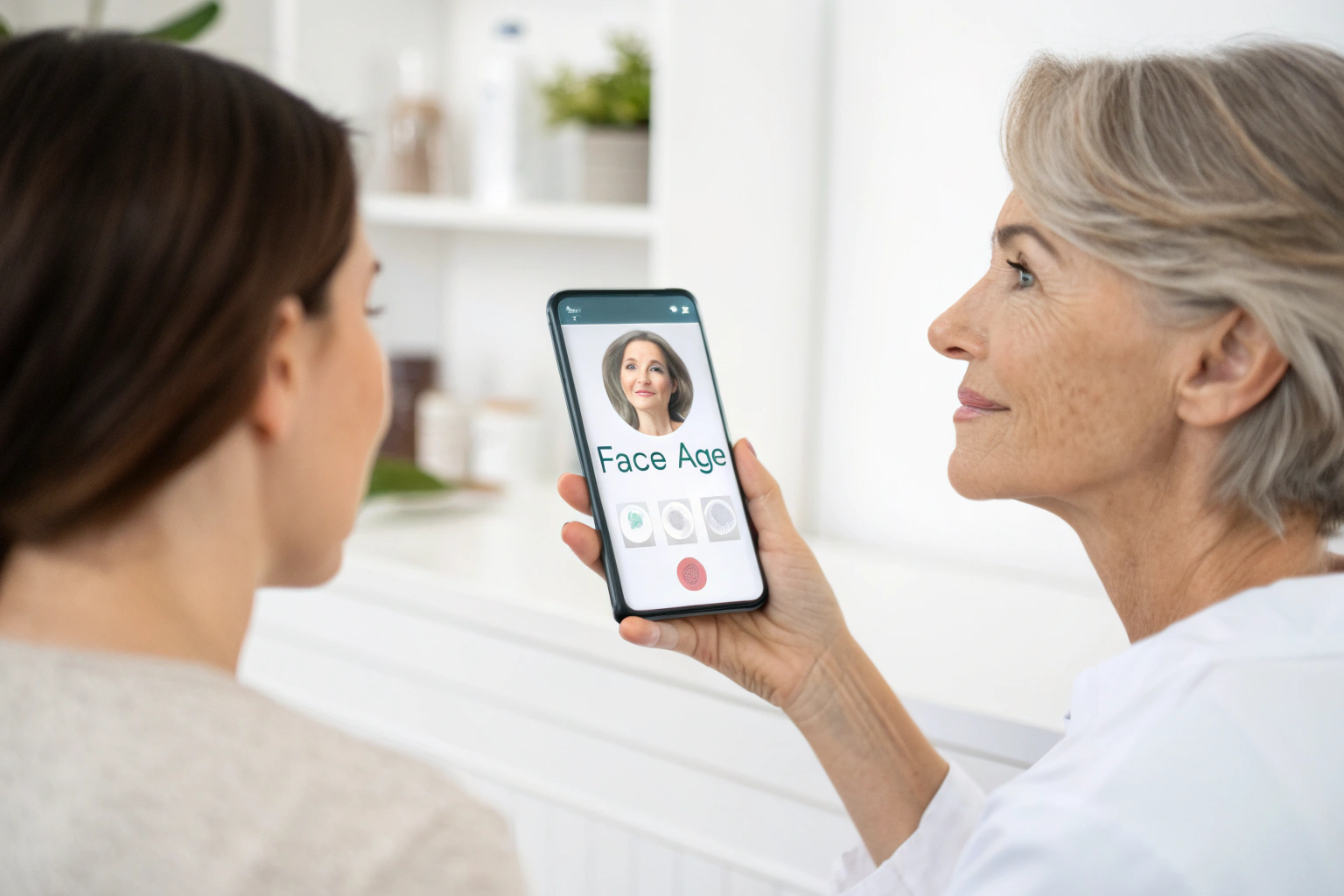
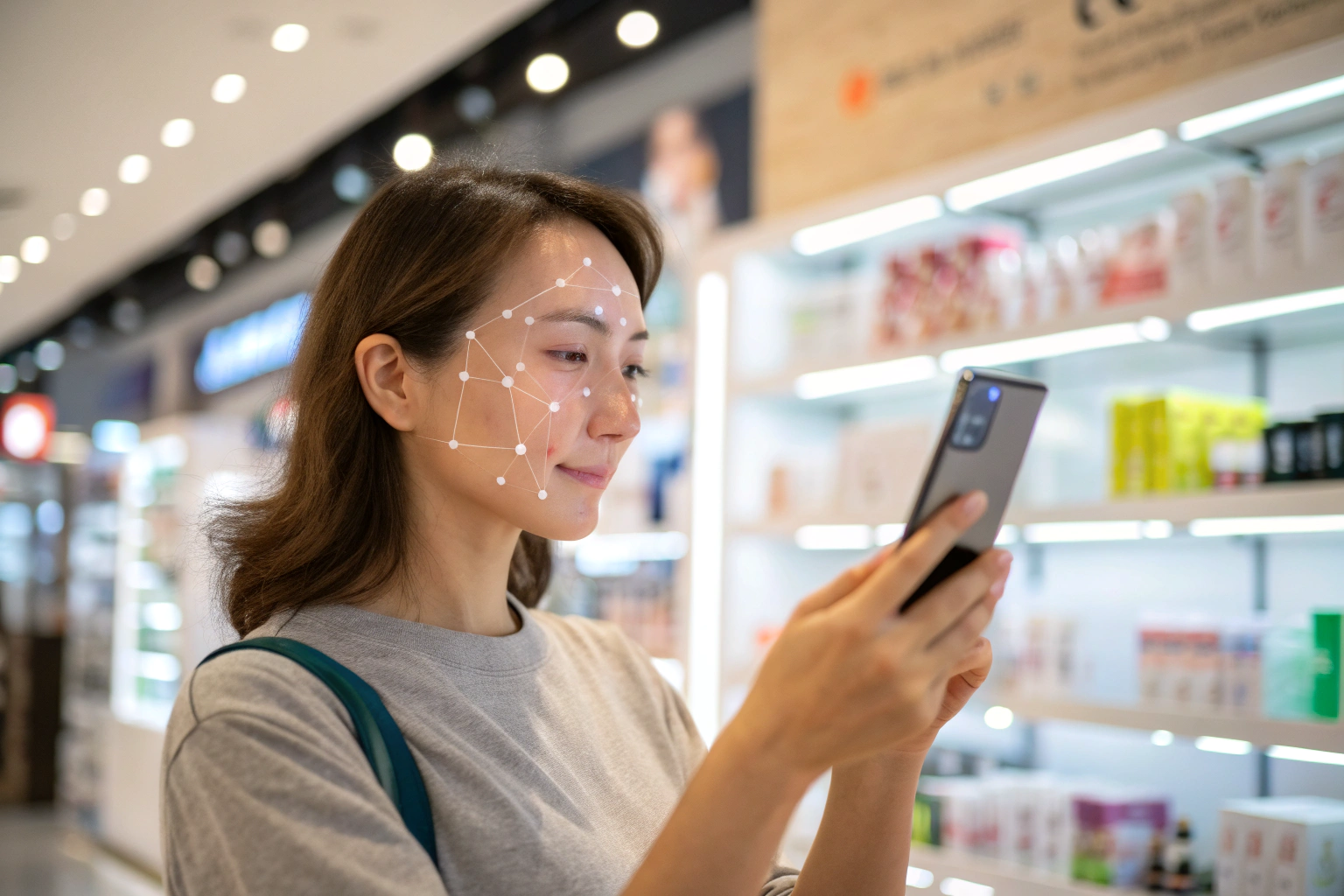
The shopper takes or uploads one photo. The analysis rates visible concerns, and products mapped to those concerns are recommended. Face Age, for example, analyzes 13 visible concerns across 250+ attributes, adds Skin Age and Skin Health badges, and shows an Image Suitability Check so shoppers know when a photo is hard to analyze.
Its strength is specificity: the result is based on what the camera sees, not on how the shopper describes themselves. Its limits are just as clear. It cannot know about sensitivity, allergies or goals, and results depend on light, angle and makeup. Some shoppers also prefer not to take a photo.
Side by side: quiz vs analyzer
| Skin quiz | AI skin analyzer | |
|---|---|---|
| Input | Shopper's answers | One face photo |
| Best at | Sensitivity, goals, preferences, skin feel | Visible concerns and their severity |
| Weak at | Self-reporting errors | Things a photo cannot show |
| Shopper effort | A few taps | One photo |
| Needs a camera | No | Yes, or an uploaded photo |
| Collects email | Yes, with an email field | Not by itself |
| Result style | Rule-based product list | Concern ratings, Skin Age, matched products |
Neither column wins outright. They answer different questions.
Why combine a quiz and a scan?
A hybrid flow covers the gaps in each:
- The scan finds the visible concerns. It decides which concerns lead the recommendations and how strong the products should be.
- The quiz adds context. Answers like "sensitive skin" can exclude strong actives, even when the scan rates a concern high.
- The email field enables follow-up. A quiz can capture an email before results, which connects to tools like Klaviyo or Mailchimp.
In Face Age, product rules make this concrete. Each product is linked to concerns and severity levels from the scan, and Extra Condition rules use quiz answers to include or exclude products. When rules conflict, exclusions come first, then inclusions, then the analysis.
How do you build a quiz in Face Age?
The quiz builder is in Shopify Admin > Apps > Face Age > Quiz. You can start from a template or a blank quiz, and add these elements:
- Title and Paragraph for headings and short explanations.
- Text Box for open answers.
- Email for capturing an address (one per quiz).
- Image for visual cues.
- Select and Multi Select for single or multiple choice answers.
You can place the quiz before the analysis (so answers shape the flow from the start) or before the results (so shoppers scan first, then answer a few questions while the result loads). Our step-by-step guide to building a skincare quiz on Shopify with an AI skin scan step walks through the setup. The quiz builder page shows the editor.
Which should your store choose?
- Choose a quiz alone if your range is small, your products are not tied to visible concerns (for example, fragrance or body care) or your shoppers rarely use phone cameras on your site.
- Choose a scan alone if you want the fastest specific result and your products map clearly to visible concerns like pores, lines or dark circles.
- Choose both if you sell face skincare across several concerns and want recommendations that respect sensitivity and preferences. This is the setup most skincare stores end up with.
Whatever you choose, keep the quiz short. A few well-chosen questions beat a long form, and the scan already covers what a dozen questions about appearance would try to capture.
How does the analyzer compare with an in-person consultation?
A scan does not replace expert advice, and a quiz does not either. They are self-serve tools for online shopping. For a wider look at how scans compare with consultations, see AI-powered skin scans vs traditional skin consultations.
What does it cost?
Both the quiz builder and the AI skin analysis are included on every Face Age Shopify plan, starting with Start at $59 per month. Routines, scan history, comparison and PDF reports come with Plus ($129 per month) and above. See the AI skin analysis page and pricing for details.
FAQ
What is the difference between a skin quiz and an AI skin analyzer? A quiz relies on the shopper's answers; an analyzer rates visible concerns from a photo. Each captures what the other cannot.
Can I use a skin quiz and an AI skin scan together? Yes. The quiz can appear before the analysis or before the results, and its answers can include or exclude products.
Which is easier for shoppers? A short quiz needs no camera; a scan needs one photo. Many stores use a short quiz plus the scan.
Is an AI skin analyzer a medical tool? No. It is a cosmetic analysis for shopping guidance. Not a medical diagnosis; does not replace a dermatologist.
Which Face Age plan includes the quiz builder? Every Shopify plan, starting with Start at $59 per month.