That last line matters more on this topic than almost any other. People shopping for breakout products are often frustrated, and some have been dealing with it for years. A store can be genuinely useful here, as long as it doesn't pretend to be something it isn't.
Key terms
- Acne (concern): pimples, blackheads and whiteheads as they appear in the photo. One of the 13 concerns Face Age reads.
- Severity: low, medium or high for each concern. It's what you match products against.
- Extra Condition: include or exclude rules based on quiz answers. Exclusions always take priority.
- Product Insight: an optional product-page block that explains why a product matched the shopper's scan.
- Compare tab: a side-by-side view of two scans with each concern marked Improved, Regressed or Stable (Plus and above).
How does acne skin analysis work on a store?
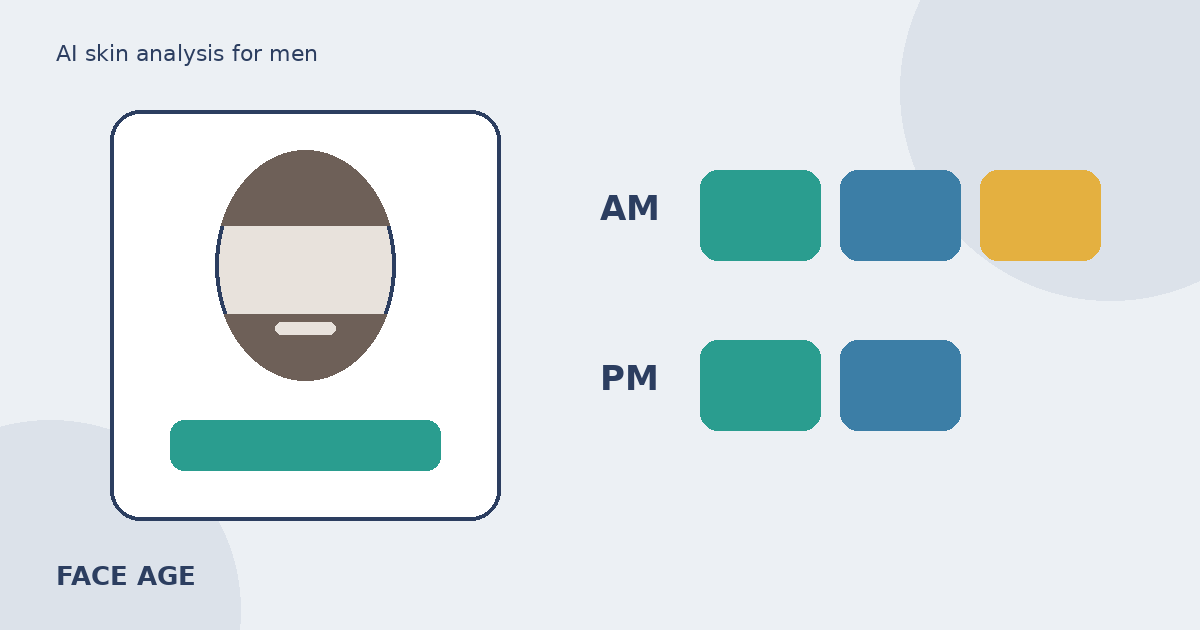
The shopper opens the scan (a Modal button or a Section on a page), answers your quiz questions, and takes or uploads a selfie. Face Age reads visible concerns from the photo, including acne, pores, oiliness and redness, then shows each with a severity level. The Image Suitability Check flags photos that are too dark or blurry so the shopper can retake them.
Products come from your catalog, not a generic list. Each one appears because you linked it to a concern and a severity range, and because none of your exclusion rules removed it. If you want the full logic, our guide on how AI skin analysis picks products walks through the priority order.
Acne rarely shows up alone. A shopper with visible breakouts often reads high on oiliness and pores too, and sometimes on redness. That's useful, because it lets you suggest a cleanser for oiliness and a calming moisturizer for redness rather than three products that all do the same job.
Step 1: sort your blemish-care range by strength
Before you open the app, make a quick list. Most blemish-care ranges fall into three groups:
- Gentle basics: a mild cleanser, a light non-comedogenic moisturizer, sunscreen. Safe to suggest at any severity.
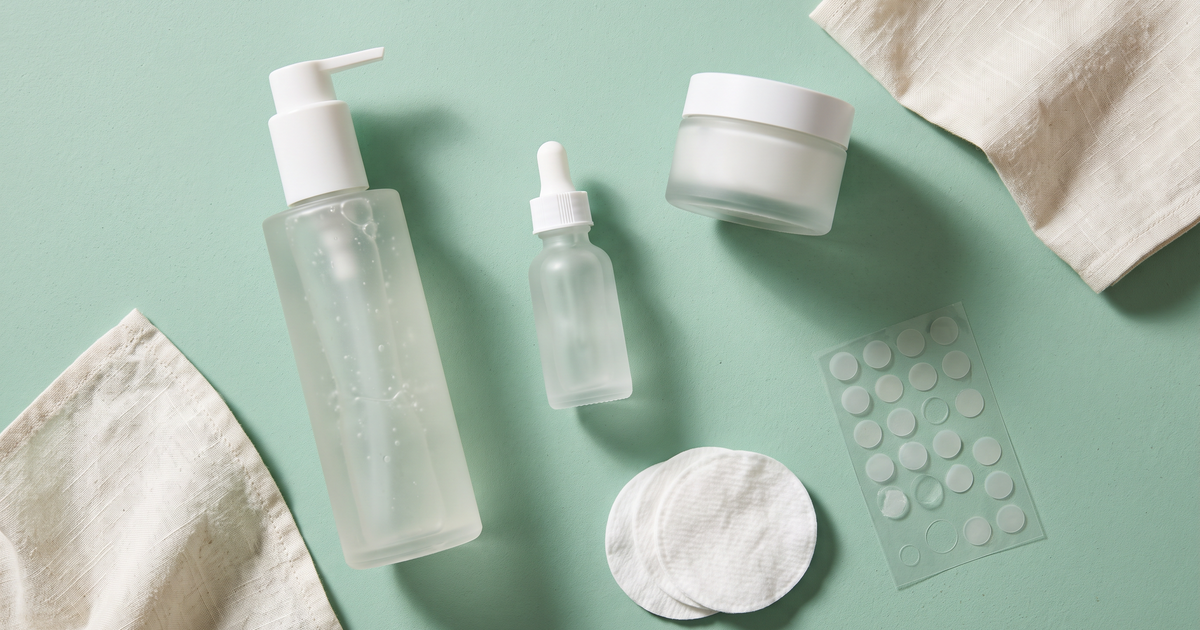
- Targeted products: a salicylic acid toner, a niacinamide serum, spot patches.
- Strongest actives: higher-strength leave-on acids, benzoyl peroxide products, retinoid serums.
Use the wording you already use on your product pages. If a product page doesn't mention breakouts, I wouldn't map it to acne just because it could fit. The scan result and the product description should tell the same story.
Step 2: map products to acne by severity
In Shopify Admin, go to Apps > Face Age > Connect Products. For each product, choose the concerns and the severity levels it should appear for.
| Product type | Acne severity | Also link to | Notes |
|---|---|---|---|
| Gentle gel cleanser | Low, medium, high | Oiliness, pores | Suggested to almost everyone with visible breakouts |
| Light oil-free moisturizer | Low, medium, high | Oiliness | Keep this in every list so nobody gets only actives |
| Salicylic acid toner | Medium, high | Pores | Skip on low so a few blackheads don't pull an acid |
| Spot patches | Low, medium | None | Useful for a handful of visible spots |
| Strong leave-on active | High only | None | Add a sensitivity exclusion (Step 3) |
| Calming serum | Low, medium | Redness | Pairs with redness readings |
Automate AI can draft these mappings from your product names and descriptions. It's a decent first pass on a big range. Go through every acne mapping by hand afterward, because this is the concern where a wrong match feels worst to the shopper.
Step 3: add quiz questions that only the shopper can answer
A photo can't tell you how someone's skin reacts to products, what they've already tried, or how much effort they'll put in. Three questions cover most of it:
- "Does your skin react easily to new products?" (Yes / Sometimes / No)
- "Are you currently using a prescription skincare product?" (Yes / No)
- "How many steps do you want in your routine?" (2-3 / 4-5 / Doesn't matter)
Then set Extra Conditions:
- Reacts easily = Yes: exclude your strongest actives and anything fragranced.
- Prescription product = Yes: exclude leave-on acids and retinoids, and show a short line suggesting they check with whoever prescribed it before adding actives. That's a store being careful, not giving medical advice.
- 2-3 steps: if you're on Plus, assign routine steps only to cleanser, moisturizer and sunscreen so the routine stays short.
Because exclusions always win, these rules hold even when the scan reads high severity. Our list of skincare quiz questions that help product matching has more options if you want to go further.
Step 4: write the result copy carefully
This is where a lot of stores slip. The scan reads what's in the photo today. It doesn't know the cause, and it can't promise anything about next month. Good result copy says what was seen and why the products are there:
"Your scan showed visible breakouts at a medium level, along with some shine on the T-zone. These products are matched to those readings."
Avoid lines like "clears acne in two weeks" or "fix your skin". Those are product claims your brand may not be able to back, and they sit badly next to a photo analysis. Keep the disclaimer near the results; Face Age shows it, and I'd repeat it in your own copy too.
If you use the Product Insight block on product pages, check that its explanation matches your mapping. A shopper who reads "matched for acne at high severity" on a spot patch you mapped to low and medium will lose trust fast.
Step 5: handle shoppers who come back
People with breakouts often scan more than once. On Plus and above, analysis history keeps earlier scans (in the browser, on the server, or both), and the Compare tab lets a shopper pick an older scan and see each concern marked Improved, Regressed or Stable. It's the closest thing to what people mean when they search for the "best AI for tracking acne", but handle it carefully.
Lighting, angle and the time of day change a photo. A different reading between two scans is a change in the photo reading, nothing more, and your copy shouldn't credit any product for it. Our post on reading a before-and-after skin comparison covers how to word this, and the photo tips post helps shoppers take comparable photos.
What about teens?
Breakout products attract younger shoppers. Check your own privacy policy and the rules in the countries you sell to about collecting photos and emails from minors before you promote the scan to that audience. Face Age provides a privacy policy template that discloses AI skin analysis; have your lawyer review the final version.
Which plan do you need?
Acne analysis, product matching, the quiz and exclusions are on every Shopify plan, starting with Start at $59 a month. History, Compare, PDF reports and the routine generator start on Plus at $129. Growth is $249 and Scale $499. See pricing for details.
FAQ
Can an AI skin scan read acne from a selfie? Face Age reads acne as one of 13 concerns, with a low, medium or high severity, from what's visible in the photo. Not a medical diagnosis; does not replace a dermatologist.
How do I stop strong actives showing for mild breakouts? Link the strongest products to acne at high severity only, and add an exclude rule for shoppers who say their skin reacts easily.
Can shoppers see if their visible breakouts changed between scans? On Plus and above, the Compare tab marks each concern Improved, Regressed or Stable. Present it as a change in the photo reading.
What should the result page say about acne? What the scan saw and why each product is suggested. No promises about clearing skin.
Which Face Age plan do I need? Every plan includes acne analysis and matching, from Start at $59. History and Compare start on Plus at $129.