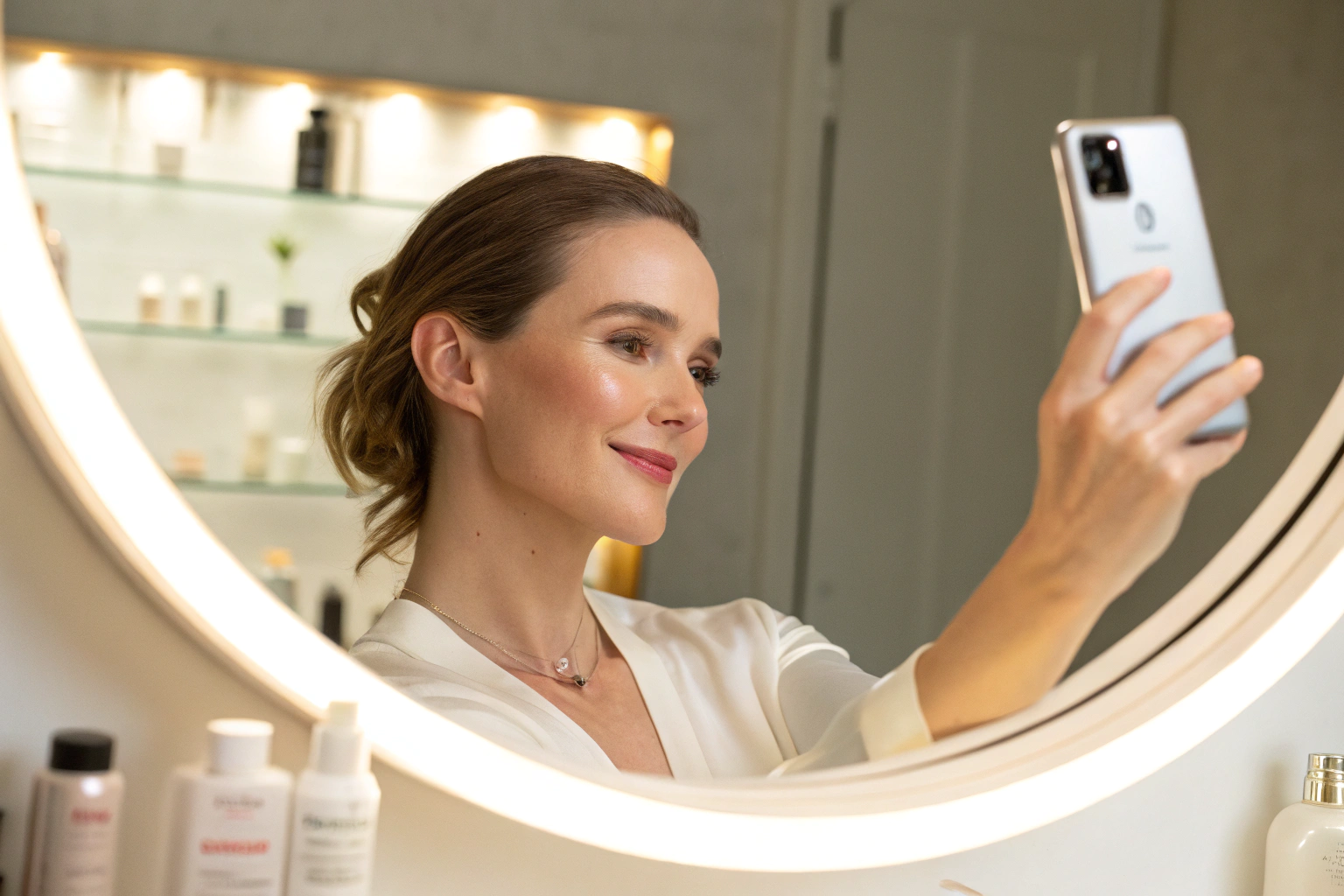
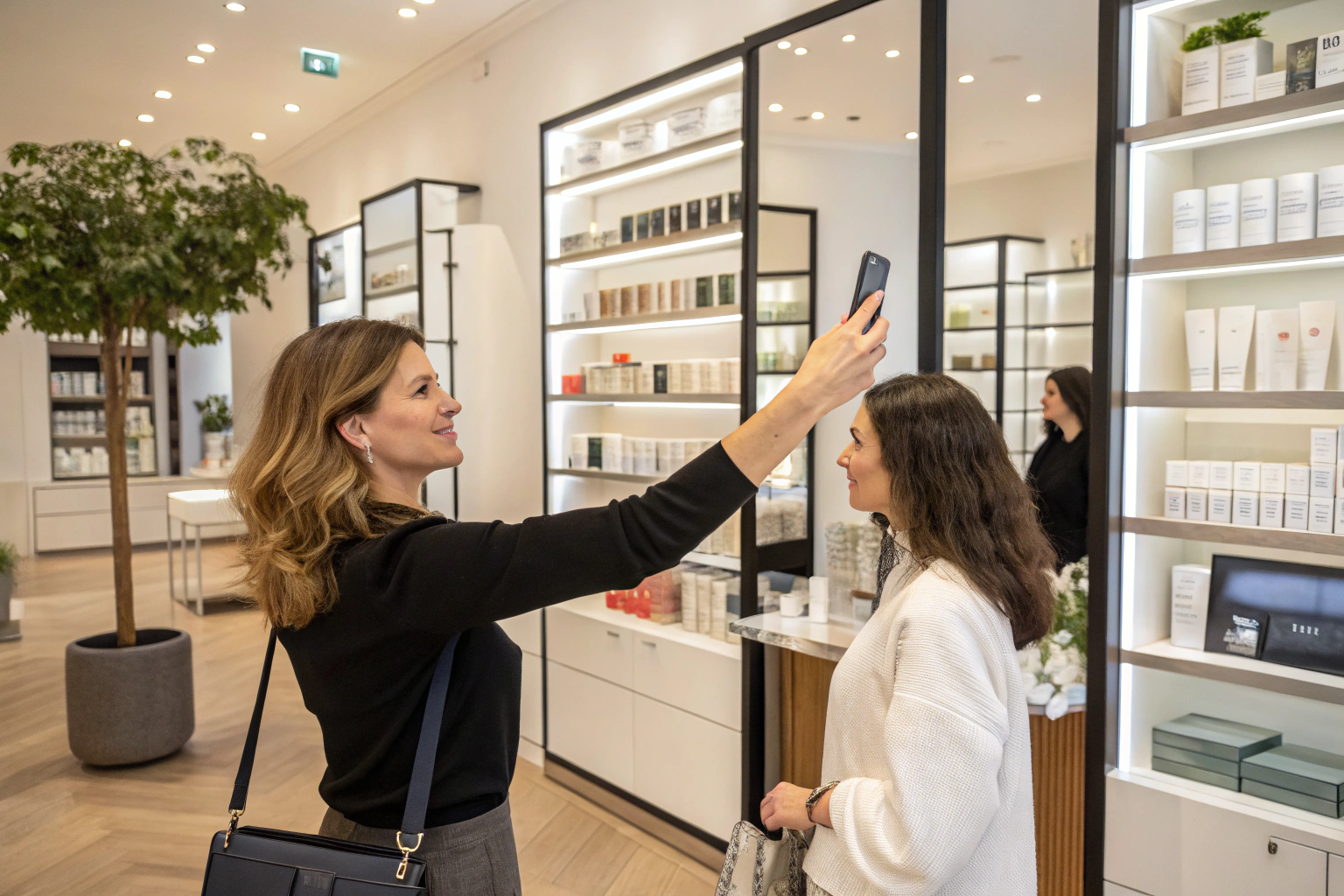
The scan analyzes 13 visible skin concerns from one photo and rates each one. It is a cosmetic analysis for shopping guidance. Not a medical diagnosis; does not replace a dermatologist. What turns that analysis into a shopping list is your product mapping.
Key terms
- Concern: a visible skin topic the analysis looks at, such as wrinkles, pores, acne, pigmentation, dark circles, eye bags, redness or dryness.
- Severity: the intensity level the analysis assigns to a concern: low, medium or high.
- Condition: the box where you link a product to concerns and severity levels. Rules here use AND logic.
- Extra Condition: include or exclude rules based on quiz answers. Rules here use OR logic.
- Automate AI: the option that links products to concerns automatically from their names and descriptions.
Why does product mapping matter so much?
The Face Age help center calls connecting products the most important step in setup, and for good reason. The analysis can only recommend what you have linked. A store with a great scan and loose mapping will show generic results. A store with careful mapping will show a short list that clearly fits what the shopper just saw on screen.
Shoppers also notice the link. When the result names "medium dark circles" and the first product is an eye cream mapped to medium dark circles, the recommendation explains itself. Our post on turning customer photos into skincare recommendations covers that shopper side in more depth.
How does severity matching work?
Every concern in the result comes with a level. When you connect a product, you choose which concerns it suits and at which levels.
| Example product | Concern | Levels selected | Who sees it |
|---|---|---|---|
| Lightening eye cream | Dark circles | Medium | Shoppers whose scan shows medium dark circles |
| Rich night cream | Dryness | Medium, High | Shoppers with medium or high dryness |
| Daily moisturizer | All concerns | Low, Medium, High | Everyone |
| Pore-refining toner | Pores | High | Only shoppers with high visible pores |
To recommend a product to everyone, select every level for the concerns it covers. To keep a strong product for the shoppers who need it most, select only the higher levels.
Condition vs Extra Condition: AND or OR?
This is the part most merchants ask about, so here it is plainly:
- Condition (AND): every rule in this box must match. A product set to "dark circles, medium" and "eye bags, medium" needs both.
- Extra Condition (OR): any one rule in this box is enough. These rules use answers from your quiz, such as skin type or sensitivity.
Extra Conditions can include a product (show it when an answer matches) or exclude it (hide it when an answer matches). A common example from the help center: exclude an exfoliant for shoppers who answer that their skin is sensitive.
What wins when rules conflict?
Face Age applies a fixed order of priority:
- Exclude rules come first. If a quiz answer excludes a product, it is hidden, whatever the scan found.
- Include rules come next. They add a product when a quiz answer calls for it.
- The analysis comes last. Concern and severity matches fill in the rest.
This order protects the shopper. If someone tells your quiz their skin is sensitive, a strong exfoliant will not slip back in just because their pores scored high.
How do you connect products in Shopify?
Products are connected in Shopify Admin > Apps > Face Age > Connect Products. There are two ways to do it.
With Automate AI (fast first pass):
- Click Automate AI.
- Choose a strictness level. High makes no guesses and links each product to fewer concerns; medium and low link more broadly.
- Choose whether the new links replace or add to existing ones. On a first setup you can skip this.
- Select products, or whole collections, and continue.
- Open the product list and review each product by hand. The AI reads names and descriptions, so clear product copy gives better links.
By hand (full control):
- Product list: select one or more Shopify products.
- Routine: assign a morning or night routine step, or leave it empty if the product does not belong in a routine.
- Condition: pick the concerns and severity levels the product suits.
- Extra Condition: add include or exclude rules from quiz answers.
- Save, then move to the next product.
Large catalogs are easier with the search bar and paging on the Connect Products page. The recommendations feature page shows how the matched products appear to shoppers.
Tips for cleaner recommendations
- Write clear product descriptions before using Automate AI. Name the concern and the skin type in plain words.
- Use exclusions for safety-minded rules, such as strong actives and sensitive skin, rather than relying on the scan alone.
- Limit how many products appear. In Customization > Basic you can set total and per-concern display limits and product priority, so the list stays short.
- Turn off concerns you do not sell for. If you have no acne line, disable that concern so the result does not point to an empty shelf.
- Re-check mapping when you add products. New launches are easy to forget.
How do recommendations connect to routines and quizzes?
The same mapping feeds the morning and night routine. A product with a routine step and a matching concern can appear both in the product list and in the routine. Quiz answers add context the photo cannot show, such as sensitivity or goals. If you have not built a quiz yet, start with our guide to building a skincare quiz on Shopify.
Product recommendations are on every plan, from Start ($59 per month). Routines, history and PDF reports come with Plus ($129 per month) and above. Full details are on the pricing page.
FAQ
How does AI skin analysis choose which products to recommend? Each product is linked to concerns and severity levels. After a scan, Face Age matches what it found against those links, then applies quiz-based conditions.
What is the difference between Condition and Extra Condition? Condition rules use AND logic, so all must match. Extra Condition rules use OR logic, so any one is enough.
What happens when an include rule and an exclude rule conflict? Exclusions win. The order is exclude, then include, then the analysis.
Can AI connect my products automatically? Yes. Automate AI links products from their names and descriptions, with high, medium or low strictness. Review the links by hand afterwards.
Which plan includes product recommendations? Every Shopify plan, starting with Start at $59 per month.