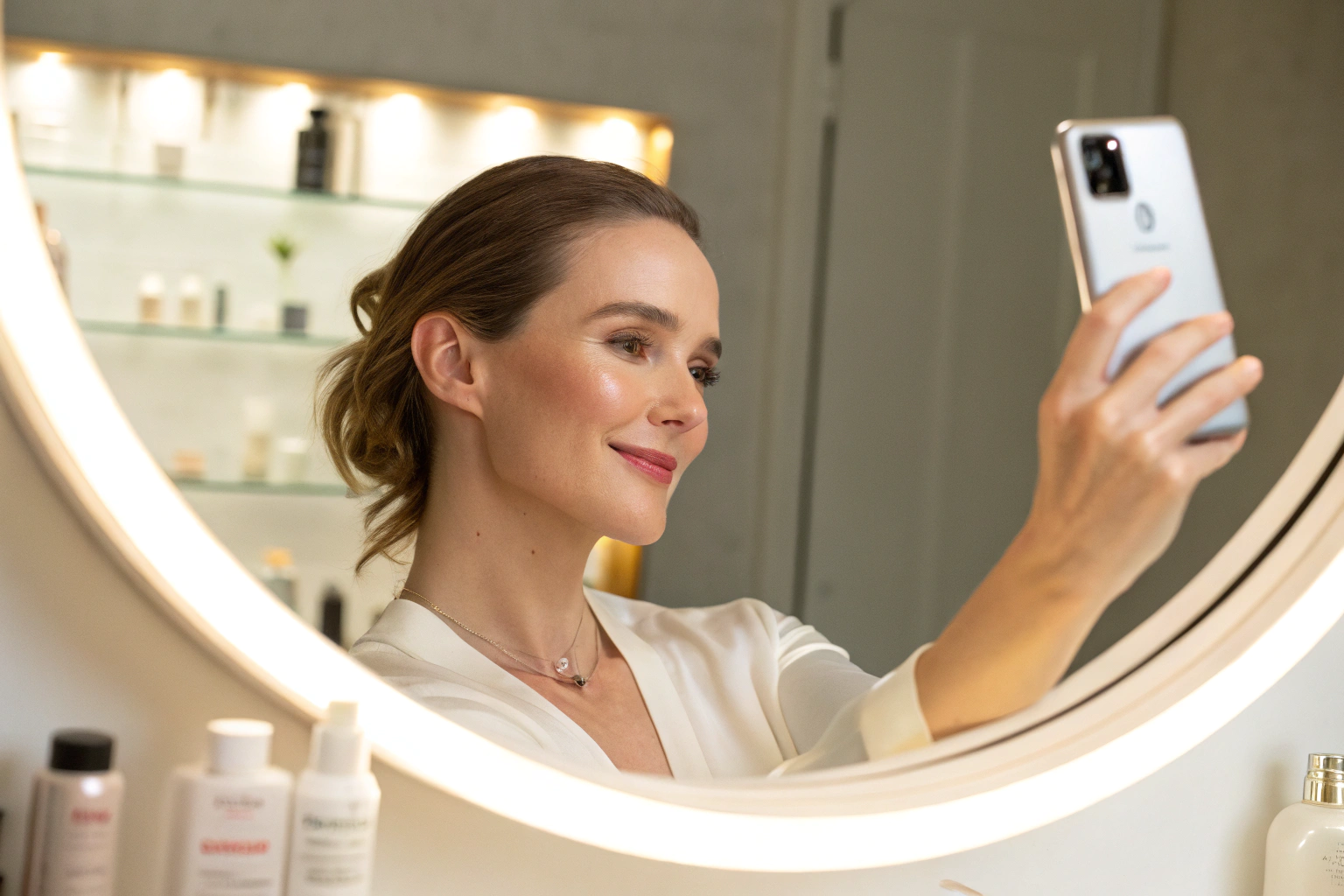
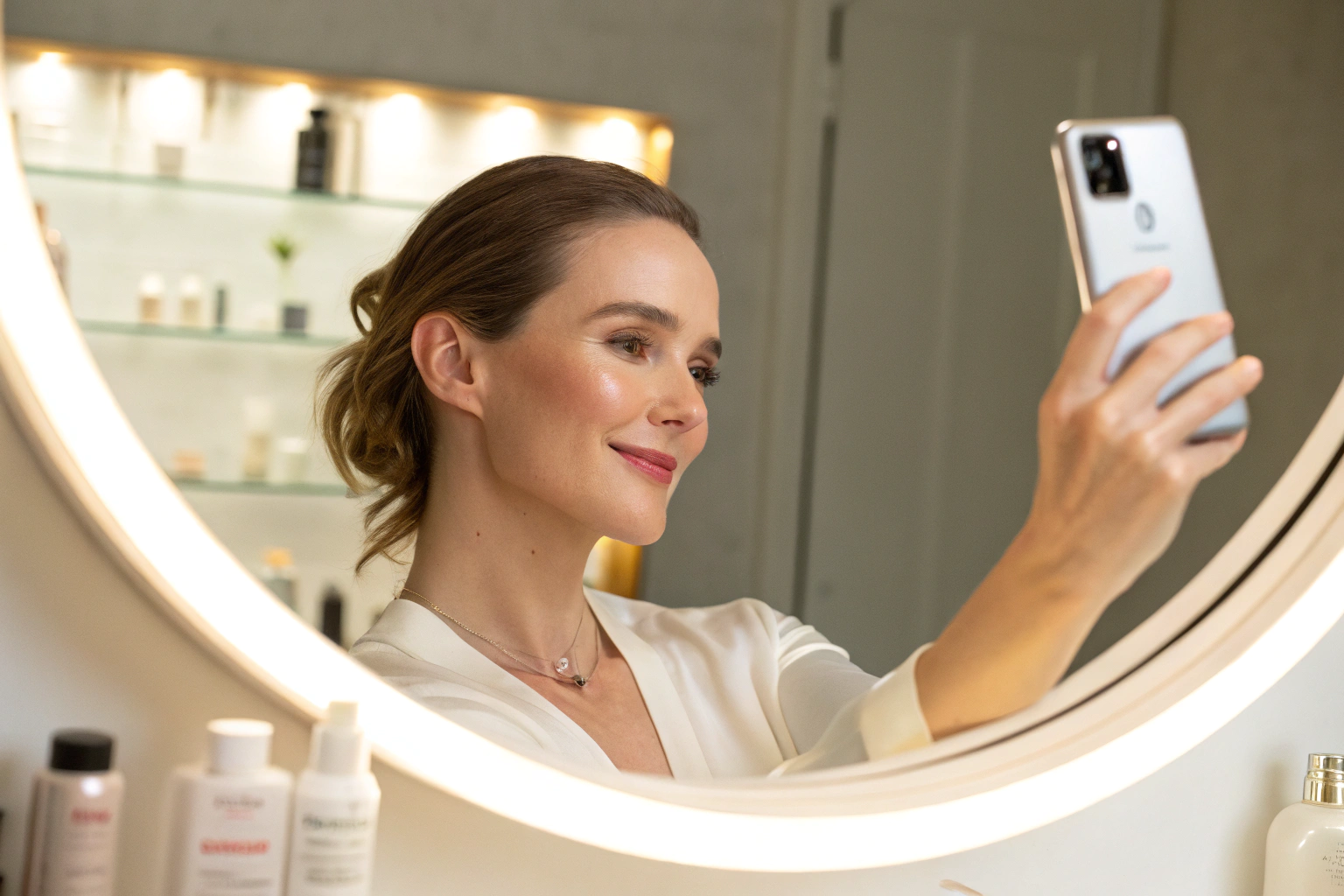
Both routes run the same analysis: one shopper photo, 13 skin concerns across 250+ attributes, Skin Age and Skin Health badges, then products from your own catalog. Not a medical diagnosis; does not replace a dermatologist.
Key terms
- API / SDK: code a developer adds to a site or app. Face Age publishes
face-ageon npm, plusreact-face-ageandvue3-face-agecomponents. - Shopify app: the Face Age listing on the Shopify App Store, installed and configured inside Shopify Admin.
- Script tag: a single line of JavaScript that loads the analyzer on any web page.
- Webhook: an address on your server that receives each finished result, so your own systems can use it.
- Headless store: a store whose front end is custom built and talks to a commerce back end through APIs.
Why do people search for a skin analysis API?
Searches like "ai skin analysis api", "skin analysis sdk" and "skin analysis api" usually come from one of three teams:
- A developer at a beauty brand whose store is not on Shopify.
- A product team building a headless storefront or a mobile app.
- A larger retailer that wants the scan inside its own systems, with its own data flows and branding.
Each of them wants the same thing a Shopify merchant wants: let a shopper take a photo, see what the analysis found and get matched products. They just need it delivered as code rather than as an app listing.
What is the same in both versions?
Face Age keeps one feature set across both routes. Whether you install the Shopify app or the SDK, you can use:
- AI skin analysis of 13 concerns from one photo, with Skin Age, Skin Health and an Image Suitability Check.
- The quiz builder, with questions before or after the scan and one email field.
- Product recommendations from your own catalog, matched by concern and severity.
- Morning and night routines built from those products.
- Analysis history and two-scan comparison for returning shoppers.
- Branded PDF reports shoppers can download.
- Integrations such as Klaviyo, HubSpot, Mailchimp, Omnisend, Google Analytics, Facebook Pixel and webhooks.
On the Shopify app, history, comparison and PDF reports are on Plus and above. See Face Age pricing for what each plan includes.
What is different?
| Question | Shopify app | API / SDK |
|---|---|---|
| Who installs it | The merchant, from the Shopify App Store | A developer, with npm, a script tag or a plugin |
| Code needed | None | Some (one script tag at minimum) |
| Product catalog | Read from Shopify products | Passed in by your code or plugin |
| Customer data | Shopify Customers integration | Your own systems, webhooks or the SDK's result callback |
| Placement | Theme editor: Modal or Section | Anywhere you can run JavaScript |
| Platforms | Shopify only | Custom sites, headless, WooCommerce, WordPress, apps |
| Pricing | Shopify App Store plans | Separate plans, see /pricing and /enterprise |
The table is the whole decision for most teams. If you are on Shopify and happy with your theme, the app is faster to launch. If you are not on Shopify, or you need the scan inside your own front end, the API route is the one that fits.
How does the API route work?
The developer setup is short. A typical path looks like this:
- Get your Face Age ID from the Face Age panel.
- Install the SDK with
npm install face-age, or add the CDN script tag to the page. React and Vue teams can add the matching component package. - Pass your products so recommendations come from your own catalog, then set routines and conditions.
- Read the result. The SDK exposes the finished analysis in the browser, and a webhook can post each completed quiz to your server.
- Connect your tools, for example Klaviyo, HubSpot or Google Analytics, so results feed the flows you already run.
On WooCommerce and WordPress the path is even simpler: download the plugin from your panel, activate it and paste your Face Age ID. The integrations page lists every install method with its steps, and the developer docs live at getfaceage.com/resources/docs.
How does the Shopify app route work?
For a Shopify store the setup has three steps and no code:
- Install Face Age from the Shopify App Store and open it in Shopify Admin > Apps > Face Age.
- Connect products to concerns, severity levels and routine steps, by hand or with the Automate AI option.
- Publish the analyzer as a Modal (a floating button on every page) or a Section (a block on a page you choose) in the theme editor.
Our guide to building a skincare quiz on Shopify walks through the quiz part, and the complete guide to integrating AI skin analysis with Shopify covers the wider setup.
Which one should you choose?
Use the questions below as a quick filter.
Choose the Shopify app if: - Your store runs on Shopify and uses a standard theme. - You want to launch without a developer. - You want products and customers to sync from Shopify automatically.
Choose the API / SDK if: - Your store is on WooCommerce, WordPress, a custom stack or a headless front end. - You want the analyzer inside a mobile app, a kiosk screen or a members area. - Your team wants results posted to its own systems through webhooks.
Talk to the Enterprise team if: - You need white label (no Face Age branding on the scan and quiz) or custom touchpoints across your storefront, apps and kiosks. - You need guardrails, integrations or rollout help beyond a standard plan.
The Enterprise page explains those options.
What about privacy and data flow?
With either route, the store decides what is kept. On the Shopify app, history can be stored in the shopper's browser only, through the Face Age API, or both. Browser-only storage keeps no history on Face Age servers. On a custom site, your developer controls where results go, for example only to your own server through a webhook. In both cases, your privacy policy should tell shoppers that the store uses AI skin analysis. Face Age provides a template for that wording.
Common mistakes to avoid
- Building from scratch when the app would do. If you are on Shopify, a custom build adds work without adding features.
- Skipping product mapping. Recommendations are only as good as the links between products and concerns, on either route.
- Hiding the disclaimer. Keep the cosmetic, non-medical framing visible wherever the result appears.
- Mixing price lists. The Shopify plans and the API plans are priced separately, so check the right one on the pricing page.
FAQ
Is there a skin analysis API I can add to my own website? Yes. Face Age offers a JavaScript SDK on npm, a script tag for any site, plugins for WooCommerce and WordPress, and webhooks.
Does the API version have different features from the Shopify app? No. The analysis, quiz, recommendations, routines, history, comparison and reports are the same. Only the install and the data connections change.
Which should a Shopify store choose? Most Shopify stores should use the app, because it installs without code and connects to Shopify products and customers directly.
Where can I see pricing for the API and Enterprise options? On the pricing page and the Enterprise page.
Is the API result a medical result? No. It is a cosmetic analysis for shopping guidance. Not a medical diagnosis; does not replace a dermatologist.