Skin texture analysis on an online store reads how the skin's surface looks in a photo, such as visible pores, a dull or uneven finish, fine lines and breakouts, and then uses those readings to pick products. There isn't usually one "texture score." In Face Age, texture is spread across a few of the 13 concerns, mainly pores, dullness, fine wrinkles and acne, so the work is mapping your exfoliants, serums and cleansers to the right ones at the right severity.
"Texture" is one of those words shoppers use a lot and define loosely. One person means bumps along the jaw, another means large pores on the nose, another means skin that just doesn't catch the light the way it used to. That vagueness is why a store needs a plan for it rather than a single "texture" collection page.
What does skin texture analysis actually read?
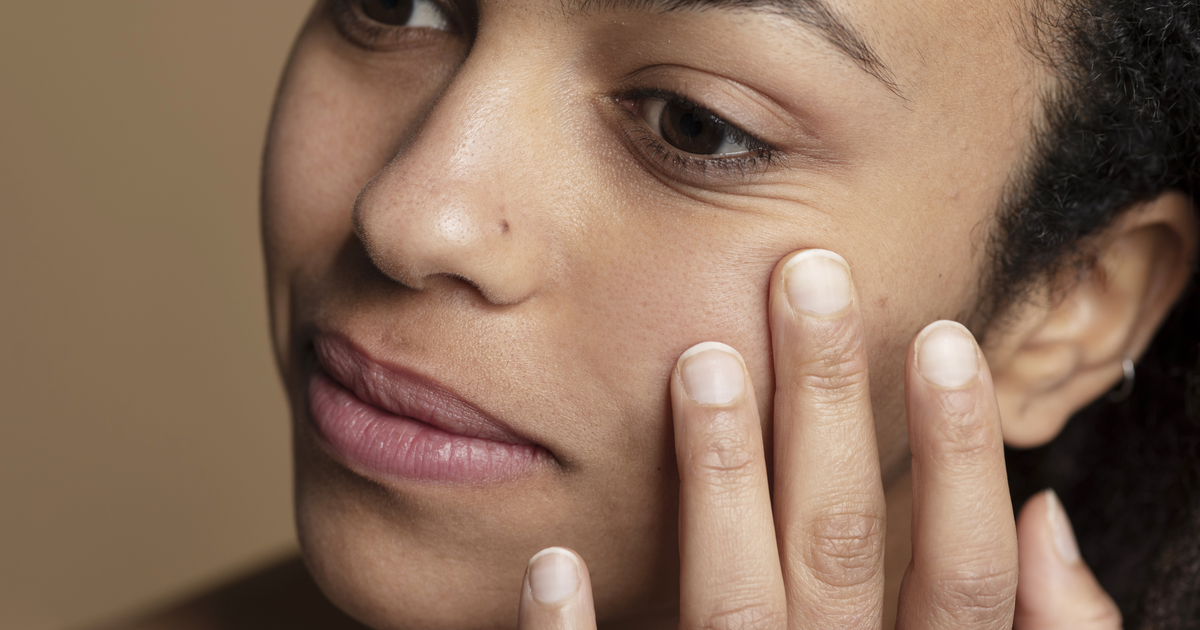
A camera sees the surface, so texture in a scan is about how the surface looks: shadows from enlarged pores, uneven reflection, fine creasing, raised spots. It can't feel roughness, and it doesn't know why the skin looks that way.
Here's how the common shopper complaints line up with Face Age concerns. The scan analyzes 13 visible concerns across 250+ attributes from one photo. Not a medical diagnosis; does not replace a dermatologist.
| What the shopper says | Concern(s) to map | Typical products |
|---|---|---|
| "My pores look big" | Pores | BHA liquids, clarifying cleansers, niacinamide serums |
| "My skin looks flat and dull" | Dullness (beta) | Gentle AHA toners, vitamin C serums, exfoliating pads |
| "I've got fine lines and crepey bits" | Fine wrinkles, eye wrinkles | Retinoid-style serums, peptide creams, hydrating layers |
| "Bumpy, congested skin" | Acne, pores | Salicylic acid products, lightweight non-comedogenic moisturizers |
| "Rough, flaky patches" | Dryness (beta) | Richer creams, barrier-focused moisturizers, gentle lactic acid |
Two of those concerns, dullness and dryness, are marked beta in the product. They're still useful for matching. Just keep your result copy modest when they're the main reason a product shows up.
If your team needs plain-language definitions of all 13 concerns, keep our skin concerns glossary for store teams open while you map.
How to map texture products after a scan
I'd handle texture as a mini-project inside your catalog setup. In Shopify Admin > Apps > Face Age > Connect Products:
- List your texture products. Pull every product you'd describe as smoothing, refining, resurfacing, exfoliating or pore-minimizing. That's usually a smaller list than people expect.
- Pick one or two concerns per product. A BHA liquid is a pores product, maybe acne too. A vitamin C serum is dullness, maybe pigment. Resist tagging everything for everything.
- Set severity by strength. Strong exfoliants and high-strength actives go on medium and high. Gentler daily options cover low and medium. The scan rates each concern low, medium or high, so a shopper with slightly visible pores won't be pushed to your strongest acid.
- Give each product a routine slot. Most acids belong at night. Vitamin C often goes in the morning. If a product is a weekly mask, leave the routine slot empty so it doesn't clutter the daily routine.
- Add exclusions. This is the step people skip. Add a quiz question like "Does your skin react easily to new products?" and set an exclude rule on strong exfoliants for anyone who says yes. Exclusions always beat scan matches.
- Set display limits. In Customization > Basic, cap products per concern. Two texture products per concern is plenty for most stores.
For how severity, conditions and exclusions interact, the pillar post on how AI skin analysis picks products has the full breakdown.
Don't stack three acids in one routine
Here's the trade-off with texture. Pores, dullness and acne often show up together, and each one may match an exfoliating product. Left alone, the routine can end up with a BHA toner, an AHA serum and an exfoliating cleanser. That's a lot for anyone.
A few ways to stop it:
- Map only one strong exfoliant per concern, and use gentler products for the rest.
- Use the routine slots so two acids don't land in the same step.
- Keep per-concern display limits low.
- In product copy, say plainly "use on alternate nights" when that's how the product should be used.
Serums are where this most often goes wrong. Our post on mapping serums and moisturizers to scan results covers how to keep the serum step to one or two products.
Acne and texture overlap
Plenty of "texture" is really mild congestion or post-breakout marks. If acne is a big part of your catalog, map acne products separately and use severity so a low acne reading doesn't pull in your strongest products. Our guide to acne skin analysis on your store walks through that, and marks left behind by breakouts often sit under pigment instead, which is covered in dark spots and pigment after a skin scan.
A quick texture audit of your catalog
Before you map anything, spend twenty minutes on the product pages themselves. Texture products are often described in the vaguest words in the whole catalog: "refining," "perfecting," "glow." Those words don't tell a shopper, or the Automate AI option on the Connect Products page, which concern a product is for.
Rewrite the first line of each description so it names the visible concern and the skin type in plain words, for example "A BHA liquid for visible pores on oily and combination skin." Then run Automate AI with high strictness and review every link by hand. Clear descriptions make the automated pass far more accurate, and they help shoppers who never take the scan at all.
Photo conditions matter more for texture
Texture is the most light-sensitive thing a scan reads. Side light from a window makes pores and fine lines look deeper. Overhead bathroom light flattens them. A beauty filter erases them completely.
On the scan page, tell shoppers to face the light, skip filters and portrait mode, and take the photo with a clean face. If you're offering repeat scans to track texture changes, consistent light matters even more, because the comparison is only as good as the two photos. Our photo tips for a usable skin scan post has copy you can paste in.
What to say on the result screen
Texture is a place where it's easy to overpromise. "Get glass skin in 7 days" isn't something a store can stand behind.
Wording I'd use instead:
- "Your scan picked up visible pores on the nose and cheeks. These products are from our range for that."
- "Dullness is a beta reading, so take it as a guide."
- "Start slowly with exfoliating products, two or three nights a week."
- "If your skin is sore, cracked or keeps getting irritated, see a dermatologist."
That last line matters. Some bumpy skin isn't cosmetic, and a store shouldn't try to sort that out with a toner.
Plans and where to start
The scan, the quiz and product recommendations are on every Face Age Shopify plan, starting at Start for $59/month. If you want returning shoppers to compare texture between scans, history and comparison come with Plus ($129) and above. You can try the AI skin analysis on your own face first and see how your pores and dullness readings come out.
FAQ
Does Face Age give a single skin texture score? No. Texture shows up across pores, dullness, fine wrinkles and acne, so you map products to those.
Which products should I map to texture? Exfoliating toners and acids, clarifying cleansers, retinoid-style serums and hydrating layers, each by the concern and severity it suits.
How do I stop strong exfoliants reaching sensitive shoppers? Ask about sensitivity in the quiz and add an exclude rule. Exclusions always win.
Can a selfie measure skin roughness? No. It shows how texture looks, and lighting changes that a lot.
Is a texture reading a medical assessment? No. Not a medical diagnosis; does not replace a dermatologist.