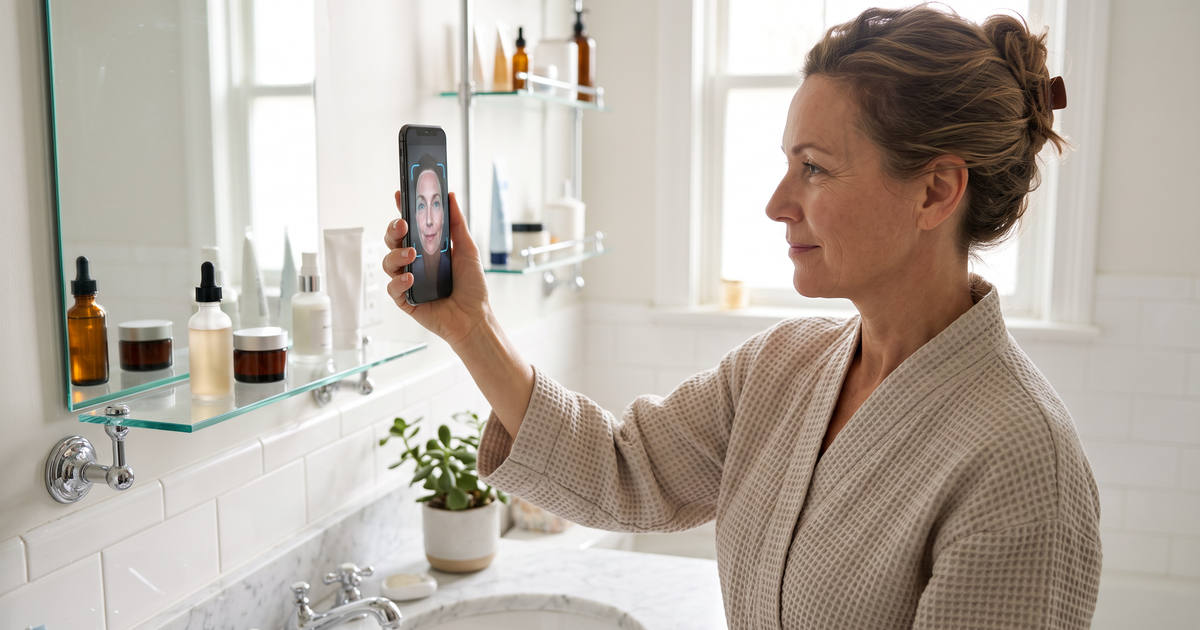
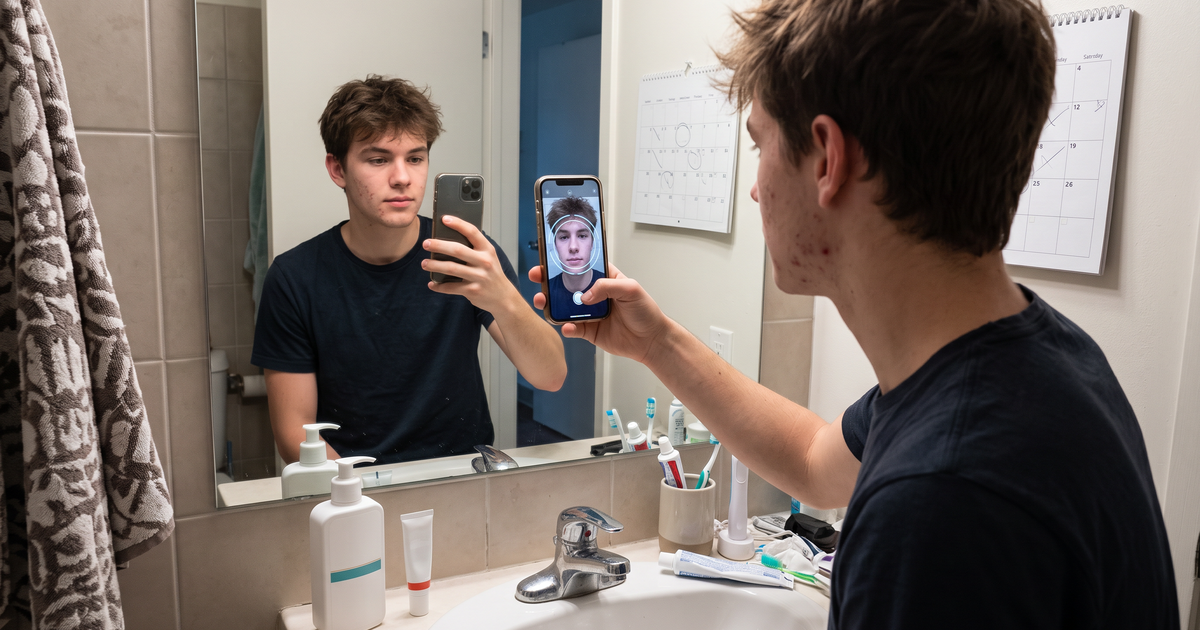
Tracking acne with AI is mostly about one thing: taking the same kind of photo every few weeks and comparing it fairly with the last one. A skin analyzer that saves each scan and shows the change per concern turns a vague "is this working?" into something a shopper can actually see. On a skincare store, Face Age does this with Analysis History and a Before and After Comparison that tags acne, and every other concern, as Improved, Regressed or Stable.
That matters because acne is the concern where shoppers give up on products fastest. They buy a cleanser and a spot gel, see a new breakout in week two, and decide nothing works. A simple tracking habit gives them, and you, a better picture.
The scan described here is a cosmetic analysis for shopping guidance. Not a medical diagnosis; does not replace a dermatologist.
Why tracking acne with AI appeals to shoppers
Search data backs this up. People look for the "best AI for tracking acne" because mirrors are bad at memory. Breakouts come and go, and a bad day colors how someone remembers the whole month. Consumer apps have built whole products around logging skin, food and sleep.
A store doesn't need to become a habit-tracking app. It needs to do the part that ties back to products: show what changed since the routine started, and suggest what to adjust.
How tracking works in Face Age
There are three pieces, all in the Face Age app inside Shopify.
1. Analysis History
In Customization, under Basic, you turn on "Enable analysis history" and pick where scans are kept:
- Browser only: stored on the shopper's device. Fast and simple, but it doesn't follow them to a new phone.
- Server API: stored on the server, tied to a logged-in customer or an email. Works across devices.
- Both: uses the server when it can and falls back to the browser.
For acne tracking, I'd pick Both. Many shoppers scan first as guests and only log in later. The trade-offs are in our post on browser vs server storage for skin analysis history.
When history is on, a returning shopper sees "Previous analyses found" when they open the scan again.
2. Before and After Comparison
On the result screen there's a Compare tab next to Skin Report, Routine and Products. The shopper picks an earlier scan and sees both side by side, with a Skin Metrics Diff for each concern and a short summary. Acne might read Improved while oiliness reads Stable and redness reads Regressed. That's a much more honest picture than a single "your skin is better!" message.
You enable it from the Dashboard under What's new, with Set Up Comparison. It needs history turned on. Our guide to reading a before-and-after skin comparison explains each tag in plain terms you can reuse in your own copy.
3. Customer analysis history block
If your shoppers log in, you can add the Customer analysis history block from the Publish page, so their past scans show up on their account. Pair it with Server API or Both storage.
History, comparison and PDF reports are on Plus ($129 a month) and above. Plan details are on the pricing page.
Make the photos comparable
A comparison is only as fair as the photos. If the first scan was in daylight and the second under a bathroom bulb, the diff will reflect the light as much as the skin. Tell shoppers this right next to the scan:
- Same spot, same time of day, ideally facing a window.
- No makeup, hair off the face.
- Hold the phone at arm's length, straight on.
It sounds fussy, but one line of copy saves a lot of confused emails. The photo tips post has wording you can paste in.
Pick a sensible rescan rhythm
Daily scans mostly pick up noise from light and angle. For acne, I'd suggest every three to four weeks. That's long enough for a routine change to show up and short enough to keep the habit alive.
Build that rhythm into your emails. If you connect Klaviyo or Mailchimp, you can send a "time for your next scan" email about four weeks after the first one, segmented by the shopper's acne level. Shoppers flagged medium or high for acne get a check-in with a link back to the scan. Our returning-shopper playbook covers the full sequence.
What to show when acne reads Regressed
This is the moment that loses or keeps a customer. If the comparison says acne regressed, don't hide it, and don't immediately push three new products.
What I'd do instead:
- Show the comparison as is. Shoppers already know their skin had a rough month.
- Point out what improved, if anything did.
- Suggest one adjustment, not a new regime. Maybe a gentler cleanser if redness also went up.
- Remind them that a breakout can have many causes and that persistent or painful acne is worth raising with a dermatologist.
That last line isn't just a legal habit. It's what a good advisor would say.
Matching products to the acne reading
Tracking only helps if the product logic underneath is sound. Map cleansers, spot gels and lightweight moisturizers to acne by level, and use exclusions for anything too harsh for skin that also reads high for redness or dryness. We went through this mapping step by step in acne skin analysis on your store.
Privacy is part of the trust
Saving face photos over weeks is sensitive. Say clearly in your privacy policy that you use AI skin analysis and how history is stored. Face Age provides a template. If you cancel your plan, data stays intact; it's only deleted if you uninstall the app, within 48 hours. Shoppers who log in should be able to see what's saved about them.
Setting it up this week
- Turn on Analysis History with Both storage.
- Set up Comparison from the Dashboard.
- Add photo instructions next to the scan button.
- Add the Customer analysis history block if your shoppers log in.
- Build one check-in email at four weeks for shoppers with medium or high acne.
You can see how history and comparison look on the history feature page.
FAQ
Can AI track acne over time? With saved history, yes. Face Age compares scans and tags acne Improved, Regressed or Stable.
How often should shoppers rescan? Every three to four weeks. Daily scans mostly pick up noise.
Do shoppers need an account to keep their scan history? Not with Browser storage, but Server API storage needs a logged-in customer or email.
Is acne tracking a medical service? No. Not a medical diagnosis; does not replace a dermatologist.