This post walks through what that build actually includes, what you still own after handoff, and when self-serve is the better path. For current commercial terms, use the live pages — we intentionally keep dollar amounts off this article so the feature story stays clean: Skin-to-Sale and pricing.
Key terms: Done-for-you means Face Age's build team performs the install. Catalog mapping means tying each product to skin concerns and recommendation rules. Flows means the post-scan email/SMS sequences. A branded PDF is the downloadable skin report with your logo and colors.
What problem does Skin-to-Sale setup solve?
Most beauty stores do not fail at "installing an app." They stall on the quiet work after install: deciding which products map to redness vs dryness, choosing modal vs section placement, writing the post-scan email, and branding the PDF so it looks like the store — not a third-party widget. That work is boring, and it is exactly what shoppers feel when recommendations look generic.
Skin-to-Sale packages that work into a fixed 14-day build with a human on the call. The public page caps builds per month because a real three-person team does each one. If you wanted a pure DIY path, Face Age still offers self-serve Shopify plans - same engine, your team owns the checklist. See how to choose a Face Age plan for the self-serve ladder.
What happens in the 14 days?
| Day window | What Face Age does | What you do |
|---|---|---|
| Build call (day 1) | Install the scan on your theme while you watch | Join the call, answer brand questions, approve placement |
| Early build | Run a conversion audit of where the funnel leaks; deliver the PDF audit for you to keep | Read the audit; decide modal vs section if not already chosen |
| Mid build | Map catalog to concerns; publish core + optional extensions; switch on flows; brand reports | Supply product list / brand assets; spot-check a few SKUs |
| Close (by day 14) | Confirm a real customer scan on the live storefront | Approve the finished setup; nothing left to configure |
The public Skin-to-Sale page describes the build as: scan installed, catalog mapped, extensions live, flows switched on, reports branded. The guarantee language on that page is straightforward - live customer scan confirmed within 14 days of the build call, or a full refund of the setup fee, and you keep the conversion audit. Read the live wording before you book: getfaceage.com/solutions/skin-to-sale.
What is included in the Skin-to-Sale system?
1. Done-for-you setup call
A person installs the scan on your theme while you watch. This is not a loom video and a support ticket. You see the modal or section go live, and you approve placement before the team moves on.
2. Custom product mapping
Recommendations only work if your catalog is mapped. The build team maps products to skin concerns so the result screen shows your serums and moisturizers, not generic category cards. If you already run a quiz app, the page also lists migration of quiz logic and existing customer profiles as part of the system.
3. Storefront extensions live
Face Age storefront extensions include the core Modal or Section, then optional blocks such as Product Insight, recommended-product carousels, encouragement banners and customer analysis history for logged-in shoppers. The build turns the ones that fit your theme on - you are not left guessing which App Block to drag. For the self-serve version of this decision, we wrote Shopify skin analyzer placement: modal or section.
4. Branded PDF skin report
Shoppers get a branded report after the scan - logo, colors, your product language. On self-serve Face Age, the PDF report is a Plus-and-above feature. On Skin-to-Sale, branding that report is part of the build so the PDF looks like your store from day one. Reminder for every storefront: Not a medical diagnosis; does not replace a dermatologist.
5. Email and SMS flow templates
Scan-triggered flows for Klaviyo and Shopify Email come pre-written and ready to switch on. Copy is included. That matters more than people admit: a scan without a follow-up sequence becomes a one-time novelty. Pair this with how we think about segments in Klaviyo skincare segmentation from AI skin analysis results.
6. Conversion audit
Before the build, the team reviews where your funnel leaks. You keep that audit even if you walk away from the build. It is useful on its own: product page gaps, missing CTA near the scan, offer placement after the result.
7. Skin-data insights dashboard and priority support
Once live, you can see which concerns show up in your traffic so merchandising and ads are not guessing. Priority support means a direct line to the team that built your setup - not a first-line script that has never opened your theme.
What runs without you after handoff?
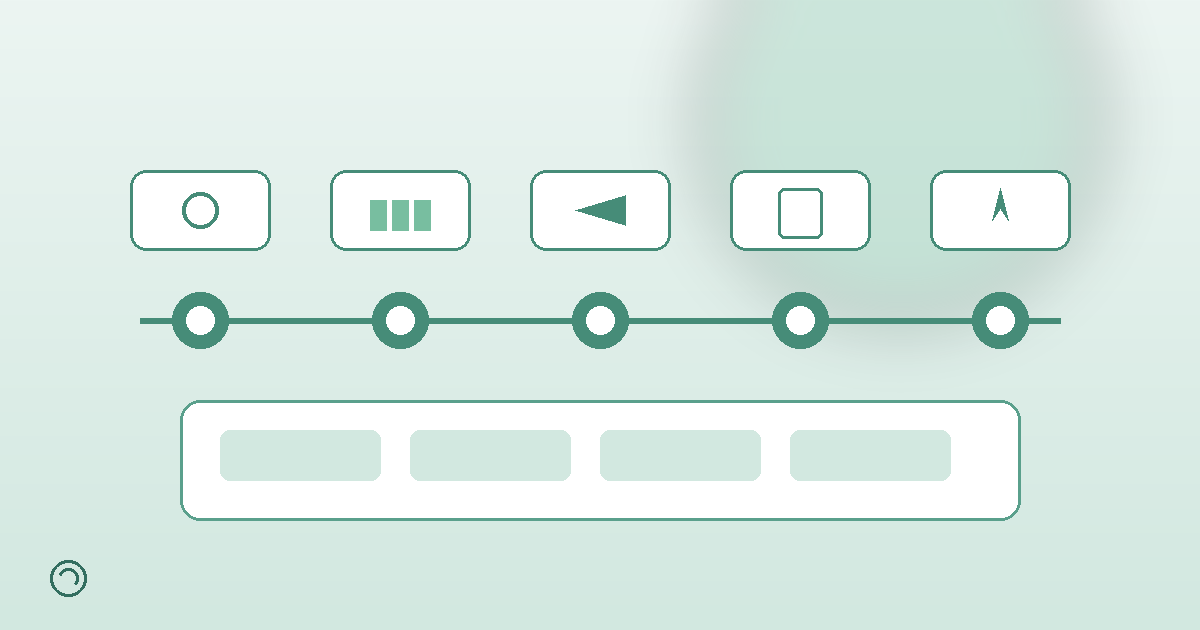
Once the build is approved, a visitor can move from arrival to reorder without a merchant babysitting each step:
- Visitor lands from ads, email or search.
- Scans on the section or popup the team built.
- Becomes a lead inside the flows that were switched on.
- Sees products from the catalog that was mapped.
- Keeps the branded PDF report.
- Comes back later, sees previous analyses, and can compare.
That last step depends on analysis history being enabled - a Plus+ capability on Face Age self-serve plans, and part of a proper Skin-to-Sale handoff when history storage is configured for logged-in or email-identified shoppers. Details: analysis history on Shopify.
When should you skip Skin-to-Sale and go self-serve?
Skip the done-for-you path if you already have a Shopify-savvy marketer who enjoys product rules, or if your catalog is tiny and you want to learn the UI yourself. Self-serve Start is enough to test scan volume; Plus adds routines, history, comparison and PDF. Enterprise and API paths exist when you need white-label or custom code - see enterprise and the Shopify overview.
Skin-to-Sale is for stores that already know they want the full system (scan + mapping + flows + branded report) and would rather buy the build hours than staff them. Builds are capped monthly on purpose. If slots are full, the honest answer is wait or start self-serve and migrate later.
How do you prepare for the build call?
- Export a clean product list with titles, URLs and short descriptions (ingredients help).
- Decide brand colors, logo files and the voice for PDF copy.
- Pick a preferred placement: homepage section, collection page, or floating modal - the team can advise, but a preference saves time.
- Confirm who owns Klaviyo or Shopify Email access for the day flows go live.
- Write down any existing quiz logic you want preserved.
- Update your privacy policy draft for selfie capture before launch day.
You still own legal copy, shipping, inventory and offers. Face Age owns the install quality and the 14-day live-scan confirmation described on the Skin-to-Sale page.
FAQ
What is Skin-to-Sale setup?
A 14-day done-for-you Face Age build: scan installed, catalog mapped, extensions live, flows on, reports branded, live customer scan confirmed.
Do I configure the app myself?
No. You join the build call and approve. The promise on the page is that you configure nothing after approval.
What if it is not live in 14 days?
Full refund of the setup fee per the Skin-to-Sale page, and you keep the conversion audit. Read the live terms before booking.
Is it the same as installing the Shopify app myself?
Same scan engine. Skin-to-Sale is who does the work and how fast the full system is handed over.
Is the scan medical?
No. Not a medical diagnosis; does not replace a dermatologist.