The quiz still ends at the Skin Analyzer photo step for shopping guidance. Not a medical diagnosis; does not replace a dermatologist. Branching should protect clarity, not invent a clinical interview.
Key terms
- Section: one screen in the Face Age Quiz Builder.
- Conditional hide logic: a rule that hides a section based on an earlier Select or Multi Select answer.
- Branch: a practical path where some shoppers skip screens others see.
- Required section vs required element: a section can be required while individual fields inside it stay optional.
- Skin Analyzer section: the mandatory scan step; you cannot delete it.
When branching helps (and when it wastes time)
Branch when the follow-up only makes sense for one answer. The help-center example is the right mental model: question 1 asks whether someone has allergies; question 2 lists what they react to. People who said no should never see question 2.
Branch for:
- Allergen or ingredient-detail screens after a yes/no gate.
- Pregnancy or nursing follow-ups only if you choose to ask and only after an explicit yes (keep wording non-medical and product-policy based).
- Advanced routine questions after someone picks "full routine" instead of "two steps."
- Gift vs self purchase if your copy and bundles truly differ.
Do not branch for:
- Tiny copy tweaks that could live in one paragraph.
- Parallel paths that reinvent the whole quiz.
- Trying to simulate a diagnostic tree. Stay in shopping language.
If you are still deciding which questions deserve a screen at all, start with skincare quiz questions that help product matching.
How Face Age hide conditions work
- Open Apps > Face Age > Quiz Builder.
- Edit the section you want to hide sometimes.
- Find When would this section be hidden?
- Pick the earlier question, set the comparison, and choose the value that should trigger the hide.
- Save, then Preview the structure.
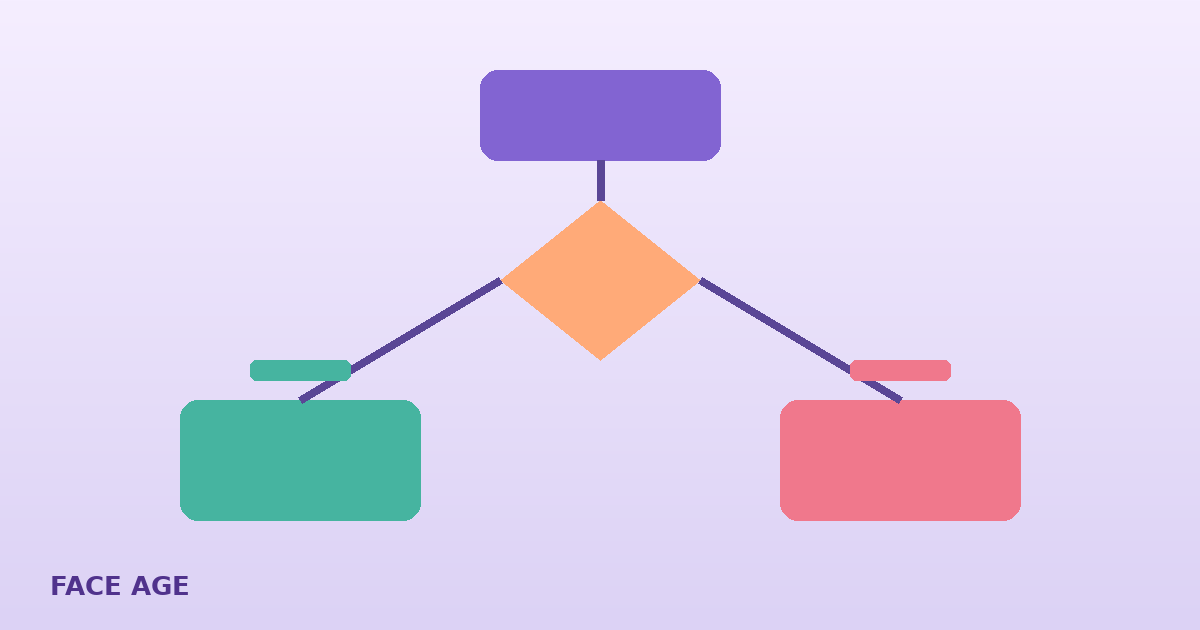
Example: Question 1 is a Select, "Do you need us to avoid any ingredients?" with Yes / No. Question 2 is a Multi Select list of ingredients. On section 2, hide when question 1 equals No. People who said Yes see the list. People who said No skip ahead.
You can still set a submit label and whether the section is required. Required applies when the section is shown. A hidden section should not block progress.
A practical branching map for beauty stores
| Gate question | Follow-up section | Hide when | Why |
|---|---|---|---|
| Any ingredients to avoid? | Multi Select avoid list | Answer = No | Stops an empty chore screen |
| Routine length | Extra-steps preferences | Answer = Shortest routine | Keeps short-path shoppers moving |
| Shopping for yourself or a gift? | Gift-note / recipient preferences | Answer = Myself | Only if gift copy truly differs |
| Want fragrance-free only? | Scent-preference detail | Answer = Fragrance-free only | Detail screen becomes redundant |
Keep the Skin Analyzer after preferences, not buried behind three optional side quests. Email can sit in the analyzer section so it appears before results or before the scan, depending on the Quiz Display After Analysis setting.
Step-by-step: add your first hide rule
- Build the gate as a Select with clear labels. Avoid double negatives ("Don't you want…").
- Build the follow-up section with Multi Select or Select only. Open text is a poor branch target.
- On the follow-up section, set the hide condition against the gate.
- Take the quiz twice on your phone: once with the answer that should hide, once with the answer that should show.
- Confirm product results still make sense on both paths. Branching that leads to an empty recommendation set needs catalog fixes, not more questions.
Full builder context, including element types, is in how to build a skincare quiz on Shopify. Placement of the published quiz (Modal vs Section) is covered in the analyzer placement guide.
Design rules that keep branches shoppable
Prefer hide over sprawling forks. Every path should feel similar in length. If one answer adds four screens, you did not build a branch; you built a second quiz.
One gate per follow-up. Stacking three hide rules on one section is hard to QA. Split sections if you must.
Match merchandising reality. If your catalog cannot honor "fragrance-free only," do not offer that gate. Conditional logic cannot invent inventory.
Keep scan disclaimer consistent. Whatever path people take, the result screen should still say the scan analyzes visible skin for shopping guidance. Not a medical diagnosis; does not replace a dermatologist.
Don't use branching to collect medical history. Product avoidance and preference are enough for ecommerce.
Conditional logic vs product matching rules
These are different layers:
| Layer | Where you set it | Job |
|---|---|---|
| Quiz hide conditions | Quiz Builder section settings | Decide which questions appear |
| Product concern rules | Connect Products / product settings | Decide which SKUs can appear after the scan |
| Email / CRM | Integrations (Plus+) | Decide what happens after results |
A branch can improve completion. It does not replace connecting products to concerns, severity and exclusions. For vendor context on quiz-plus-scan tools, see best AI skin quiz tools for ecommerce. Plans and trial details are on pricing.
QA checklist before you call it done
- Gate answers use the same wording as the hide-condition value.
- Hidden sections never contain the only Email field you rely on for CRM, unless every path still collects email elsewhere.
- Preview is not enough; click through real answers on a theme preview.
- Analytics later: if a gated section never appears, either nobody hits Yes or the rule is inverted. Fix the rule before rewriting the question.
FAQ
Does Face Age support conditional logic in a skincare quiz? Yes. Each quiz section has a hide condition: choose an earlier question, a comparison, and a value. When the shopper's answer matches, that section stays hidden.
When should I branch a skincare quiz? Branch when a follow-up would confuse or annoy people who already answered no, such as allergen details after someone says they have no allergies. Do not branch only to make the quiz feel clever.
Can I build long side paths with different endings? Face Age conditional logic is section hide logic, not a full choose-your-own-adventure engine. Keep paths short so every shopper still reaches the Skin Analyzer and a coherent result.
Which plan includes quiz conditional logic? The Quiz Builder, including section hide conditions, is on every Shopify plan starting with Start at $59 a month.
How do I test conditional rules? Use Preview to review structure, then take the live or theme quiz yourself with each answer that should hide or show a section. Check mobile.