Smart mirror vs handheld skin scanner is mostly a question of who's standing next to the shopper. A smart mirror is a self-serve screen with a built-in camera and controlled light, good for a fixed spot in a busy store. A handheld scanner is held against the skin by an advisor, good for a staffed counter and a slower conversation. A selfie skin analysis runs in a browser on any phone or tablet, so it works online and in store with the same product rules. If most of your revenue comes from your website, the selfie scan is usually the one to start with.
That's the short version. The longer one depends on things vendors don't put on the brochure: who cleans the device, who updates the product list, and what happens to the result when the shopper walks out.
The three formats, in plain terms
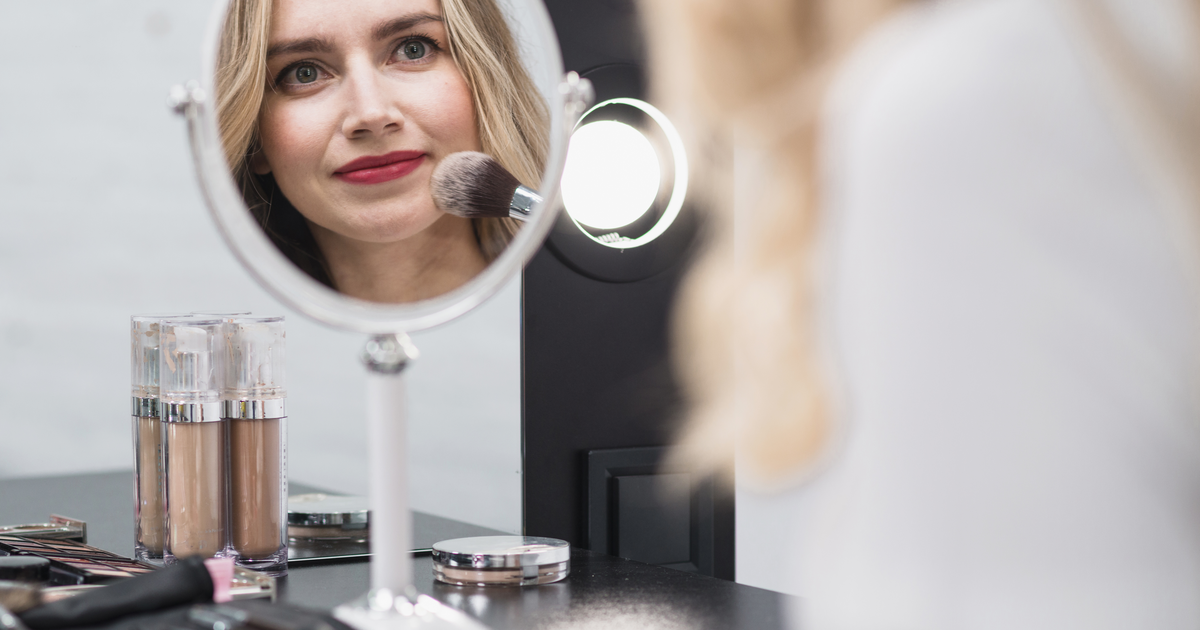
Smart mirrors look like a normal mirror or a tall display. The shopper stands in front, the built-in camera takes an image under the mirror's own lighting, and results appear on the screen. Some vendors sell the mirror as hardware with their software inside; others, like Orbo AI, say their skin analysis can run on smart mirrors and kiosks through an SDK, so you may be combining a hardware supplier and a software supplier.
Handheld skin scanners are small cameras, often with magnification and their own light ring, pressed close to or against the skin. The advisor moves it over the cheek, forehead or nose and the software shows close-up images and readings. Many come as a device plus a tablet app. They're common at beauty counters and in salons.
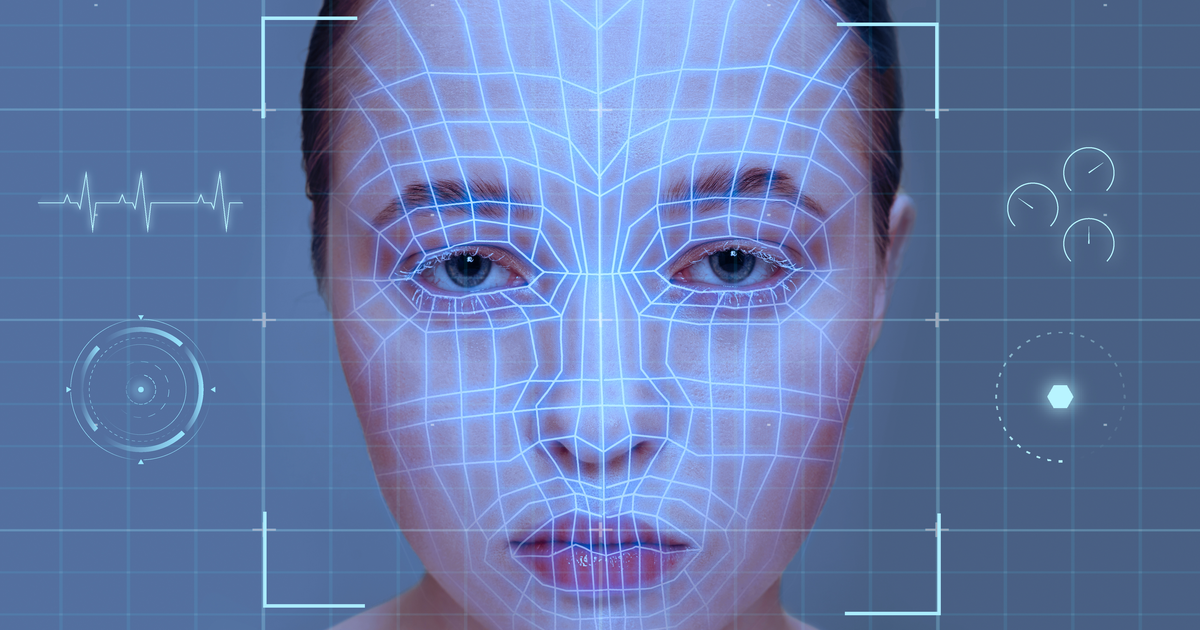
Selfie skin analysis uses a normal phone or laptop camera. The shopper takes one photo in the browser, the software analyzes it, and results come back with a routine and product picks. There's no hardware to buy. The catch is less control over lighting and angle, which is why good apps guide the shopper through the photo.
Smart mirror vs handheld skin scanner vs selfie scan: side by side
| Smart mirror | Handheld scanner | Selfie skin analysis | |
|---|---|---|---|
| Where it works | One fixed spot in store | Wherever the advisor is | Online and on any store tablet |
| Staff needed | Low, mostly self-serve | High, advisor-led | None online; light help in store |
| Image conditions | Controlled light, fixed distance | Close-up, own light | Depends on the shopper's room and phone |
| Upfront cost | Hardware plus software | Device plus software | Software subscription only |
| Data after the visit | Depends on vendor; often stays in the device or vendor portal | Same | Can sit with the shopper's account, history and email |
| Good for | Flagship stores, pop-ups, events | Counters, consultations, salons | Ecommerce, multi-store brands, small teams |
When a smart mirror is worth it
A mirror earns its place when you have a lot of walk-in traffic and not enough staff to talk to everyone. It turns a corner of the store into something people try without being asked. It also photographs well for launches.
The questions to ask before signing:
- Who handles the hardware when it breaks, and how fast?
- Can the product list update automatically from your catalog, or does someone re-upload it?
- Can the shopper take the result home (QR code, email, account) so the scan doesn't end at the mirror?
- Where are face images stored, and for how long?
If the vendor can't answer the third one well, the mirror becomes a toy. The shopper scans, smiles, walks off and you've learned nothing.
When a handheld scanner is worth it
Handheld scanners shine in consultative selling. An advisor can show a shopper a close-up of their own pores or dry patches, which makes the conversation concrete. For premium brands that sell through counters, that's a strong experience.
The costs are mostly people. The scanner is only as good as the advisor using it, results vary with how it's held, and every scan takes staff time. Training turnover hurts. And like the mirror, results often stay inside the device's own app unless you connect it to something.
There's also a framing risk. Close-up skin images under magnification can feel like a medical exam. Keep the language cosmetic: analyze, compare, suggest. Not a medical diagnosis; does not replace a dermatologist.
When a selfie skin analysis is the better bet
If most of your sales happen online, the device question almost answers itself. A browser scan reaches every shopper on your site, not just the ones who visit a store. And you can still use it in store: put it on a tablet at the counter or print a QR code on the shelf. We walk through that setup in running an online skin scan in store and online.
With Face Age the setup on Shopify is a few steps:
- Add the core extension as a floating Modal button or a Section on its own page.
- Map your products to the concerns they suit, including exclusions.
- Turn on Analysis History so a shopper who scanned in store sees the same result later on their phone (Server API or Both mode, with a logged-in customer or email).
- Add the Product Insight block so product pages explain why an item matches the shopper's scan.
The scan analyzes 13 skin concerns across 250+ attributes and gives a Skin Age estimate, then builds a routine from your own catalog. Not a medical diagnosis; does not replace a dermatologist. For the step-by-step, see how to add a face scanner to your online store, or the AI skin analysis feature page.
The trade-off is lighting. You can't control a shopper's bathroom. Clear photo guidance in the flow matters more than any spec, and a store tablet near a window often gives more consistent results than a dim corner.
Mixing formats without confusing shoppers
Some retailers run a mirror in the flagship and a selfie scan online. That's fine if both use the same product logic. The worst outcome is a shopper who gets one routine from the mirror and a different one from the website a week later. Before mixing, check whether the two systems share a catalog mapping, or whether you'll maintain two.
It's the same problem stores run into with consultations generally. Virtual vs in-store beauty consultations covers how to keep advice consistent across both.
What I'd do with a typical budget
For an online-first brand with one or two physical locations: start with a selfie scan on the website, put the same scan on a counter tablet, and only look at mirrors once you know shoppers actually use the scan and buy from it. Hardware is easy to buy and hard to justify later if nobody connects the results to orders.
For a counter-led premium brand: a handheld scanner can make sense for the advisor conversation, but pair it with something the shopper takes home, or the visit doesn't carry into repeat purchases.
If you're comparing software vendors rather than hardware, our best AI skin analysis tools for ecommerce stores roundup is the place to start. Face Age runs as a Shopify app with a 7-day trial.