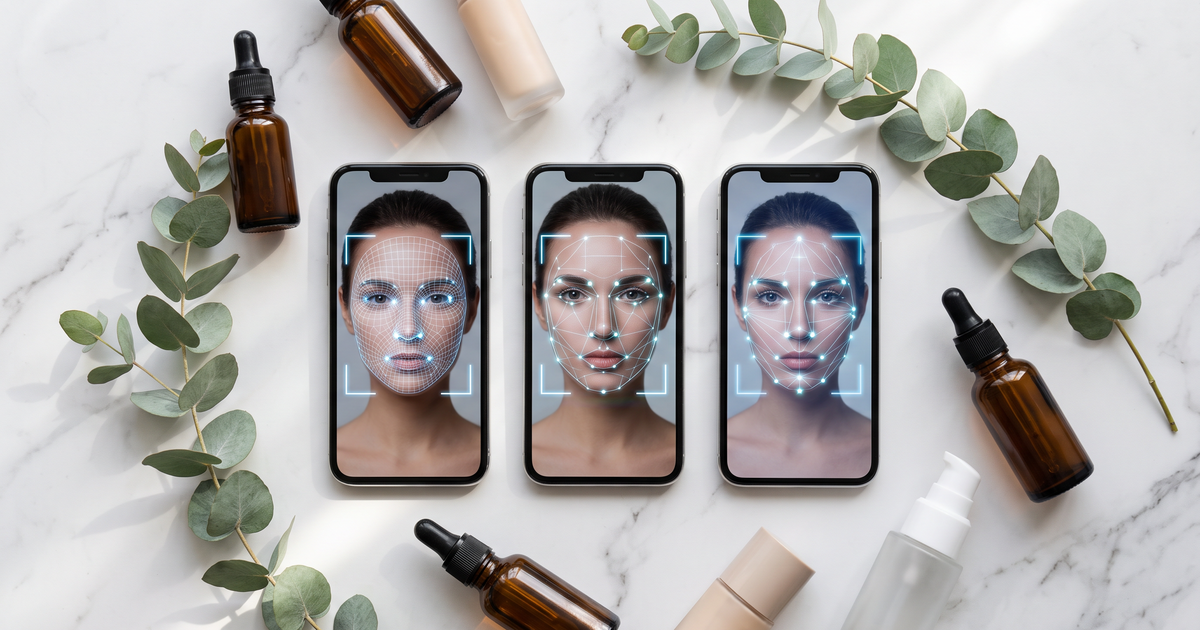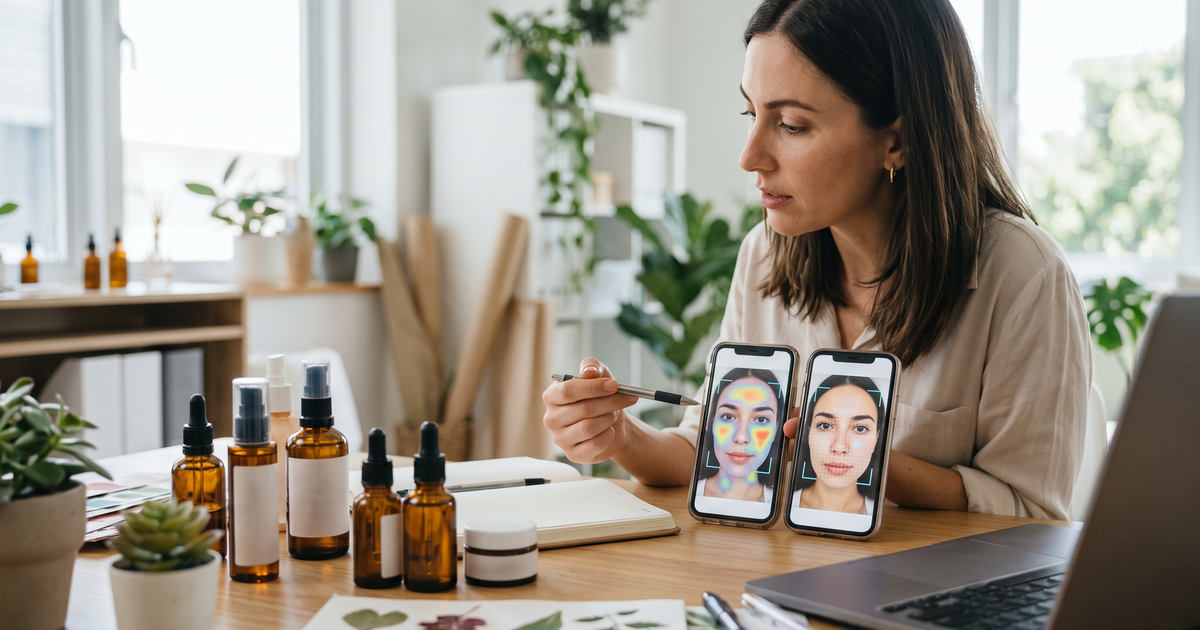

Consumer trust in AI skin analysis is earned in three places: the promise before the scan, the experience of taking the photo, and how believable the result is afterwards. Shoppers trust a scan that says plainly what it does, tells them what happens to their selfie, helps them take a usable photo, and explains why each product was suggested. Most of that is in the store's hands, not the algorithm's.
I've watched plenty of shoppers try skin scans, and the drop-off rarely happens because the AI is bad. It happens because the page asked for a face photo without saying why, or because the result named a concern the shopper doesn't recognize and then pushed six products at them. Here's how to fix each stage.
Key terms
- Skin analysis: an AI reading of visible skin concerns from one photo. In Face Age, 13 concerns such as wrinkles, pores, acne, pigmentation and redness, each with a level.
- Image Suitability Check: Face Age's check that the photo is usable before it's analyzed.
- Product Insight: an optional product-page block that explains how a product matches the shopper's analysis.
- Analysis history storage: where past scans live: on the device (Browser only), on the server (Server API) or both.
The scan is a cosmetic analysis for shopping guidance. Not a medical diagnosis; does not replace a dermatologist.
Where trust breaks
Independent testers have looked at retail skin scanners. A UK consumer group, Which?, tested AI skin analysers and reported that results were fairly consistent when lighting and distance stayed the same, but that the tool they tested often missed localized issues people reported themselves, such as breakouts and dark spots. You can read their write-up. Whatever tool you use, that's the shopper's fear in a nutshell: "it'll tell me something that isn't true and try to sell me stuff."
So trust problems come in three flavors:
- Overpromising. Copy like "find out what's wrong with your skin" sets an expectation no photo tool meets.
- Opaque data handling. A camera prompt with no explanation feels like a grab.
- Unexplained results. A list of products with no reason attached reads like an ad.
Before the scan: say what it is and isn't
Put two sentences above the camera button. Something like:
"Take a selfie and we'll analyze visible skin concerns like dryness, pores and redness, then suggest products from our range. It's cosmetic guidance, not a medical diagnosis, and doesn't replace a dermatologist."
Then one line on data: "Your photo is used to analyze your skin. See our privacy policy." Link it. Don't bury this in a modal they have to open.
Choose your verbs carefully across the whole page. "Analyze" and "suggest" describe what the tool does. Medical-sounding verbs and hospital-grade claims don't, and they make careful shoppers more suspicious, not less. A shopper who reads a medical promise on a store page and then gets a moisturizer recommendation feels oversold.
Your privacy policy has to match your actual settings. Face Age requires stores to disclose AI skin analysis in the privacy policy and provides a template, and we've written up what your store's privacy policy should cover in detail.
During the scan: help them take a good photo
A bad photo gives a strange result, and a strange result is the fastest way to lose trust. Face Age runs an Image Suitability Check before analyzing, so a dark or blurry selfie gets flagged instead of read. You can still do a lot to stop it happening in the first place:
- One line of photo advice above the camera: face a window, no filters, hair off the face.
- Tell people makeup can affect the reading.
- Let them retake easily. Nobody likes their first selfie.
Our photo tips for a usable skin scan are short enough to adapt straight into your page copy.
After the scan: make the result explain itself
This is where most stores lose people. A good result does three things.
Names concerns in words the shopper uses. "Pigmentation" might need a plain gloss like "dark spots and uneven tone". Your team needs the same vocabulary; the glossary of 13 skin concerns for store teams helps there.
Shows few products, each with a reason. Two or three products tied to the top concerns feel like advice. Eight feel like a catalog. Use severity levels and quiz excludes to keep it tight, and switch on the Product Insight block so the product page explains the match when they click through.
Respects what the shopper told you. If someone says fragrance irritates their skin and then sees a fragranced cream, the whole result loses credibility. Quiz excludes in Face Age always win over includes, which is exactly the behavior you want here.
If you want to check how believable the readings are before you launch, run the tests in how to test a skin analyzer before you trust it. Do it on your own team, in different light, before shoppers do it for you.
The quiet trust signals
Some things shoppers never mention but definitely notice:
- The scan looks like your store. A widget that clashes with the theme feels bolted on. Face Age runs as a Shopify app block, either a Modal or a Section, styled to your theme.
- It speaks their language. The analysis shows in the store's language. A Spanish-language store with an English scan result feels like a third-party tool.
- History stays where you said it would. If your page says history stays on the device, use Browser only storage. If you use Server API so history follows them across devices, say so.
- Leaving is clean. If you ever cancel, your data stays. Uninstalling the app deletes it within 48 hours. Good to know before a shopper asks for deletion.
What not to do
- Don't show a dramatic "skin score" with no context. Numbers without explanation make people anxious.
- Don't use before-and-after images or results stories you can't back up.
- Don't gate the result behind an email if your copy promised instant results. Offer email as a way to save or receive the report instead.
- Don't let the scan push products for concerns it didn't find.
A five-minute trust audit
- Read your scan page as a first-time visitor. Can you tell what happens to your photo within five seconds?
- Search the page for medical-sounding words and promises to "fix" or "cure" anything. Rewrite them with "analyze" and "suggest".
- Take a scan in poor light. Does the page help you retry?
- Count the products on the result. More than four? Tighten the mapping.
- Answer a quiz question about sensitivity, then check nothing contradicting it appears.
Try it on the live demo first if you want to see how the flow feels from the shopper's side. The AI skin analysis feature page lists the concerns and settings, and if you're still choosing a tool, our comparison of the best AI skin analysis tools for ecommerce stores covers the wider field.
Plans
AI skin analysis, the quiz and product recommendations are on every Face Age Shopify plan: Start $59, Plus $129, Growth $249 and Scale $499 a month, with a 7-day trial.
FAQ
Why don't shoppers trust AI skin analysis? Results that don't match the mirror, copy that overpromises, and silence about the photo. All fixable.
What should a store say before the scan? What it does, what it doesn't, and what happens to the photo, next to the camera button.
How do I make results more believable? Fewer products, a reason for each, plain concern names and an easy rescan.
Is AI skin analysis a medical diagnosis? No. Not a medical diagnosis; does not replace a dermatologist.