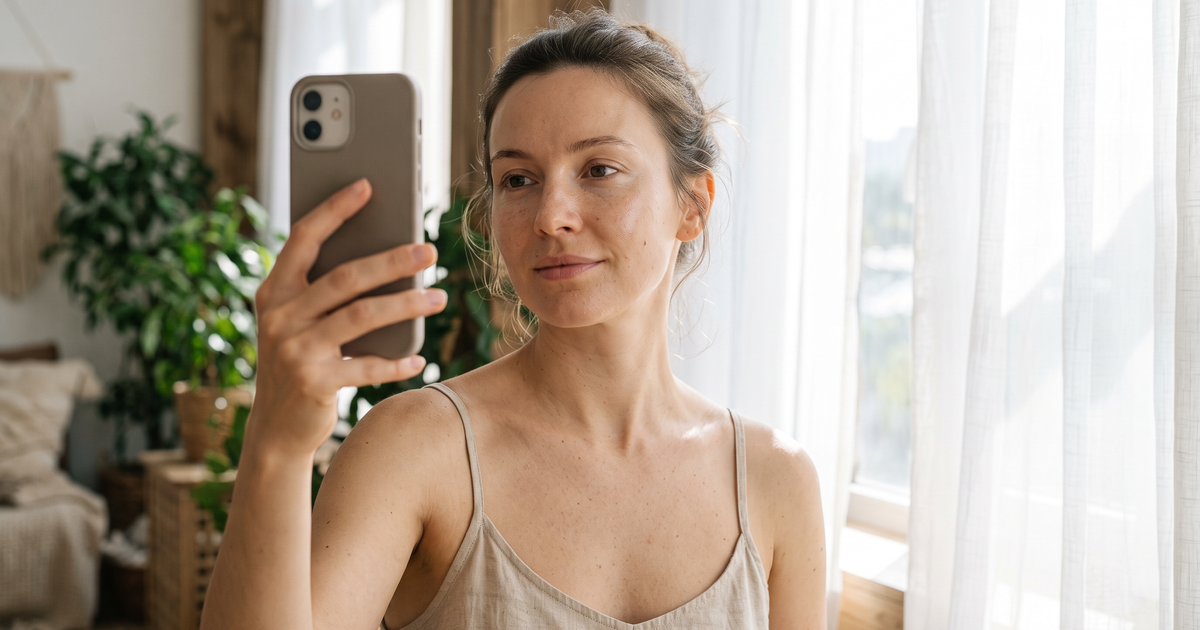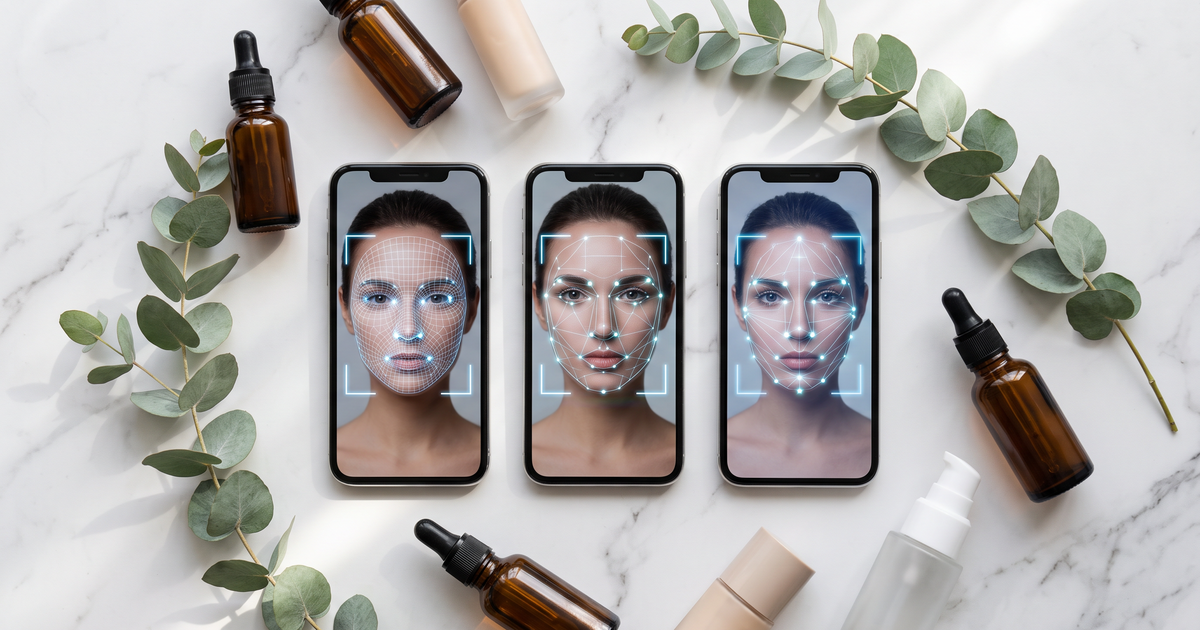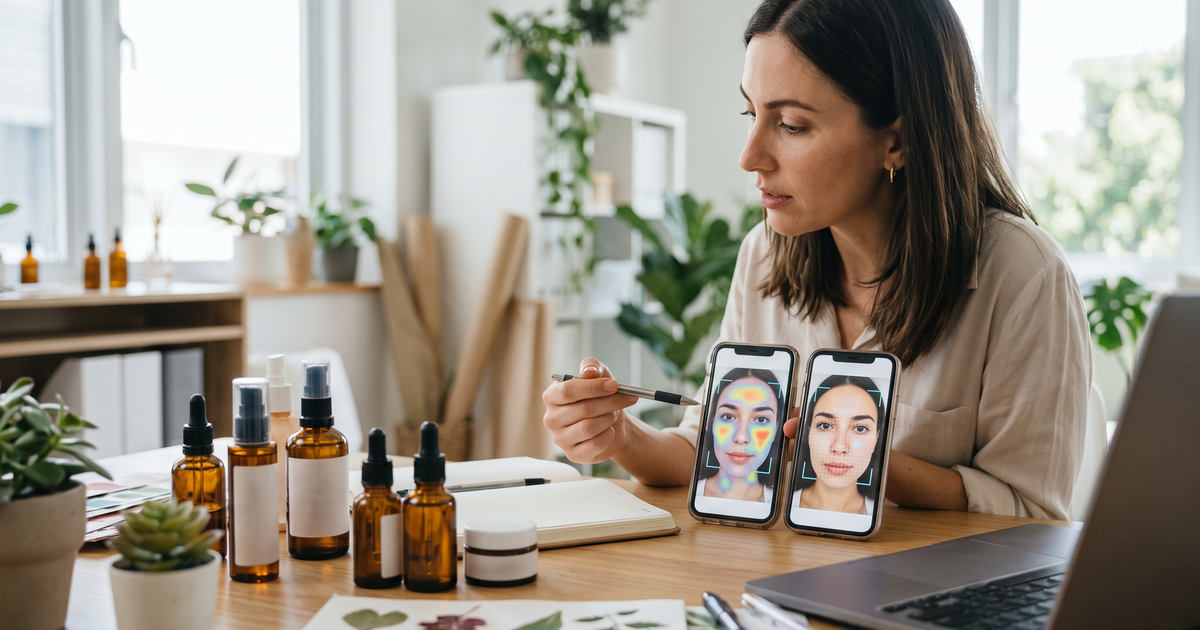
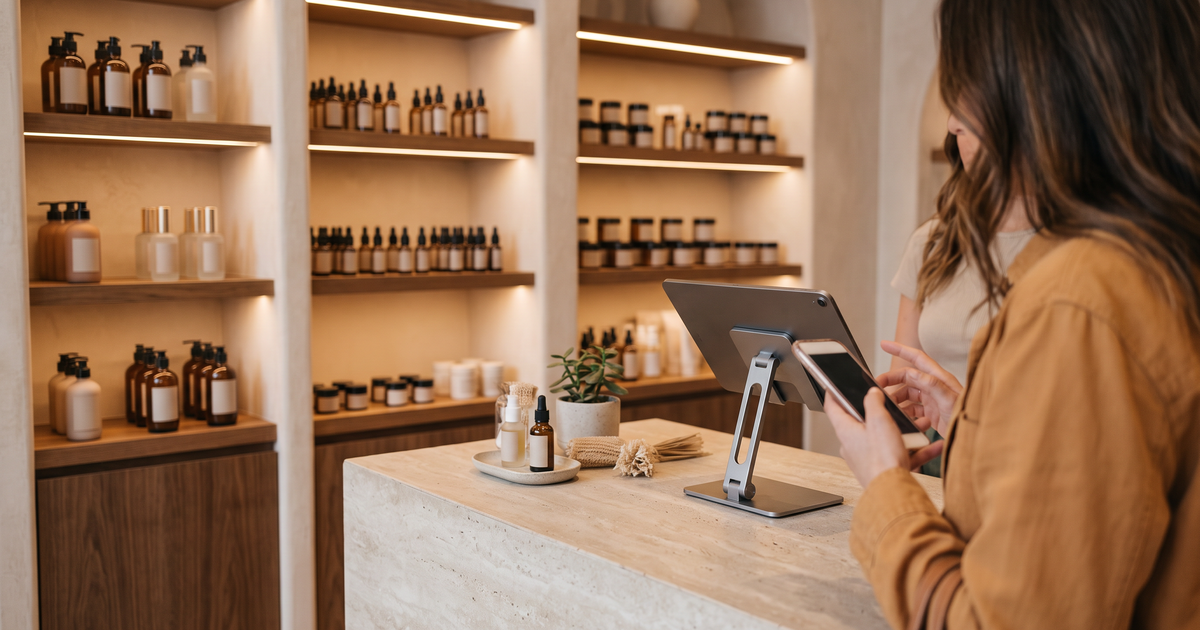
Omnichannel AI skin analysis means one shopper, one skin profile, wherever they meet your brand. They scan on your website, or on a tablet at your counter, and the result is saved to them rather than to a device. Your emails, your PDF report and the next visit all build on that same result. With Face Age, the pieces that make this work are server-side analysis history, saving the analysis to the Shopify customer, the email integrations, and running the same scan on every storefront you have.
Most brands I talk to already have the channels. What they don't have is a shared memory between them. The shopper scans in a store, gets a lovely recommendation, goes home, opens the website, and the website has no idea who they are. That's the gap this setup closes.
Key terms
- Analysis history: saved past scans. Face Age offers Browser only, Server API, or Both.
- Server API storage: history tied to a logged-in customer or an email, visible on any device.
- Save analysis data: an option under the Shopify Customers integration that stores photos, quiz answers, routine and recommendations with the customer record.
- Face Age Recommendation event: the event each completed scan sends to Klaviyo, used to trigger flows.
The scan is a cosmetic analysis for shopping guidance. Not a medical diagnosis; does not replace a dermatologist.
The four channels and what each needs
| Channel | How the scan runs | What links it to the shopper |
|---|---|---|
| Shopify website | App block, Modal or Section | Customer login or email in the quiz |
| Other sites (WooCommerce, headless, landing pages) | Plugin, script tag, npm, React or Vue | Email step or your own customer ID |
| Shop floor | Tablet on a dedicated scan page, or a QR code to the shopper's phone | Email entered at the counter |
| Email and reports | Klaviyo or Mailchimp, PDF report | The email captured during the scan |
The pattern is the same everywhere: the scan is the same scan, and the thing that joins the channels is an identity, usually an email.
Step 1: Switch history to the server
Browser only storage is fast and light, but it lives on one device. On a shared store tablet it's actively wrong, because the next shopper would see the last one's history.
For omnichannel, use Server API or Both. History is then tied to a logged-in customer or an email, so a scan done at the counter shows up when that shopper logs in at home. The trade-offs are laid out in browser vs server storage for skin analysis history, and the settings are on the analysis history page. History is on Plus and above.
If you want the full record on the customer (photos, quiz answers, routine and recommendations), turn on Save analysis data under the Shopify Customers integration. Use it with Server API or Both, and say so in your privacy policy.
Step 2: Run the same scan on every storefront
Plenty of beauty brands run more than one site: a Shopify store for one market, a WooCommerce site or a headless build for another, a campaign landing page. A scan that behaves differently on each one breaks the experience.
Face Age has the same features on the Shopify app and on the API and custom-code route. Shopify stores install the app. WooCommerce and WordPress use a plugin with your Face Age ID. Other sites add a script tag and a container, and headless stores use the npm package or the React and Vue components. Configuration (quiz, product mapping, routine, language) lives in the Face Age panel, so you set it once. The install routes are covered in how to integrate AI skin analysis with WooCommerce, WordPress or any website, and the developer docs are linked from the integrations page.
One thing to plan: if your sites use separate catalogs, product mapping is per catalog. Keep concern names and levels identical across them so a "medium dryness" result means the same thing everywhere.
Step 3: Bring the shop floor online
The counter is where a lot of skincare buying still happens, and where staff time is tightest. A tablet on a dedicated scan page lets a shopper do the scan while the advisor helps someone else, then the advisor walks through the result with them. A QR code at the counter does the same on the shopper's own phone, which also sidesteps the shared-device question.
Practical bits that matter more than the tech:
- Fix the light at the counter. Overhead spotlights make skin readings unreliable. Soft, even light facing the shopper works best.
- Ask for an email at the counter so the scan links to their profile. Make the reason obvious: "so you can see this again at home".
- Brief staff on the words to use. "The scan analyzes visible concerns" is accurate. "It tells you what's medically wrong" isn't.
We've written a full guide to running an online skin scan in-store and online, including when a dedicated hardware device still makes sense.
Step 4: Connect email so the result follows them home
On Plus and above, each completed scan sends a Face Age Recommendation event to Klaviyo, and skin-concern tags sync through the Shopify Customers integration into Klaviyo's Shopify Tags property. That's two hooks: one to trigger a "here are your results" flow, one to segment people by concern for later campaigns. Mailchimp is supported too. Klaviyo skincare segmentation from skin analysis results walks through both.
For in-store scans, this is the part that changes behavior. A shopper who scanned at the counter and left without buying gets their routine in their inbox that evening. No advisor has to remember to follow up.
Step 5: Give them something to take away
The PDF report is the portable version of the result: concerns, routine and products, branded to your store, downloaded from the result screen. It's useful in-store too. A shopper can save it on their phone at the counter and bring it back next month. If you show a post-scan discount, it's printed on the report's first page. More in what shoppers get in the skin analysis PDF report.
Step 6: Measure across channels honestly
Face Age's dashboard shows analyses, products added to cart after an analysis and conversion for those products, and orders placed after an analysis are tagged in Shopify. If you send events to Google Analytics, each step of the scan can show up there too.
What it can't do on its own is tell you that a shopper scanned at the counter and bought online three days later, unless the two are tied by the same customer. That's another reason to collect the email at the counter. Without it, in-store scans look like they did nothing.
Common mistakes
- Shared tablet on Browser only. The next shopper sees someone else's history.
- Different quiz questions per site. Results stop being comparable.
- Collecting email without consent wording. Sending results and adding to marketing are two different permissions.
- Medical language on the shop floor. It creeps in when staff improvise. Give them a script.
Plans
The scan, quiz and recommendations are on every Face Age Shopify plan: Start $59, Plus $129, Growth $249 and Scale $499 a month, with a 7-day trial. History, PDF reports and the Klaviyo and Mailchimp integrations start on Plus. For multi-brand or custom setups, the best AI skin analysis tools for ecommerce stores comparison is a useful wider view.
FAQ
What does omnichannel AI skin analysis mean? One skin profile that follows the shopper across website, store and email.
What setting makes scan history work across devices? Server API or Both, tied to a logged-in customer or an email.
Can the same scan run on Shopify and a non-Shopify site? Yes, with the same features on both routes.
Is an in-store skin scan a medical assessment? No. Not a medical diagnosis; does not replace a dermatologist.