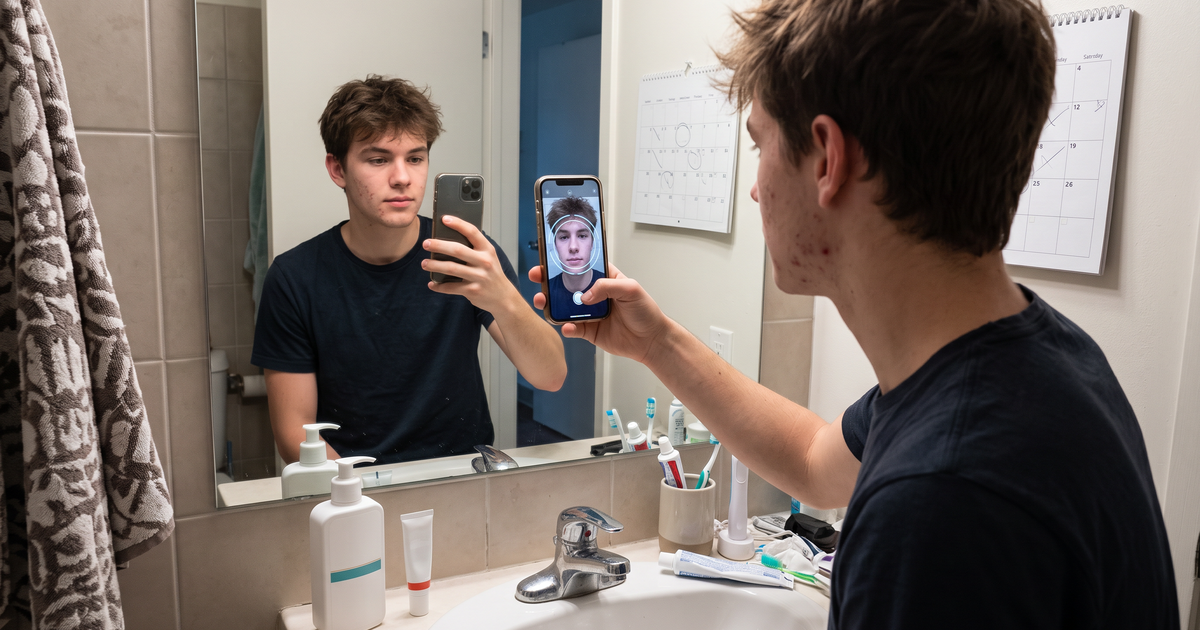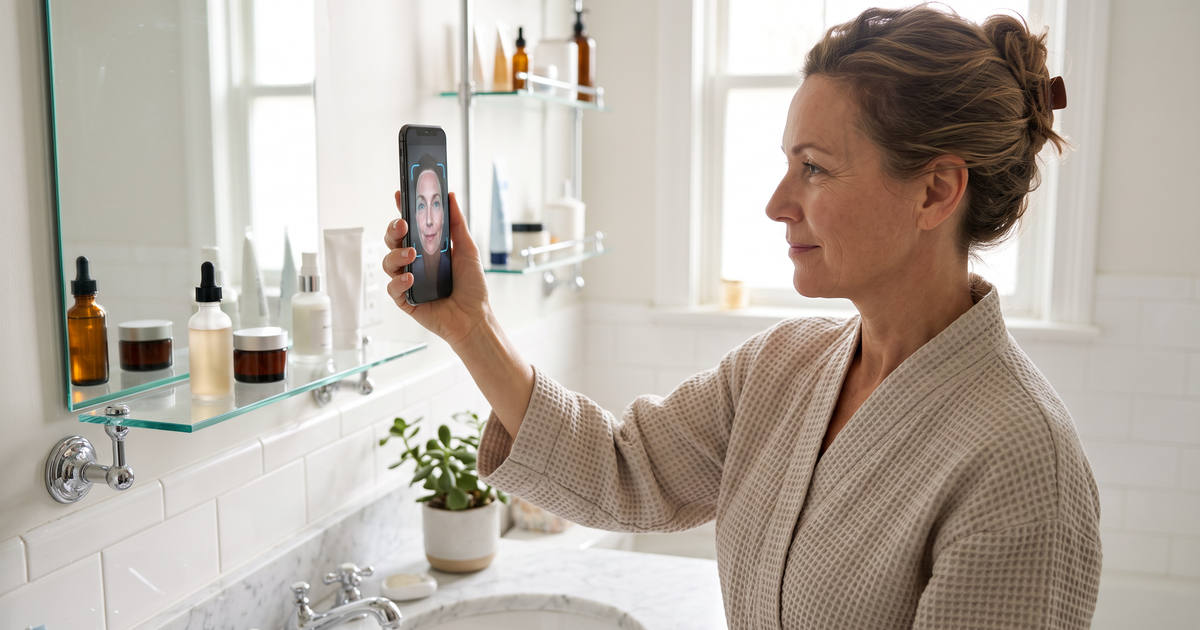

The quickest way for a skincare support team to help someone build a personalized routine is to start from the shopper's own scan result instead of a blank chat. With Face Age, a shopper's analysis, products and AM/PM routine can be saved to their history and downloaded as a branded PDF, so your agent sees the same thing the shopper saw and adjusts from there.
Most routine tickets look alike. "Which of these should I use first?" "Can I use the serum with my retinol?" "I bought the cream, what else do I need?" Each one takes ten minutes if the agent has to rebuild the shopper's skin picture by asking. It takes two if the picture is already there.
Key terms
- Analysis history: saved past scans for a shopper. Stored in the browser, on the server, or both.
- Server storage: history kept against a logged-in customer or an email, so it's available on any device.
- Save analysis data: a setting that keeps the full record (photo, quiz answers, routine, recommendations) with the Shopify customer.
- PDF report: a branded download of the result the shopper can keep or send to you.
- Routine: the AM and PM steps Face Age builds from your mapped products (Plus and above).
The scan analyzes visible skin concerns for shopping guidance. Not a medical diagnosis; does not replace a dermatologist.
Why support teams struggle with routine questions
It's rarely product knowledge. Good agents know the range. The problem is context. A shopper writes "is this moisturizer right for me?" and the agent has nothing to go on: no skin type, no current routine, no idea what they already bought.
So the agent asks five questions, the shopper answers three, and the reply that comes back is generic. That's the moment people stop trusting a store's advice.
Set it up so support has the context
1. Turn on history with server storage
In Face Age, go to Customization, then Basic, and enable analysis history. Pick Server API or Both. Browser-only history lives on the shopper's device, which is fast but your team can't use it. More detail in skin analysis history: browser vs server storage.
2. Save the full record with the customer
Under Integrations and Connect CRM, open Shopify Customers settings and turn on Save analysis data. That keeps photos, quiz answers, the routine and recommendations with the customer. Use it together with Server API or Both.
3. Make the PDF easy to find
Shoppers download the report from the document icon at the top right of the result. Tell them about it. A line on the result page like "Save your report. Our team can use it if you have questions" does the job. Here's what the PDF report includes.
4. Update your privacy notice
If you keep scan data with customer records, say so plainly. Face Age provides a privacy policy template that covers the AI Skin Analysis.
A support playbook for routine questions
Here's how I'd train agents to handle the common tickets.
| Shopper asks | Agent starts with | Then |
|---|---|---|
| "Which products should I use?" | The saved routine or PDF | Confirm what they already own; swap duplicates out |
| "In what order?" | The AM/PM routine as generated | Explain thinnest to thickest; SPF last in the morning |
| "Can I add X to this?" | Concerns and levels from the scan | Check X is mapped to one of their concerns; watch strong actives |
| "It isn't working" | Date of the first scan | Suggest a second scan after a few weeks and use Compare |
| "It stings / I reacted" | Nothing from the scan | Stop the product, suggest a professional if it persists |
That last row matters. The scan can't see a reaction, and an agent shouldn't try to interpret one. Products and routines are support's job. Anything that sounds medical goes to a dermatologist.
Use the second scan to answer "is it working?"
"Is it working?" is the hardest ticket because the honest answer is "it depends, and it takes time". A second scan helps. On Plus and above, the Compare tab sets two scans side by side and tags each concern Improved, Regressed or Stable. Your agent can point to the change rather than guessing. Keep the language careful: a better reading in the photo isn't a promise, and light can shift results. Our post on tracking acne with repeat scans shows how to frame it for shoppers.
Write fewer tickets, not just faster replies
Some routine questions shouldn't reach support at all. Two easy wins:
- Send the routine by email. If you connect Mailchimp or Klaviyo, results can trigger a follow-up with the routine and how to use it. See Mailchimp flows from AI skin analysis results.
- Explain order once, in writing. A short "how to layer your routine" page, linked from the follow-up email, cuts most "what order?" tickets.
Tone for agents
A few lines I'd put in the support guide:
- Use "the scan shows" or "your result suggests", never "you have".
- Say "analyze" and "suggest". Keep medical words out of replies.
- Recommend one change at a time. Shoppers who change four products at once can't tell what helped.
- When unsure, say so and offer a simpler routine.
Plans
History, Compare, PDF reports and routines are on Plus ($129 a month) and above on Shopify. Start ($59) covers the scan, quiz and recommendations. Growth is $249 and Scale $499, all with a 7-day trial. The routine side is covered in depth in AI skincare routine generator and on the routines feature page. The report itself is on the skin report page.
FAQ
How can customer support help a shopper build a skincare routine? Start from the saved scan result or PDF, confirm what they own, then adjust one step at a time.
Can my support team see a shopper's scan? Yes, with server history and Save analysis data turned on, or when the shopper sends the PDF.
Should support agents give skin advice? Products and routines, yes. Anything medical goes to a dermatologist. Not a medical diagnosis; does not replace a dermatologist.
Which Face Age plan includes history and PDF reports? Plus and above, from $129 a month.