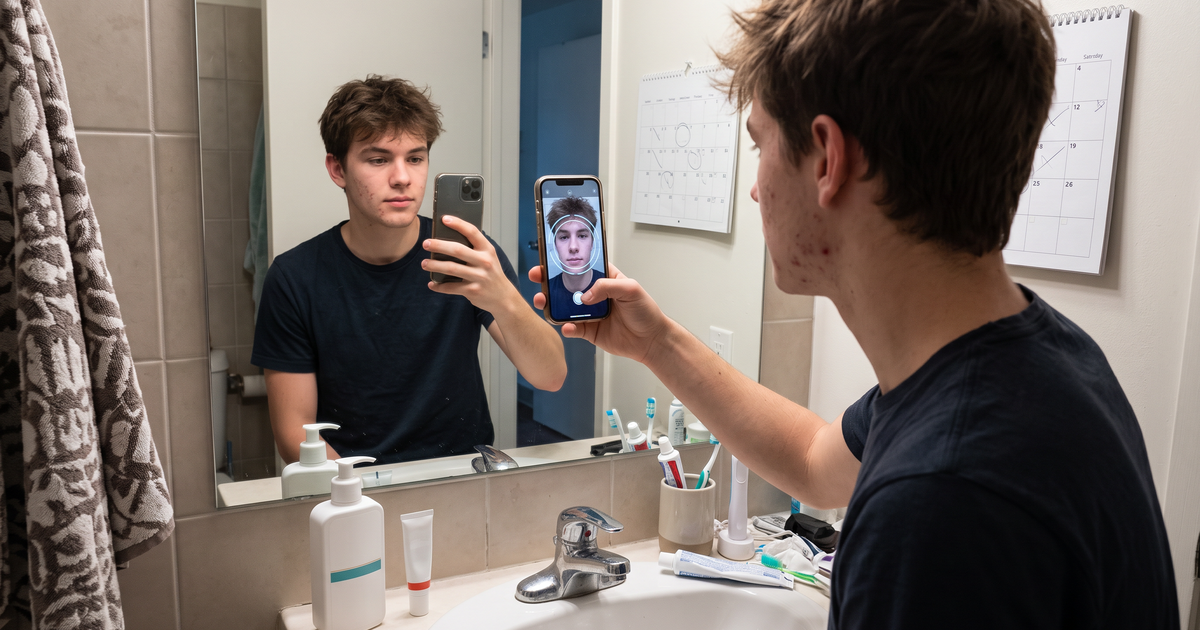
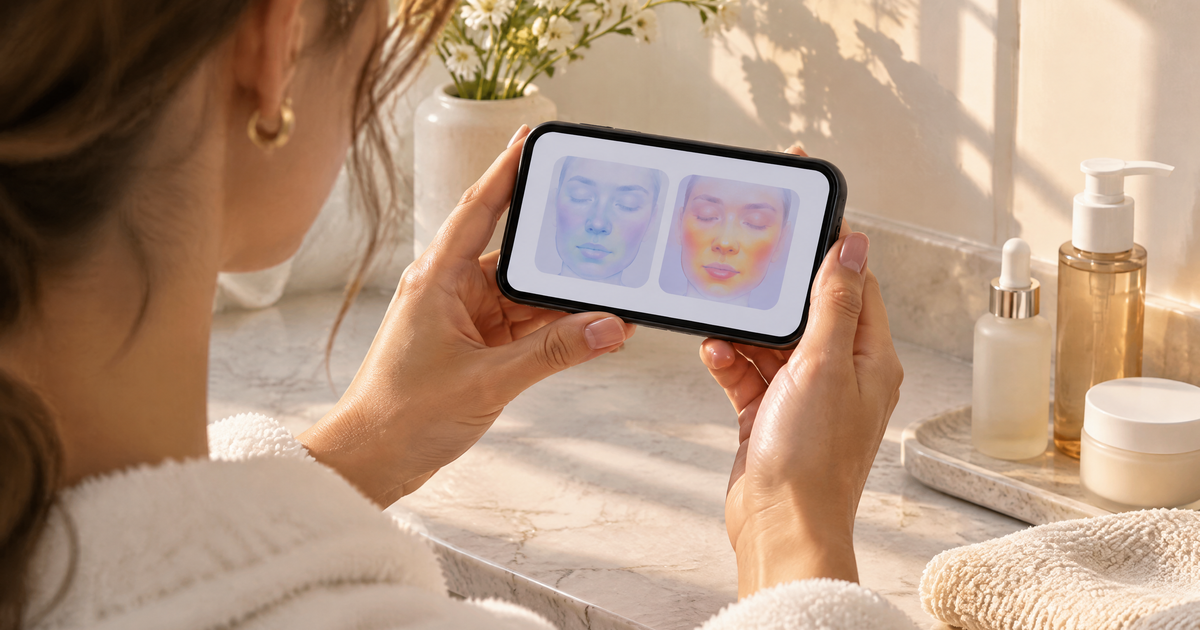
To update skincare recommendations when a customer's skin changes, you need three things: a fresh scan, the customer's previous result to compare it with, and product rules that react to the new readings instead of repeating the first order. In practice that means inviting returning shoppers to rescan, storing their analysis history, and mapping products by concern and severity so the matches shift on their own when a concern goes from strong to mild. The comparison between two scans then explains the change in plain words.
Most stores get the first visit right and then freeze. The customer scanned in March, bought a spot serum and a gel moisturizer, and in September the "recommended for you" block still shows the same two products. Their skin moved on. Your store didn't.
Why you need to update skincare recommendations
Skin changes for boring reasons. Seasons shift, people travel, they start a new active, they stop one. A routine that fit a breakout-prone summer can feel harsh by winter.
On the store side, there are three common causes of stale recommendations:
- They're tied to the order, not the skin. "Customers who bought X also bought Y" logic keeps suggesting the same family of products.
- There's no second data point. Without a later scan, you can't know anything changed.
- The product rules are flat. If a product is mapped to "acne" with no severity band, a mild result and a strong result get the same list.
Fixing the third one does most of the work, so start there.
Step 1: Map products by severity, not just concern
Recommendations can only update if the rules have room to move. When you map products in Face Age, each one is linked to the concerns it suits and the severity levels it fits: low, medium or high. Optional include and exclude rules can use quiz answers on top. A stronger exfoliating serum might be matched to medium and high pigment. A gentler brightening essence covers low pigment.
Now a rescan does something useful. If pigment drops from medium to low, the stronger serum falls out and the gentler one comes in, without anyone touching the catalog.
A few rules I'd set up early:
- Step-down products. For each strong active product, have a gentler sibling mapped to the milder band.
- Quiz-based exclusions. If your quiz asks about sensitivity, exclude strong exfoliants for shoppers who say their skin is sensitive. If the shopper retakes the quiz with the rescan, the new answers apply too.
- Maintenance picks. When a concern reads low or stable, show supportive basics instead of pushing another active.
How the matching engine weighs severity, conditions and exclusions is covered in detail in how AI skin analysis picks products.
Step 2: Keep the history
A rescan is far more useful when the store remembers the last one. Turn on analysis history (Customization > Basic) and pick a storage mode:
- Browser only is quick and light, but history lives on one device. If the customer rescans on a new phone, there's nothing to compare.
- Server API stores history for a logged-in customer or a known email, so it follows them across devices.
- Both uses the server with the browser as a fallback.
For updating recommendations over months, server storage is the practical choice. When a returning customer opens the scan, they see "Previous analyses found", which is the natural moment to ask for a fresh photo. The trade-offs are spelled out in browser vs server storage for skin analysis history. Remember to update your privacy policy if you store history on a server.
Step 3: Use the comparison to explain the change
Changing someone's products without saying why feels random. The comparison tab fixes that. In the analysis result, next to Skin Report, Routine and Products, the Compare tab lets the shopper pick an earlier scan and see both side by side. Each concern gets a Skin Metrics Diff tagged Improved, Regressed or Stable, with a summary box.
That gives you honest language for the new recommendation:
- Improved: "Your oiliness reading is lower than last time, so we've swapped the clarifying toner for a lighter daily one."
- Regressed: "Redness reads higher than in May, so we're showing calmer options alongside your usual cleanser."
- Stable: "Not much has changed. Keep going with your current routine."
Our explainer on reading a before-and-after skin comparison covers why readings can move between scans for reasons other than skin, like lighting or angle. Teach shoppers to rescan in similar light so the comparison means something. It's a cosmetic comparison of two photos. Not a medical diagnosis; does not replace a dermatologist.
Step 4: Prompt the rescan at the right time
Customers won't rescan on their own. You have to ask, and timing matters.
After a product runs out. If a serum lasts about six weeks, that's a natural rescan moment. Put a short line in the replenishment email: "Before you reorder, take a 30-second scan and see if your routine should change."
When the season changes. A rescan at the start of winter or summer is easy to explain. We wrote about pairing scans with weather in skincare recommendations based on skin and climate.
On the account page. The Customer analysis history block shows logged-in shoppers their past scans. Add a clear "Scan again" button next to it.
Not too often. Daily rescans mostly show noise. Every four to eight weeks is a sensible default.
Step 5: Carry the new result into email and the PDF
Once the new scan is in, don't let your email flows keep sending the old picks. If you send leads to Klaviyo, Mailchimp or another tool, make sure the latest result replaces the earlier one in the profile, so segments update with it.
The branded PDF report (Plus and above) is also a quiet win here. Shoppers download it from the result page, and a dated PDF of each scan gives them their own record of what changed.
How the rules play out on a rescan
Here's a hypothetical pair of results, just to show the logic. A first scan reads oiliness high, acne medium and redness low. Your rules match a gel cleanser, a salicylic toner mapped to high oiliness, a light moisturizer and a spot gel mapped to medium and high acne.
A rescan eight weeks later reads oiliness medium, acne low and redness medium. The comparison tags oiliness and acne as Improved and redness as Regressed.
With severity-based rules, the new result drops the spot gel (low acne no longer matches it) and the salicylic toner (oiliness is no longer high). It keeps the gel cleanser and brings in a soothing toner and a barrier-focused moisturizer you've mapped to medium redness. On Plus and above, the routine updates with it. Nothing in the catalog changed; the result did.
That's the whole idea. The products follow the latest skin, and the comparison tells the shopper why. Acne-focused stores can go further with the approach in tracking acne with repeat skin scans.
Mistakes to avoid
- Promising results. Don't write "your skin improved because of our serum". You can't know that from two photos.
- Hiding the old routine. Some customers like what they have. Show what changed, and let them keep their current products if they want.
- Forgetting stock. A great new match that's out of stock is a dead end. Review mappings when ranges change.
- Skipping the privacy note. Stored history means stored data. Say so.
What you need to set this up
Analysis history, comparison and PDF reports are on Plus and above. On the Shopify App Store that's Plus at $129 a month, with Growth at $249 and Scale at $499 for larger volumes, each with a 7-day free trial. The scan history feature page shows the storage options, and the full returning-customer flow is in our returning-shopper playbook.
FAQ
How do you update skincare recommendations when a customer's skin changes? Get a rescan, keep history, and map products by concern and severity so new readings pick new products. Use the two-scan comparison to explain the change.
How often should a customer rescan? Every four to eight weeks, and at the start of a season.
Which Face Age plan includes history and comparison? Plus and above. Plus is $129 a month on the Shopify App Store.
Does a rescan show medical progress? No. It compares visible skin in two photos. Not a medical diagnosis; does not replace a dermatologist.