I've watched a lot of store owners install a skin analyzer, place it somewhere sensible, and then stare at a usage graph that barely moves. The tool works. The scan runs. It's just that shoppers walk past it. That's a merchandising problem far more often than a technology problem, which is good news, because merchandising problems are cheap to fix.
Key terms
- Engagement: shoppers who open the scanner and get as far as a result, not just page views.
- Modal: Face Age's floating button that opens the scan in a popup on any page.
- Section: the scan placed as a block inside a page you choose.
- Funnel event: a tracked step, such as opening the scanner, taking the selfie or adding to cart.
- Encouragement Banner: an optional storefront block that nudges shoppers toward the scan.
Measure skin analysis tool engagement before you change anything
Don't redesign blind. Connect Google Analytics (a GA4 Measurement ID or GTM container) in the Face Age integrations settings. The scanner reports each step as its own event: opening the scanner, each quiz choice and submit, starting the photo step and selecting a photo, leaving an email, seeing products, adding to cart, viewing the routine, downloading the report and hitting checkout. The full list is on the integrations page.
Inside the app, the Analytics page adds sessions and usage over time, the product display rate and products added to cart after an analysis. Pull a two or three week window, not a single day.
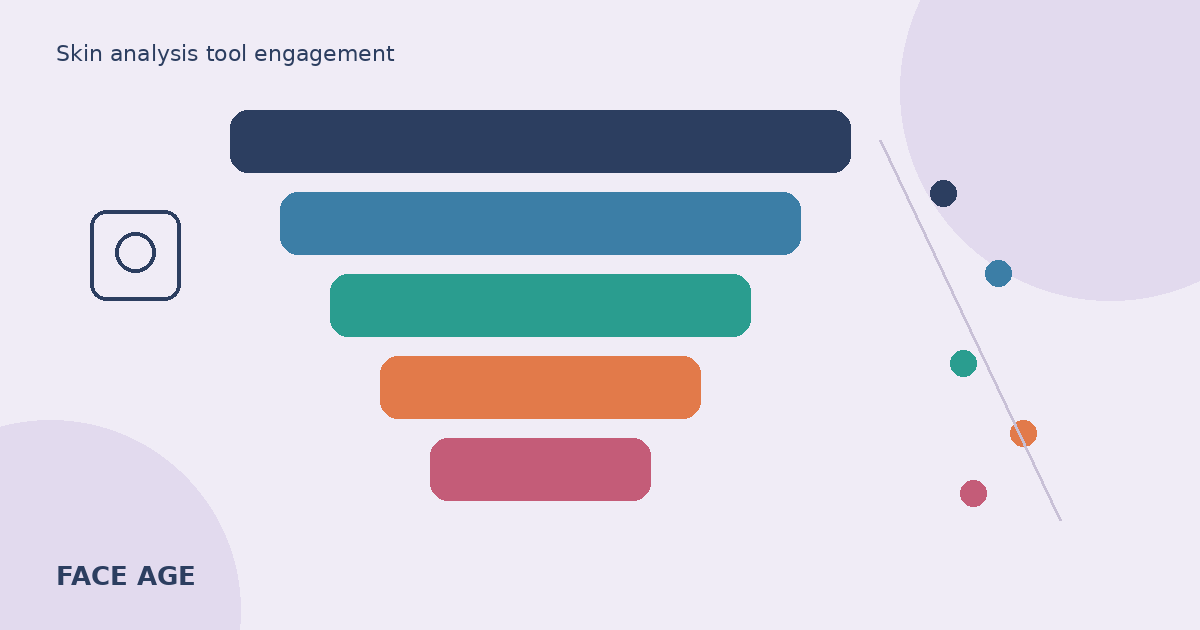
Then read it like a funnel:
| Where shoppers leave | What it usually means | First thing to try |
|---|---|---|
| Few scanner opens at all | Discovery problem | Move or add placements, add a banner |
| Opens, then quit during the quiz | Quiz too long or too personal too soon | Cut questions, move sensitive ones later |
| Quiz done, no photo | Camera hesitation or unclear instructions | Rewrite photo copy, offer upload |
| Photo taken, poor result badge | Bad light or angle | Add photo tips near the camera step |
| Products shown, nothing added | Weak mapping or too many products | Tighten mapping, lower product count |
Problem 1: shoppers can't find it
A section halfway down a long homepage is invisible to most visitors. So is a link buried in the footer. If opens are low, start here.
The Modal (a floating button on every page) puts the scan within reach wherever the shopper lands, including product pages from ads. A Section works best on a dedicated page, a "Find your routine" landing page, or high on a collection page for a concern like dryness. Our walkthrough on Modal vs Section placement covers the theme editor steps.
Then add a second path in. The Encouragement Banner block, a line in your announcement bar, a menu item named in plain words ("Skin scan" beats "Discover"), and a link in your welcome email all help. As a rule of thumb, make the scan reachable from at least two places.
Problem 2: shoppers don't know what they'll get
"Try our AI" isn't a reason to tap. Shoppers want to know the payoff and the cost in time. Say both near the button: a short scan from one selfie, then products matched to what it found, plus a morning and night routine if you're on Plus or above.
Be honest about what it is. Face Age analyzes visible concerns like pores, redness, dark circles and dryness. Not a medical diagnosis; does not replace a dermatologist. Clear framing actually lowers hesitation, because people relax when they know nothing scary is coming.
A small preview helps too. A screenshot of a result card, with Skin Age and the concern list, tells shoppers more than a paragraph.
Problem 3: friction before the photo
This is where I see the biggest leaks. Three culprits come up again and again.
The quiz is too long. Every question before the selfie is a chance to leave. Keep the pre-photo part to what changes product matching, such as skin type or sensitivity, and push nice-to-know questions after the result. Face Age lets you set conditional hide logic, so people only see questions that apply. Our post on quiz questions that actually help product matching goes question by question.
The email gate comes too early. Asking for an email before anything has happened feels like a toll booth. Once someone has a result on screen, the same request reads as "send me this." Face Age quizzes have one email field; place it where your test data says it hurts least.
The camera step is unclear. Tell people what to do: face the camera, good daylight, no heavy filter, no glasses. Mention that upload works if they'd rather not use the camera right now.
Problem 4: bad photos, disappointing results
If the Image Suitability Check flags lots of photos, shoppers are scanning in dim bathrooms at night. That's normal. Add a one-line tip right above the camera button and see whether flagged results drop. Our photo tips for a usable skin scan post has copy you can paste.
Problem 5: the result leads nowhere
A result screen with twelve loosely related products is a shrug. Shoppers came for a short list that clearly fits what they just saw. Check three things in Customization and Connect Products:
- Each product is linked to the concerns and severity levels it really suits.
- Concerns you don't sell for are switched off, so nobody sees an empty category.
- The total and per-concern product limits keep the list short enough to read on a phone.
If you sell a starter set or a discount, show it right after the result while interest is high. The plan details for each feature live on Face Age pricing.
A two-week engagement fix plan
Here's the order I'd work in for a store with low usage:
- Days 1 to 2: connect GA4 or GTM and confirm events arrive.
- Days 3 to 7: let data collect. Don't change anything yet.
- Day 8: find the biggest drop in the table above and make one change.
- Days 9 to 14: compare the same steps against the first week.
- Repeat with the next biggest drop.
One change at a time is slower, but you'll know what worked. Changing placement, quiz and copy in a single afternoon tells you nothing.
FAQ
Why do shoppers ignore an online skin analysis tool? Usually they can't find it, don't know the payoff, or hit friction before the photo step.
How do I find where shoppers drop off? Connect Google Analytics or GTM. Face Age sends each step as an event, so the leaking step shows up clearly.
Is a popup or a page section better for engagement? They do different jobs. The Modal is visible everywhere; a Section anchors a dedicated page. Many stores pair one main placement with banners.
Should I ask for an email before showing results? Test it. Asking after the shopper sees value usually feels fairer than a gate before the photo.
Which Face Age plan includes analytics? See the pricing page. Shopify plans start at $59 per month.