

Turn it on
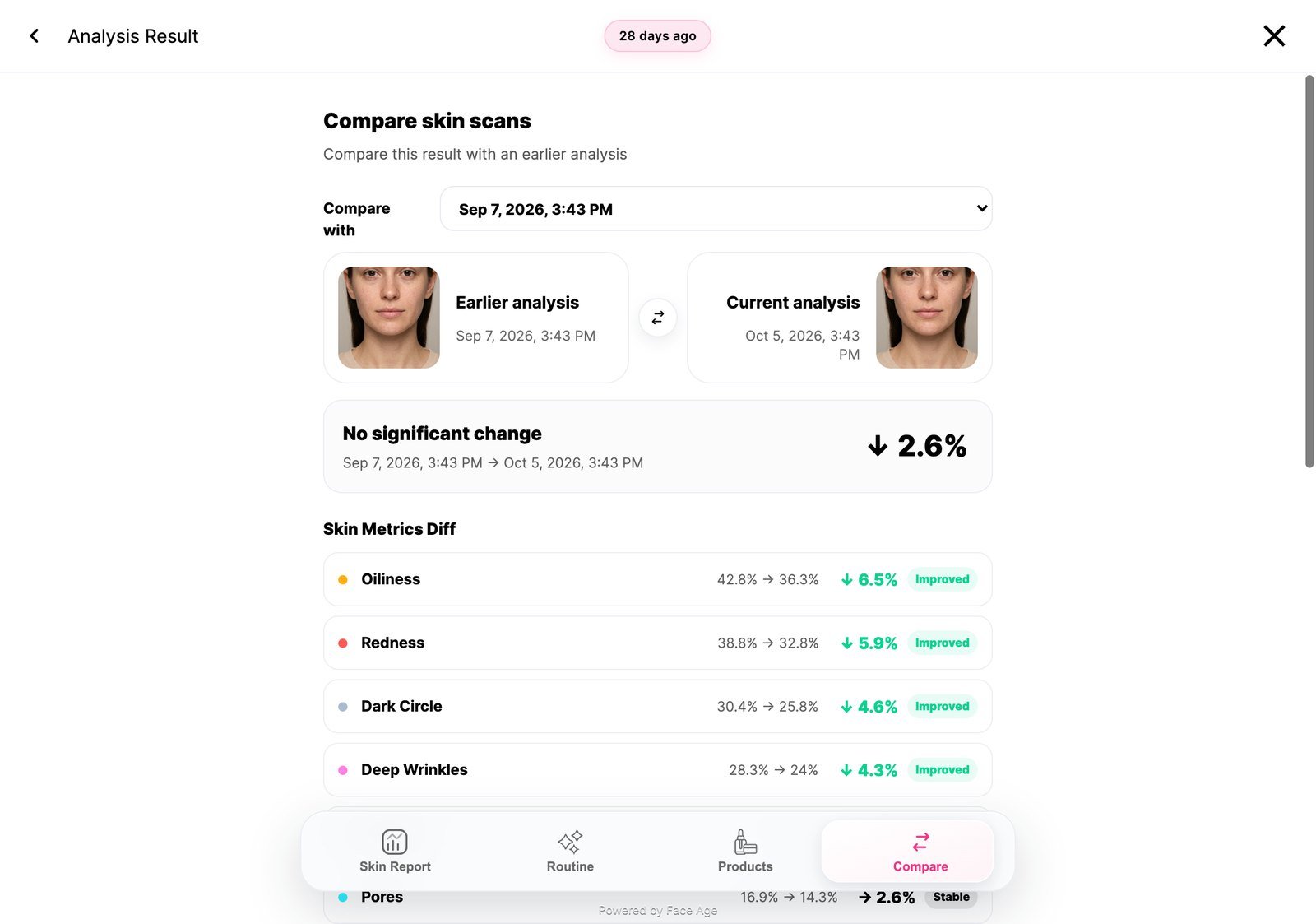
Compare needs history, and at least two scans:setHistoryData.
How scans are compared
- Shared metrics are normalized before comparison.
- Changes inside a 3-point noise band are treated as stable, so small differences between photos don’t show as progress or decline.
- The optional
meta.qualityvalues in a history item — lighting, brightness, sharpness, blur, noise and confidence — widen that band, or mark very low-confidence comparisons as insufficient data.
Next
Quiz
Ask shoppers questions alongside the scan.