

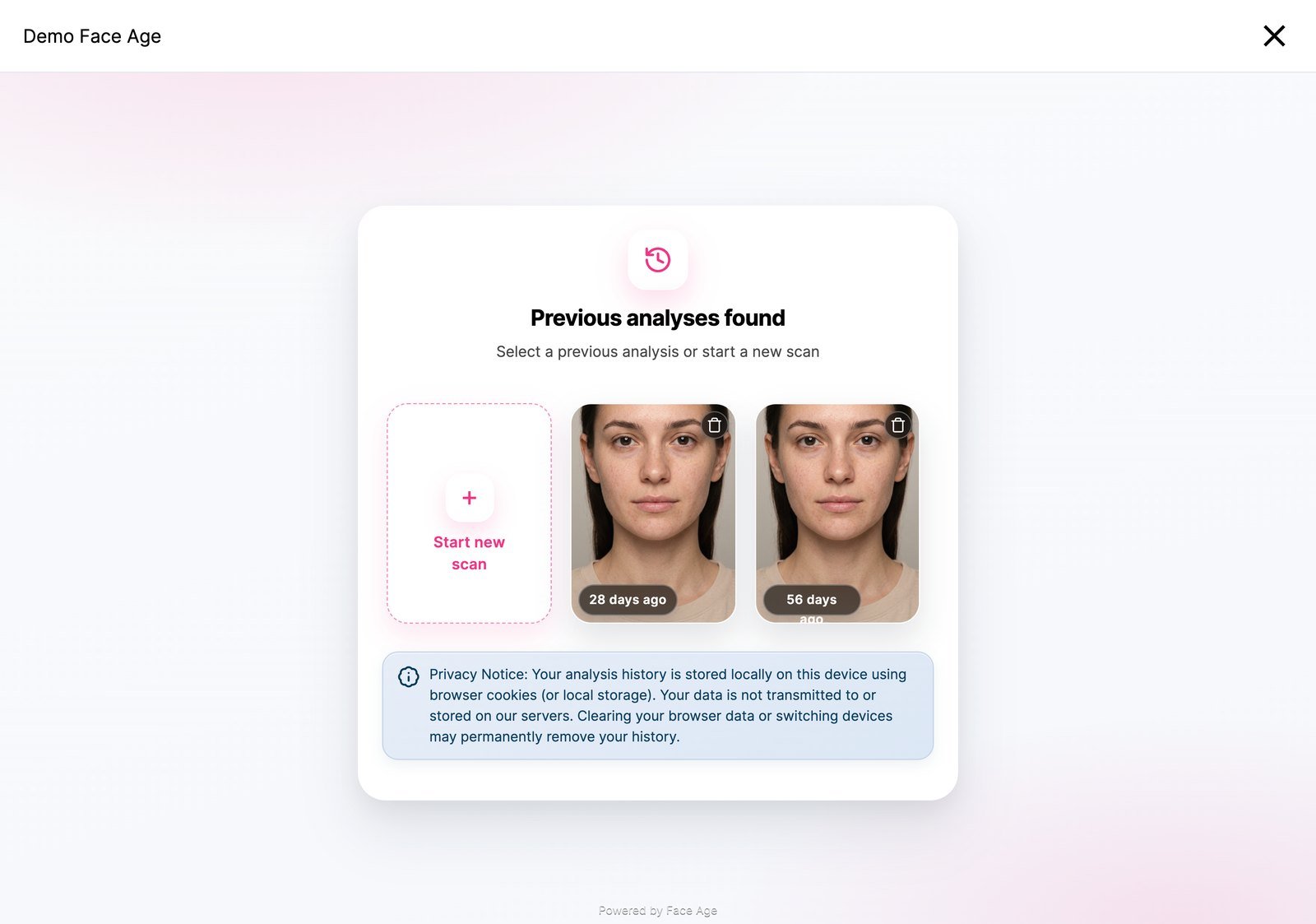
Turn on history
localStorage and cookies). Nothing else is needed.
Store history in your backend
To make history follow a logged-in customer across devices, save scans in your own backend and pass them back withsetHistoryData:
setHistoryData requires history: true.Remove history
Remove one entry by its reference token, or passnull to clear all local history:
Next
Compare
Compare two scans, metric by metric.