

face-age SDK detects skin age, wrinkles, acne, dark circles, pores, pigmentation, oiliness and more — then shows personalized product recommendations and routines, embedded directly in your website or app.
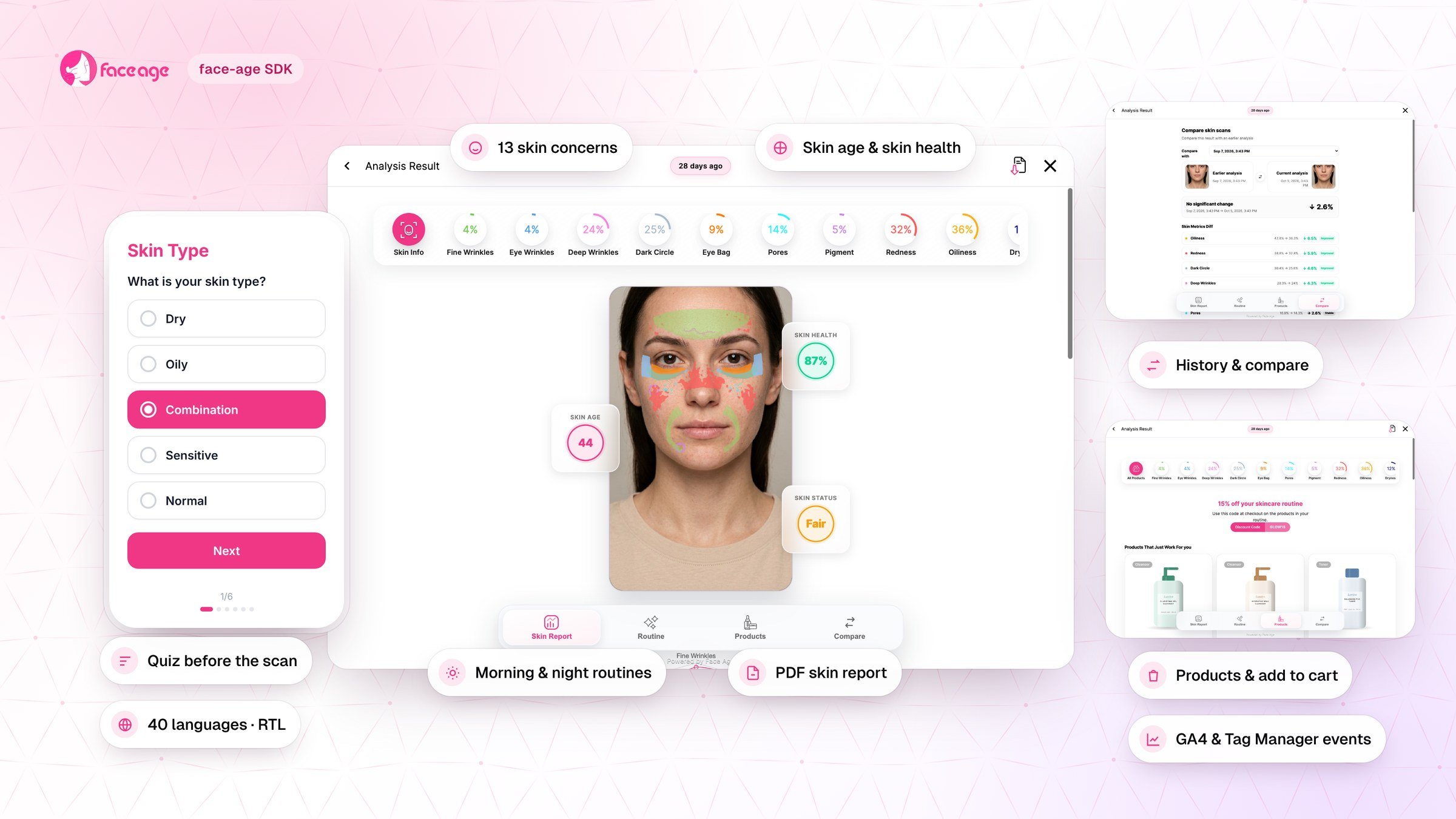
How it works
1
Embed
Add a
<div> to your page and initialize FaceAge with your Client ID.2
User scans
The user takes a photo or uploads one, and the SDK runs the AI analysis.
3
Results display
Skin age, damage score and detected problems are shown.
4
Recommendations
Matched products and routines from your catalog appear automatically.
1. Get your Client ID
You need a Face Age Client ID — the Face Age ID in the API keys page of your business in the panel. See Getting set up.2. Install
3. Render
Add a container element to your HTML:What’s next
Work through the guide in order, or jump to what you need:Display modes
Section, modal or widget — with a live demo of each.
Analysis
Skin concerns, the report, history and compare.
Personalization
Quiz, product recommendations, routines and discounts.
Integrations
Events, analytics and CRM.