

Create an account
Register through the registration page to use the Face Age platform. You can sign up with your Gmail, GitHub or LinkedIn account, or register directly with your email address and password. If you already have an account, log in through the login page.Create a business
1
Enter your business details
Provide your business name and its website address.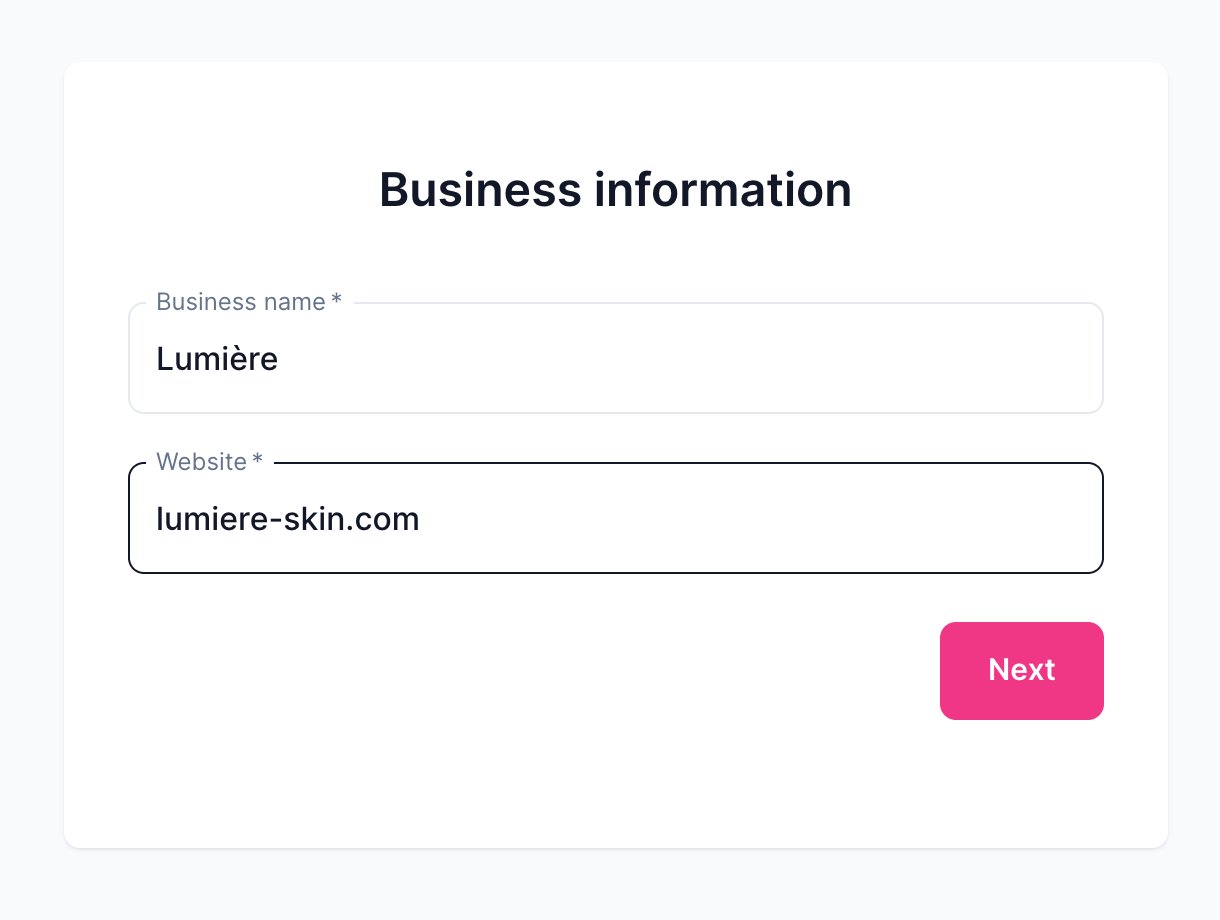
2
Choose country and size
Select the country where your business is located and the size of your company.
3
Pick a plan
Your business is created. You can start with the free trial package — up to 10 usages within 7 days — or upgrade to a monthly or yearly plan.
Open your business
Your businesses are listed on the panel’s home page. Click a business to open it.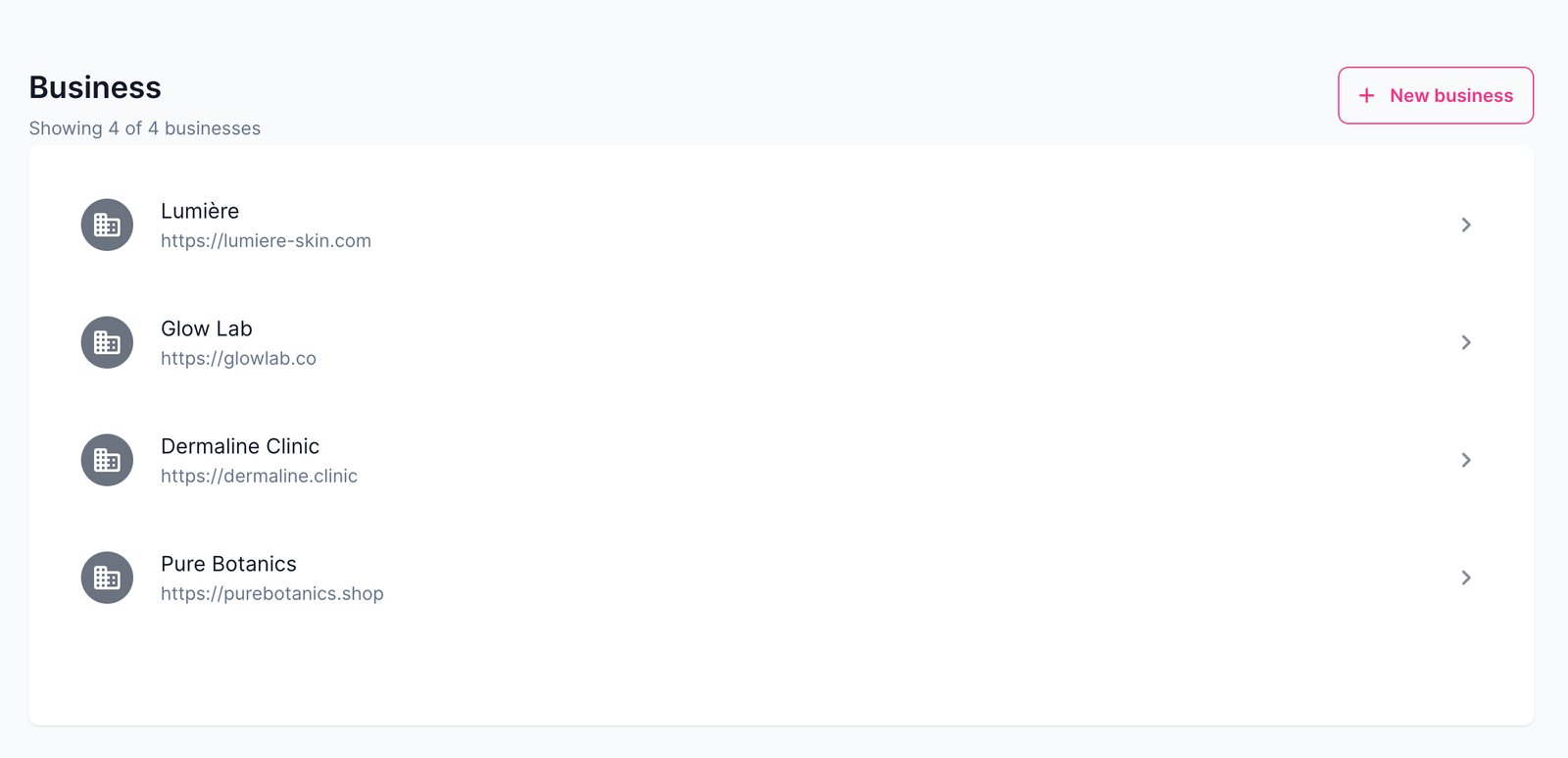
API key
Your business’s Face Age ID is on the API keys page. Each ID identifies one business, and every analysis made with it is deducted from that business’s credits. Copy it and add it to your site or app to start analyzing photos.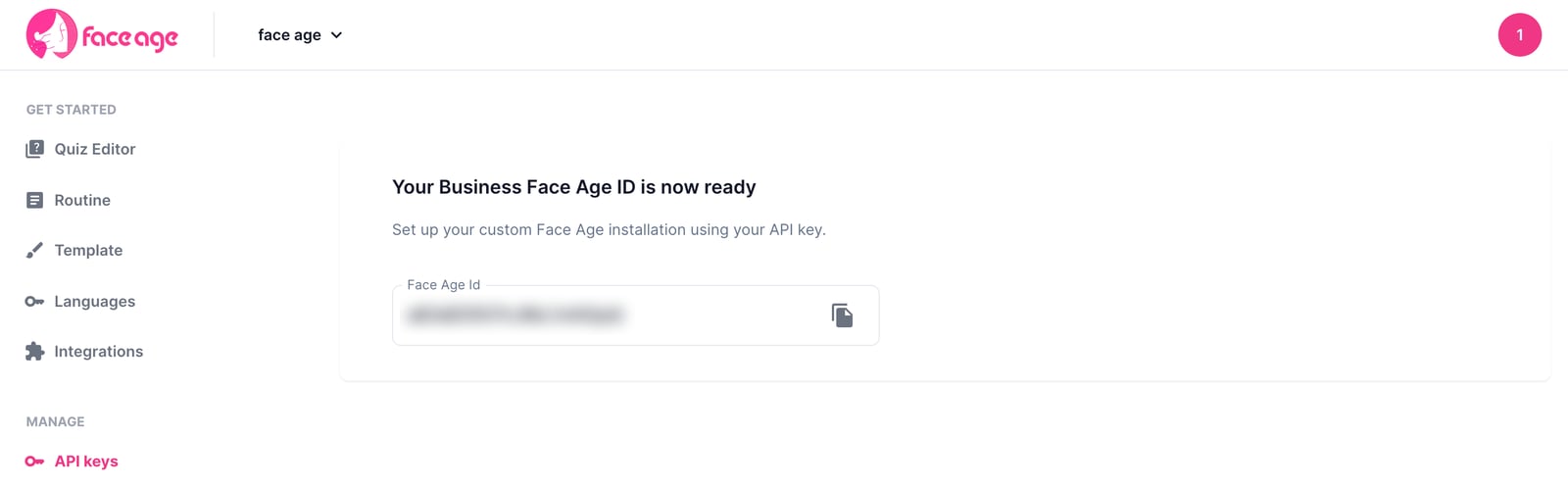
Install guides in the panel
The Developer Guides page in the panel has ready-made setup steps for HTML, npm, React, Vue.js, Shopify, WooCommerce and WordPress.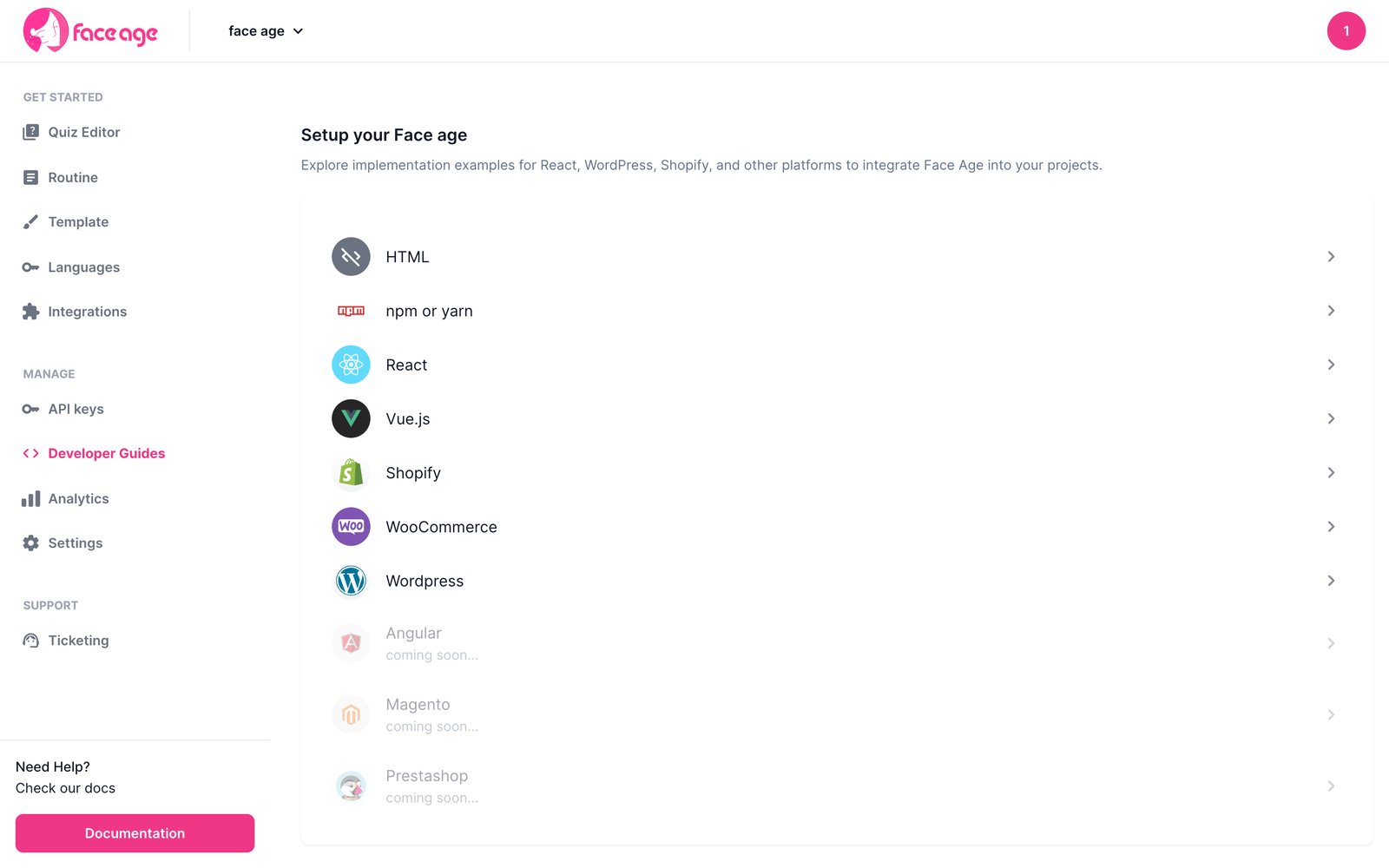
Next steps
Quickstart
Install the SDK and render your first scan.
REST API
Generate a secret key to manage businesses from your backend.