

Build your questions
You build the questions without code, in the Quiz Editor of your business in the panel — or in Quiz Builder in the Shopify app.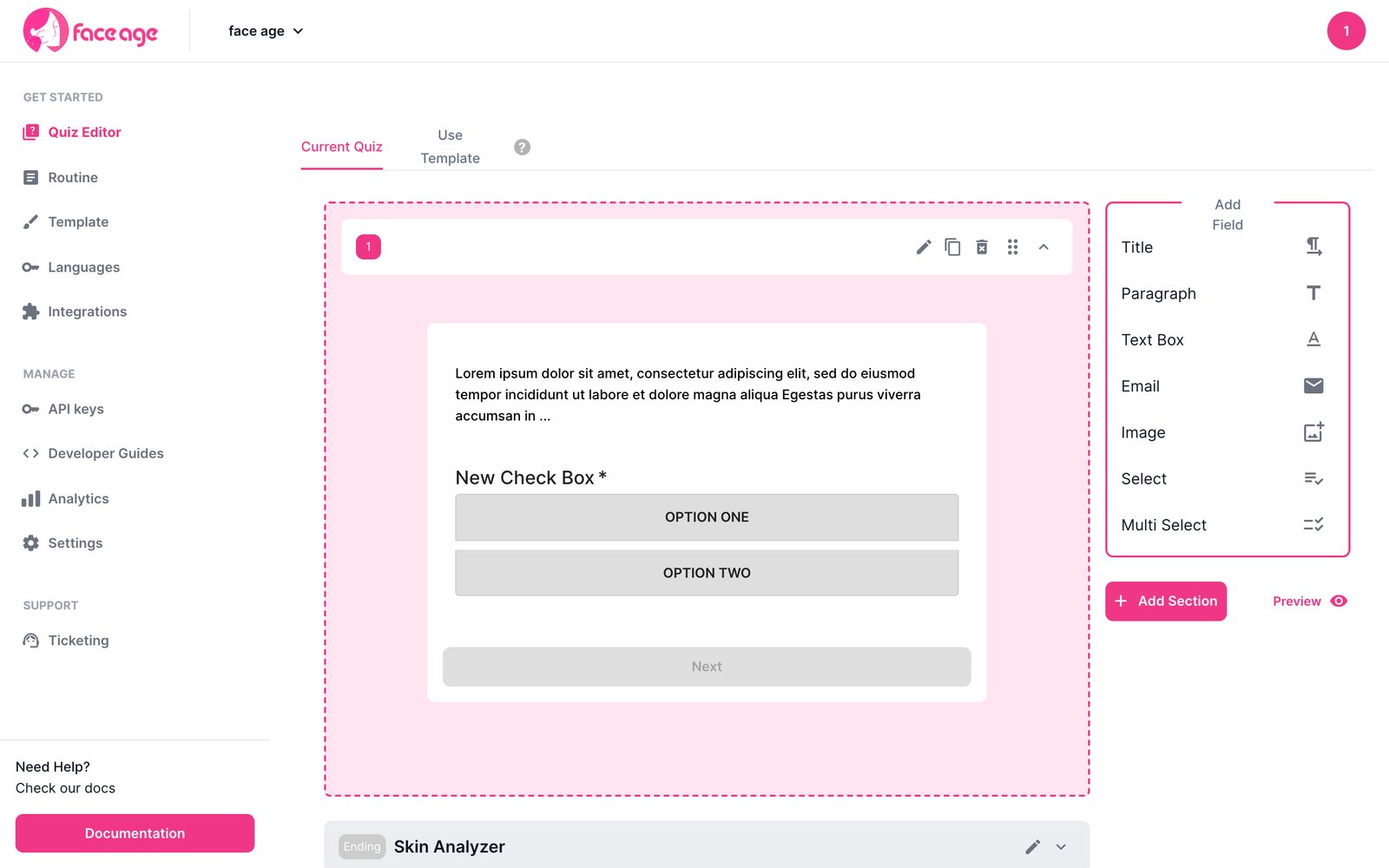
Build a quiz
Sections, question types, conditions and preview.
Show the quiz
The quiz is on by default. Turn it off to go straight to the scan:Pre-fill answers
If you already know something about the shopper — for example, they’re logged in — pre-fill quiz fields withdefaultQuiz:
Read the answers
getAdvisorData as data.activeSelections, and in the payload of submitSdkIntegration, normalized to [{ question, answer }].
Options
Quiz starts, completions, question views and choices are tracked automatically in analytics.
Next
Product recommendations
Match every product to the concerns it solves.