

Show routines
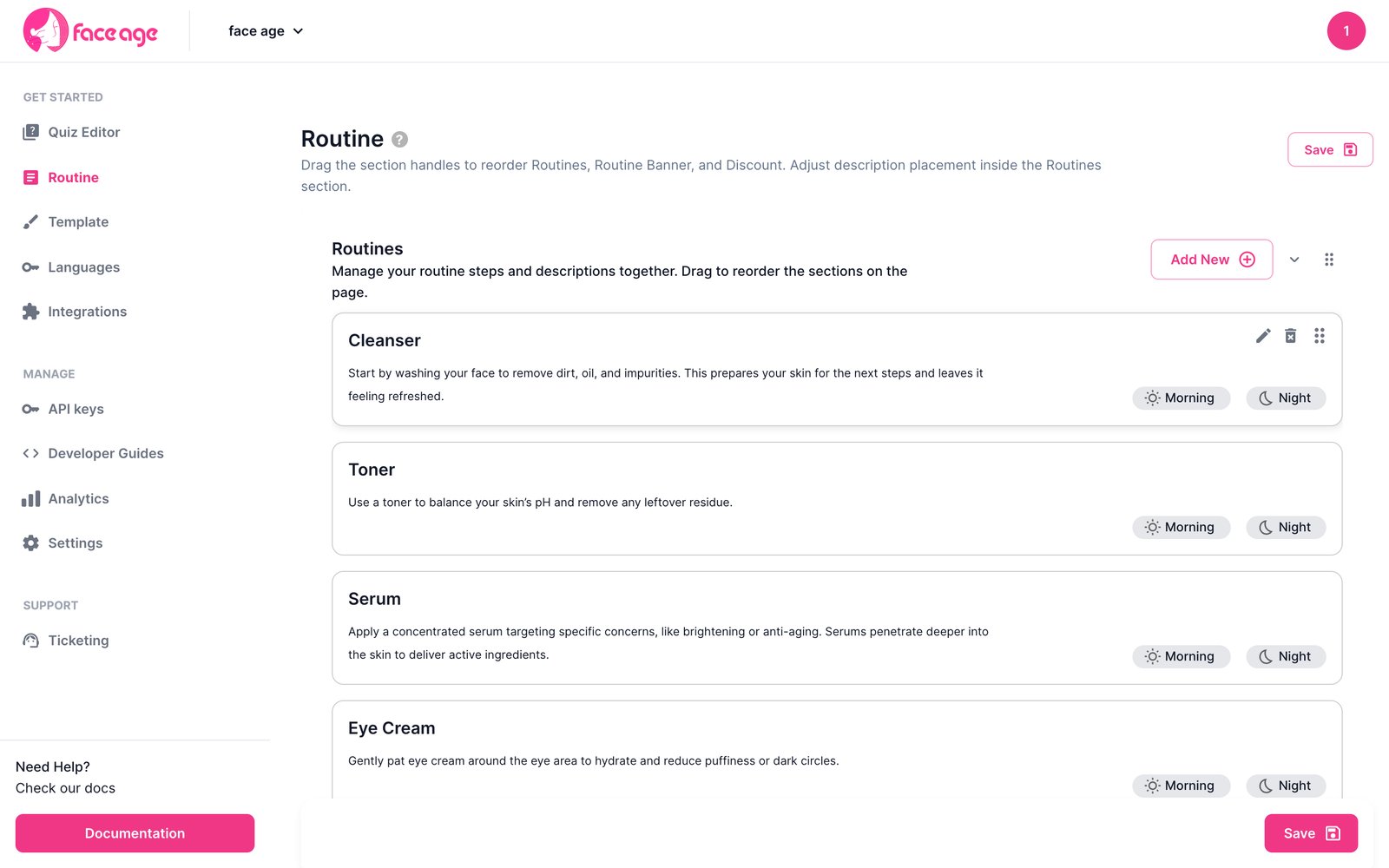
Get the available routine steps from the SDK:
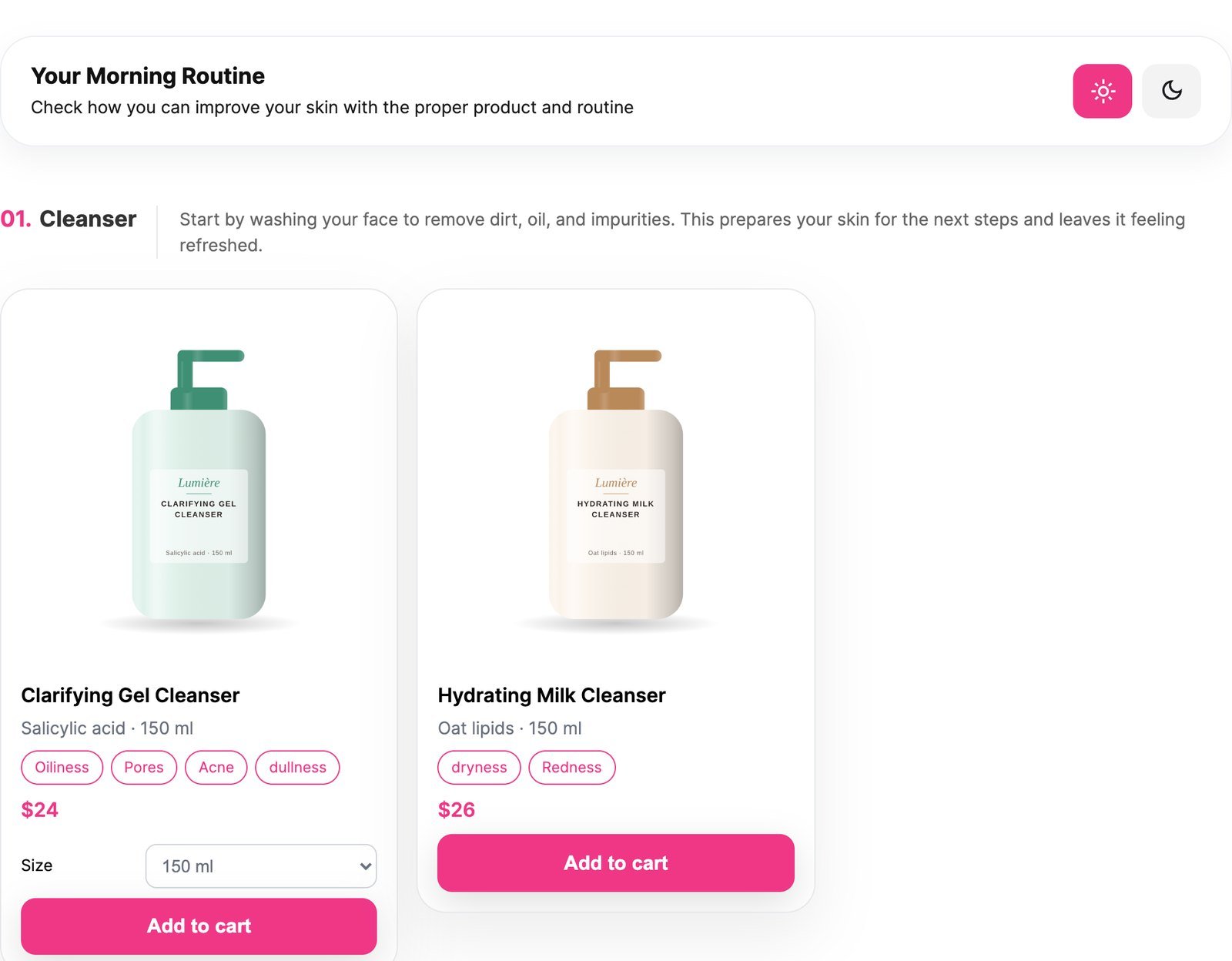
Put products in routine steps
Each product’sroutineGroups decides where it appears, by time of day:
Reviews in the routine tab
Fill the review carousel withsetComments:
name and one of comment, text or body. Comments longer than 280 characters get a “read more” toggle.
Short videos in the routine tab
Fill the short video/image carousel withsetShorts:
coverImage or videoUrl. javascript:, data: and vbscript: URLs are rejected.
onDisplayRoutines fires when the routine becomes visible. See Events.
Next
Discount banners
Your discount code, right after the scan.