Storage options
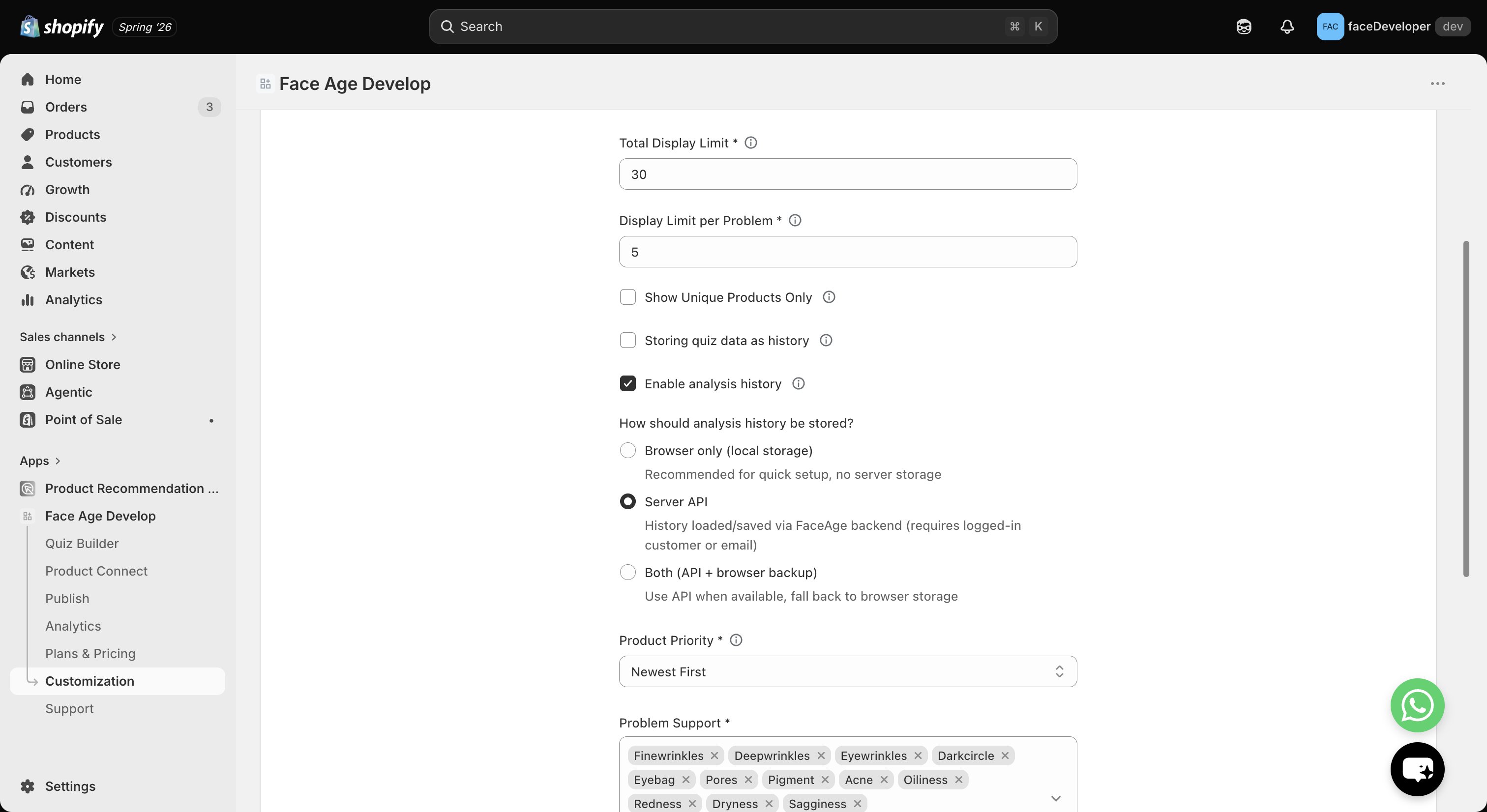
Browser cache
No login required. History is stored only in the customer’s browser, and nothing is stored in the Face Age backend. Simplest setup.
Face Age API
Requires Shopify customer login. History is stored securely in the Face Age backend, and customers can access it after logging in, across sessions.
Hybrid mode
Recommended. Combines backend storage with browser cache for better persistence and the best overall experience.
Change the storage method
- Open Shopify Admin.
- Go to Apps → Face Age.
- Open Customization → Basic.
- Select your storage method.
- Click Save.
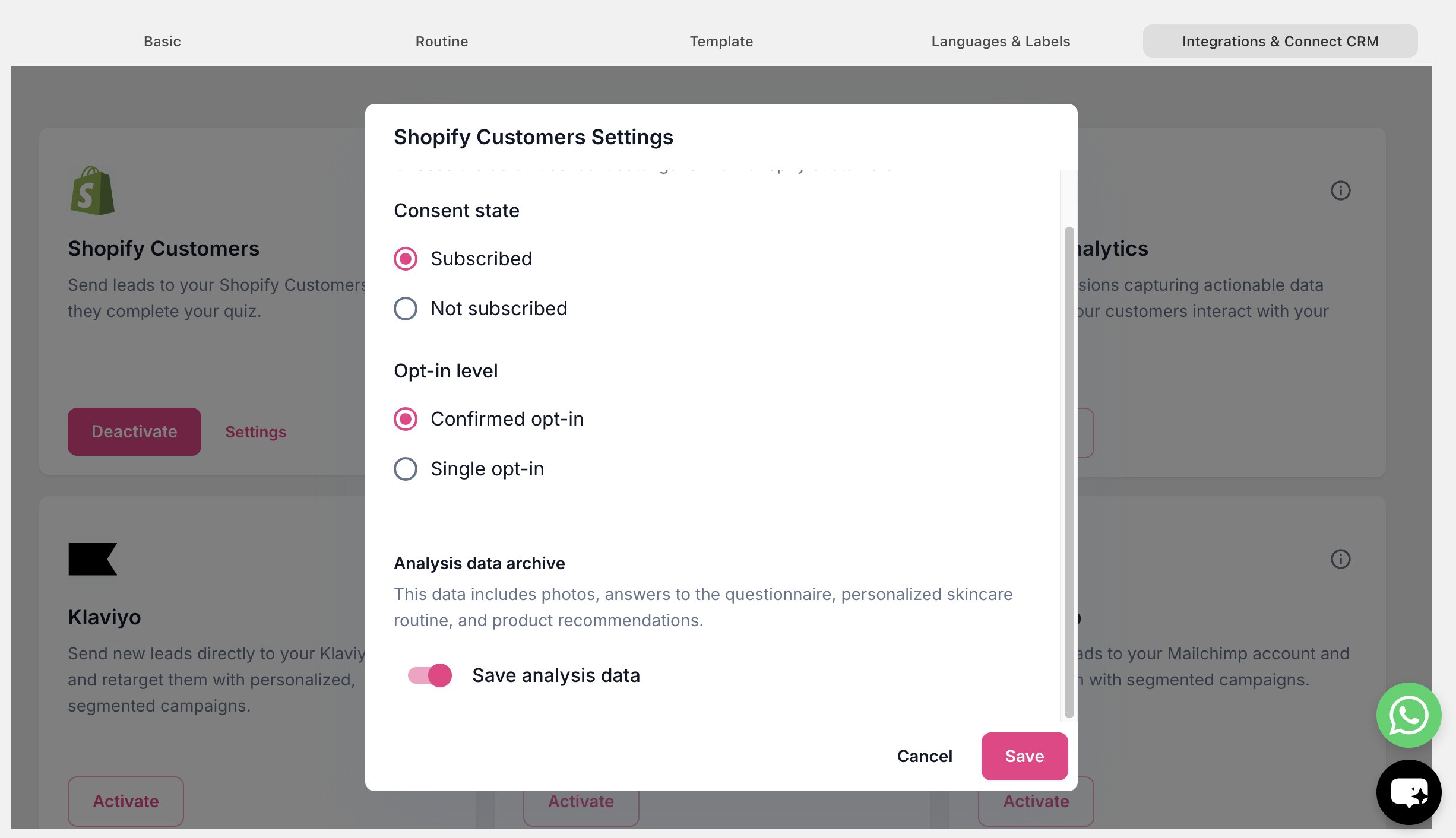
Enable API-based history
If you choose Face Age API or Hybrid mode, your store must allow Face Age to access Shopify customer data.- Go to Shopify → Face Age app → Customization → Integrations & Connect CRM.
- Enable Shopify Customers (Settings) → Analysis Data Archive.